ChatMX
Ask ChatMX about your aircraft
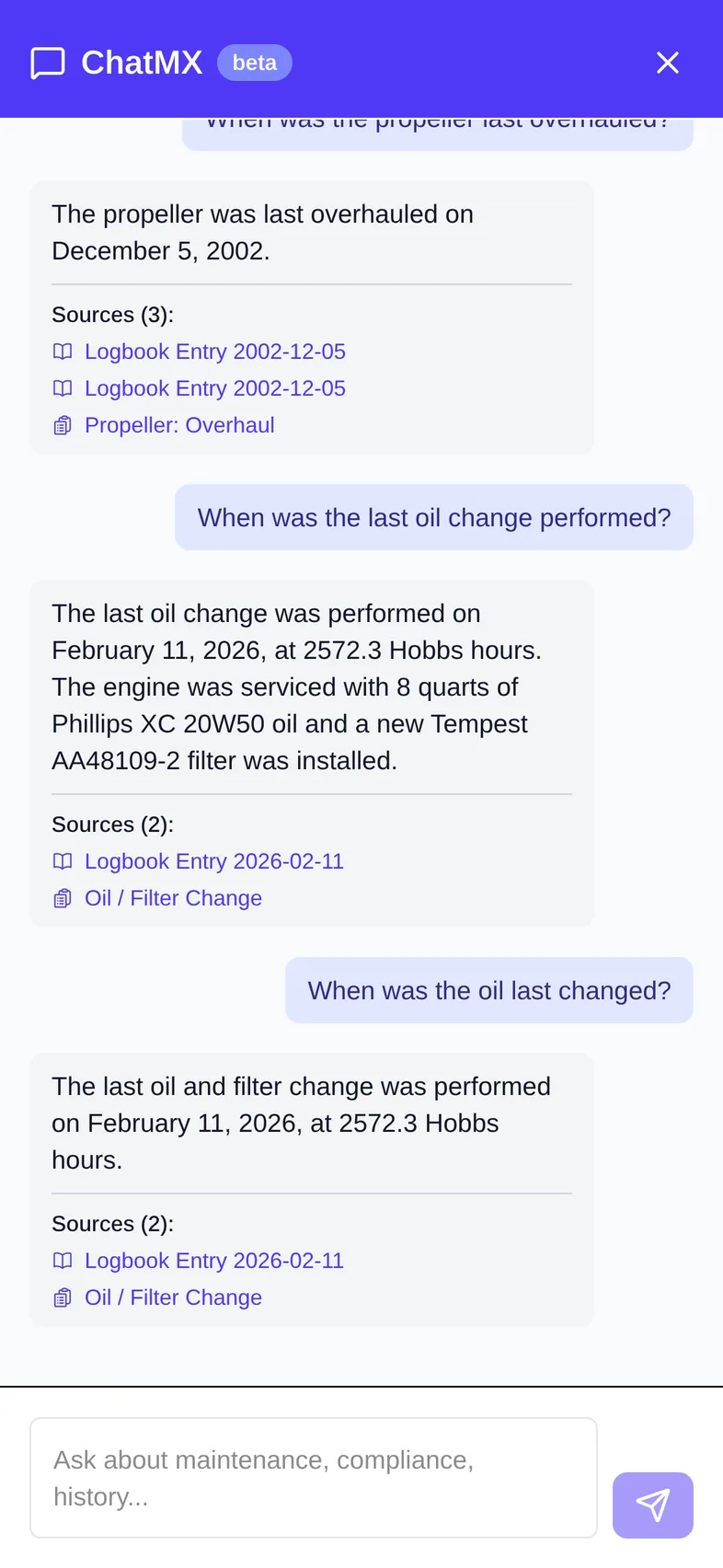
ChatMX answers questions about your aircraft using its records: logbooks, documents, timed items, equipment, flights, squawks, ADs, and SBs. Each answer lists its sources, so you can check the original record.
Open ChatMX
On any aircraft page, click the ChatMX button in the lower-right corner.
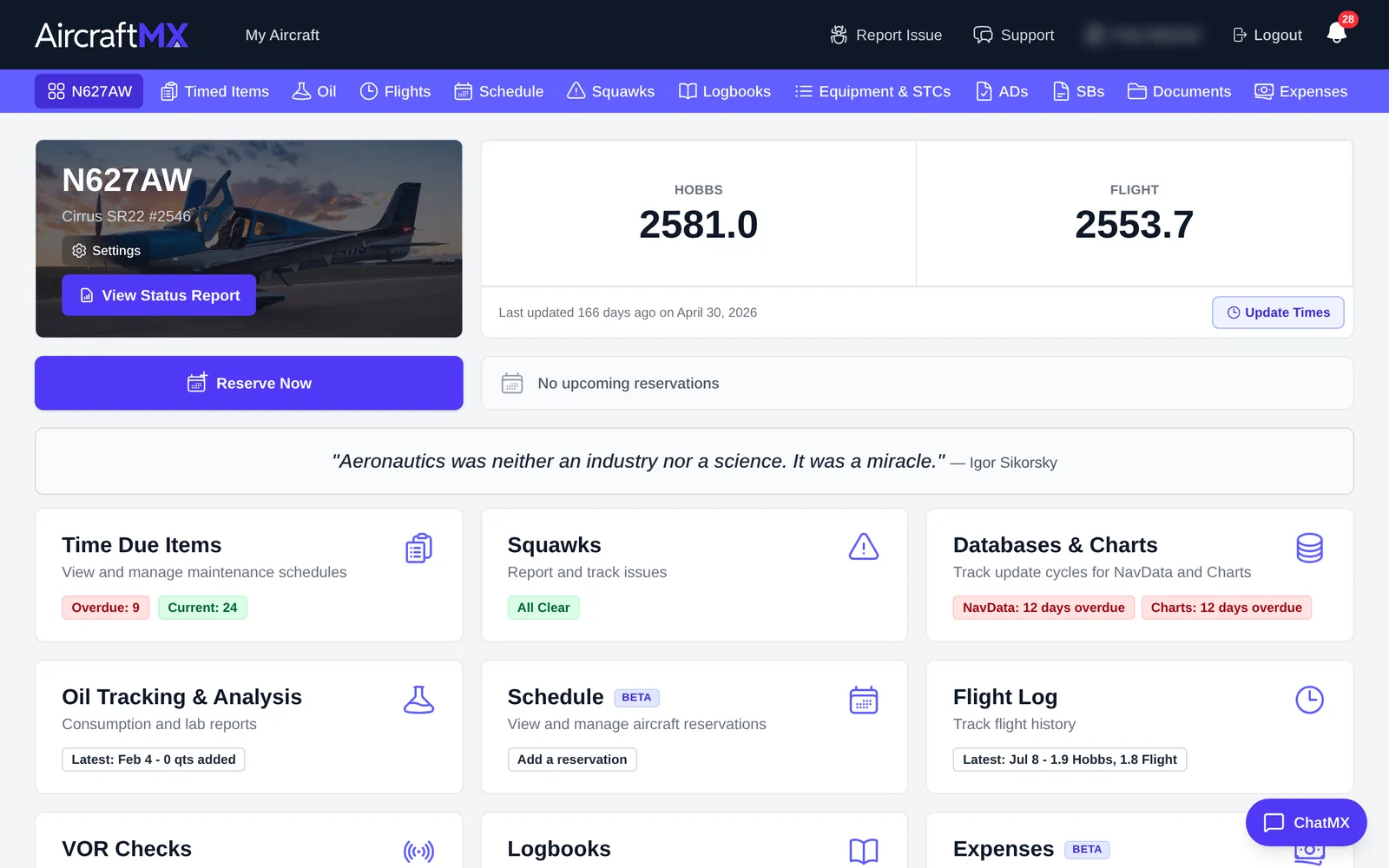
The ChatMX panel opens on the right. It's labeled beta. Earlier questions about this aircraft stay in the panel.
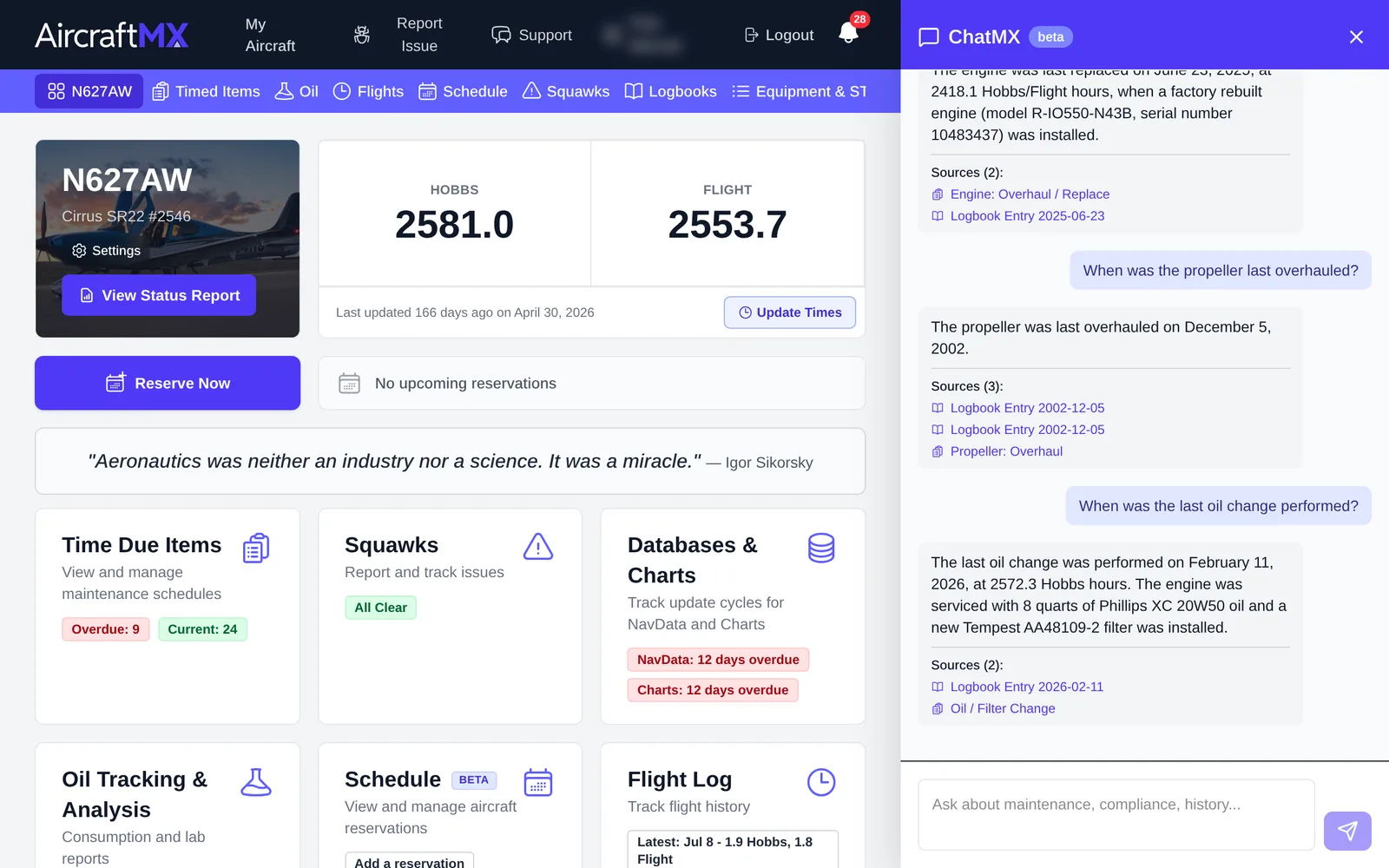
Ask a question
- Type your question in the box ("Ask about maintenance, compliance, history...").
- Press Enter or click the send arrow.
ChatMX replies within a few seconds. Under each answer, Sources lists the records it used, such as a logbook entry or a timed item. Click a source to open that record.
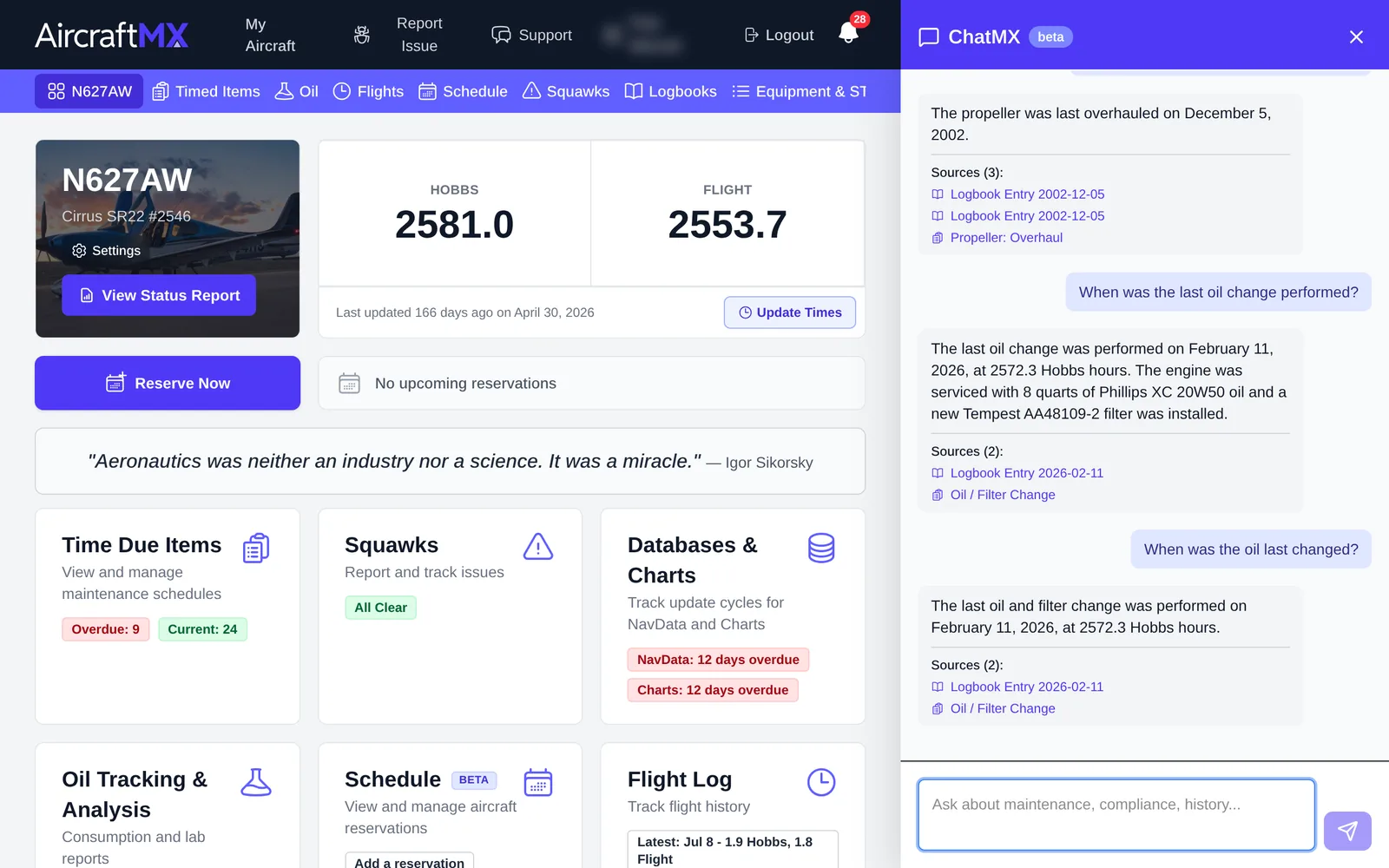
Example questions
- "When was the oil last changed?"
- "When was the propeller last overhauled?"
- "Has AD 93-05-06 been complied with?"
- "What work was done at the last annual?"
Tips
- Answers are only as complete as your records. Upload and verify logbook entries for the best results.
- Always confirm important answers against the cited source before relying on them for airworthiness decisions.
- To close the panel, click ×.
On a phone
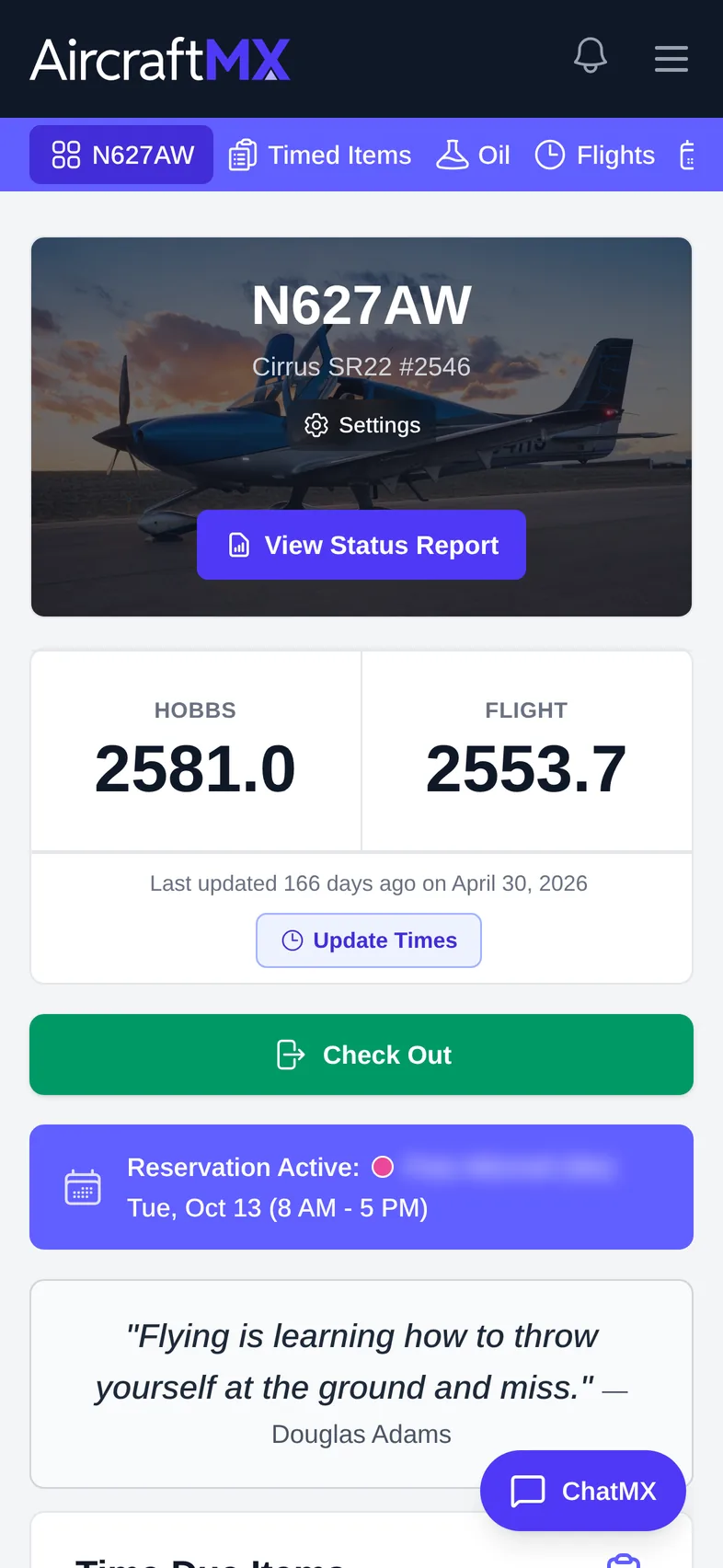
On a phone the ChatMX panel is full screen. It stays open across aircraft pages until you close it with the ×. That open state is saved on the device. Closing it is required; changing pages inside the aircraft does not close it.
Still stuck?
Contact us, or use Report Issue in the top bar of the app.