Service Bulletins
Track Service Bulletins
AircraftMX finds Service Bulletins (SBs) that may apply to your aircraft, based on its make, model, serial number, and installed equipment. You review each one and record whether it's been done.
See your SBs
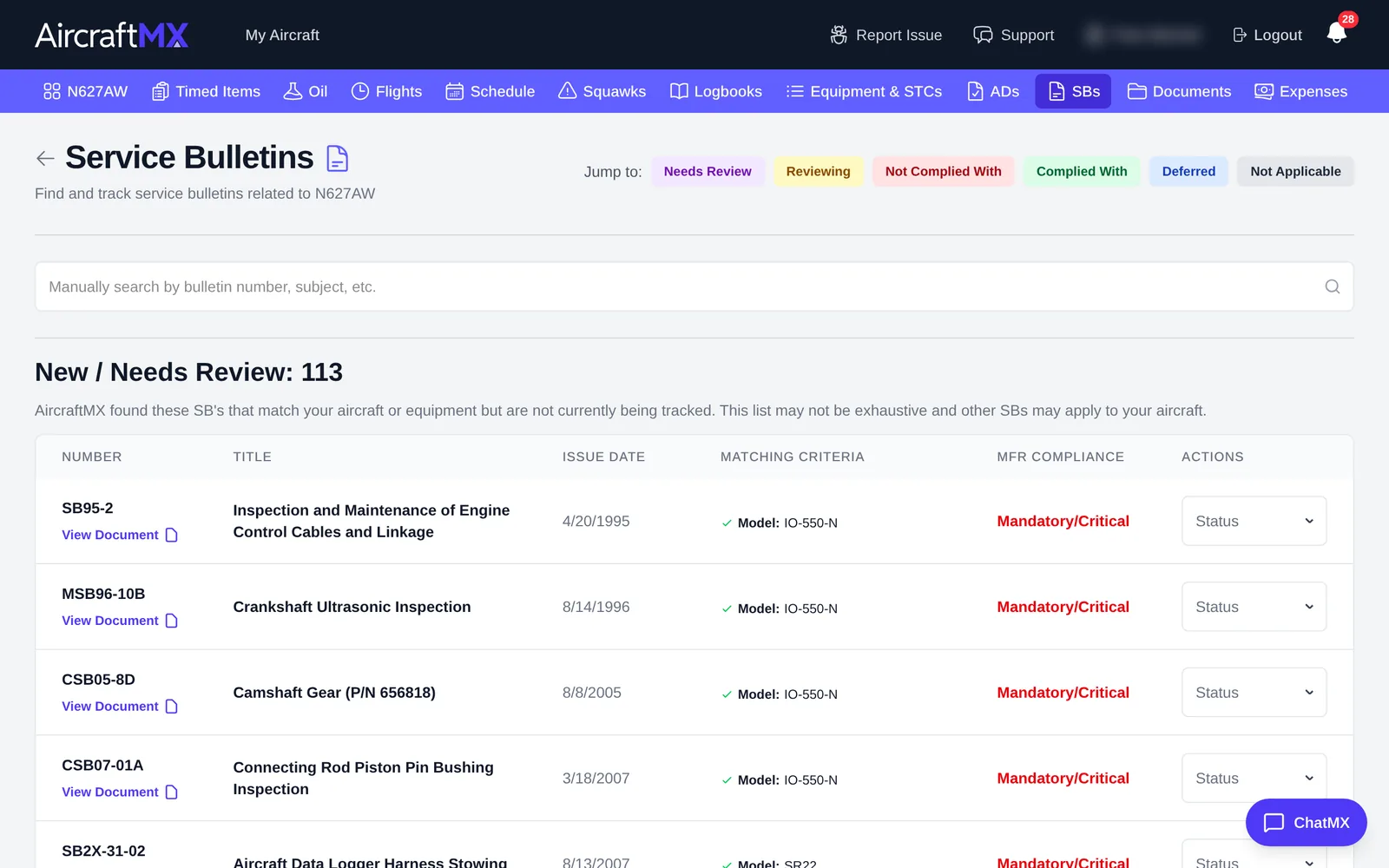
Click SBs in the navigation bar. SBs are grouped by status:
- Needs Review (shown as New / Needs Review)
- Reviewing
- Not Complied With
- Complied With
- Deferred
- Not Applicable
Use Jump to: at the top to go straight to a group. Each row shows the SB number, title, issue date, and the manufacturer's compliance category (for example Mandatory/Critical).
Review an SB and record compliance
- Use the Status menu on the SB's row to change its status.
- To add details, open the SB and click Edit. Record the compliance method and notes, and link the logbook entry or timed item that shows it was done.
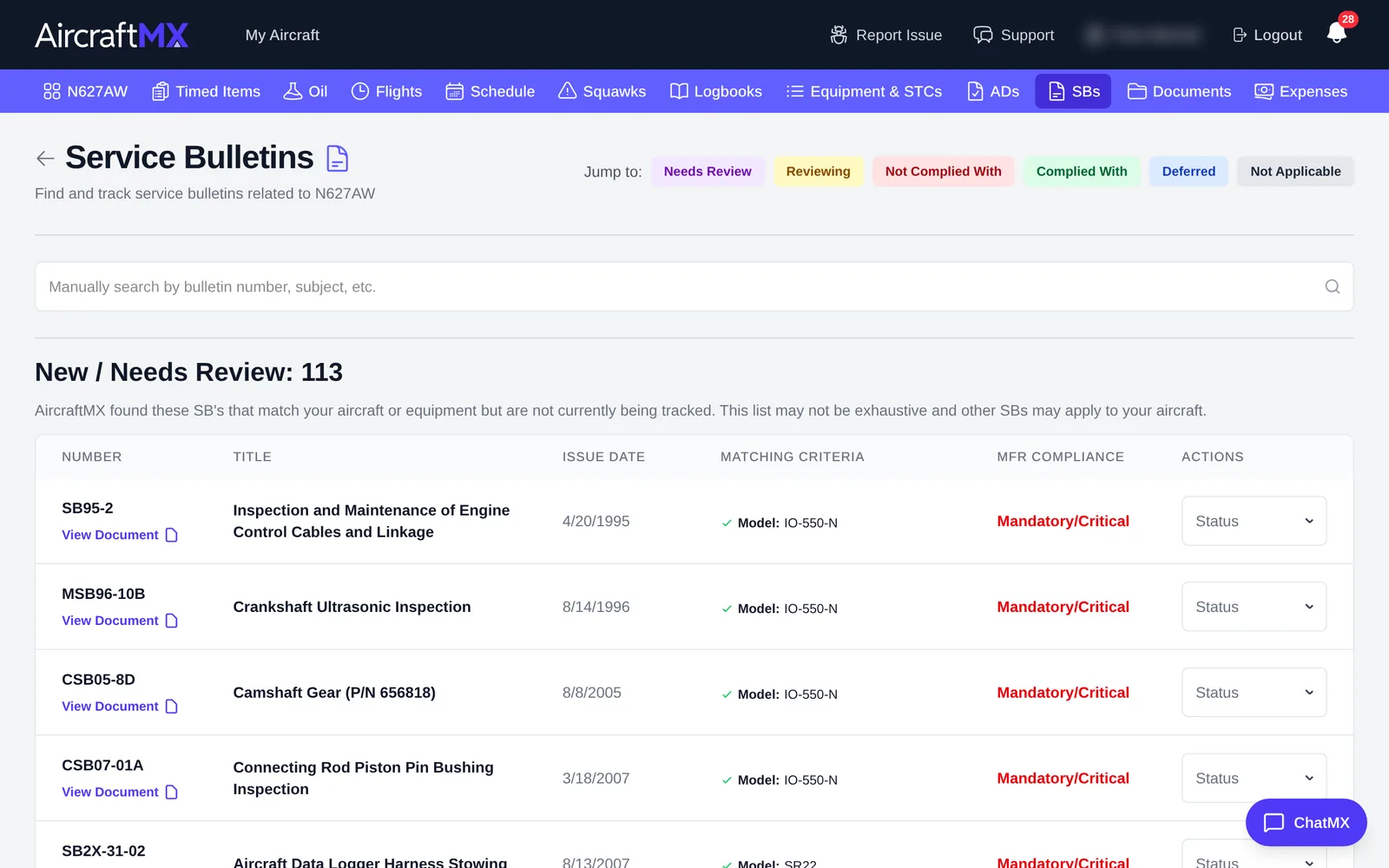
Search for an SB that isn't listed
To add a bulletin, use the search box whose placeholder is Manually search by bulletin number, subject, etc. If nothing matches, click the card titled Add {what you typed}. The card says the team will add the full details soon. Search Again only re-runs the automatic search when no potential bulletins were found.
On a phone
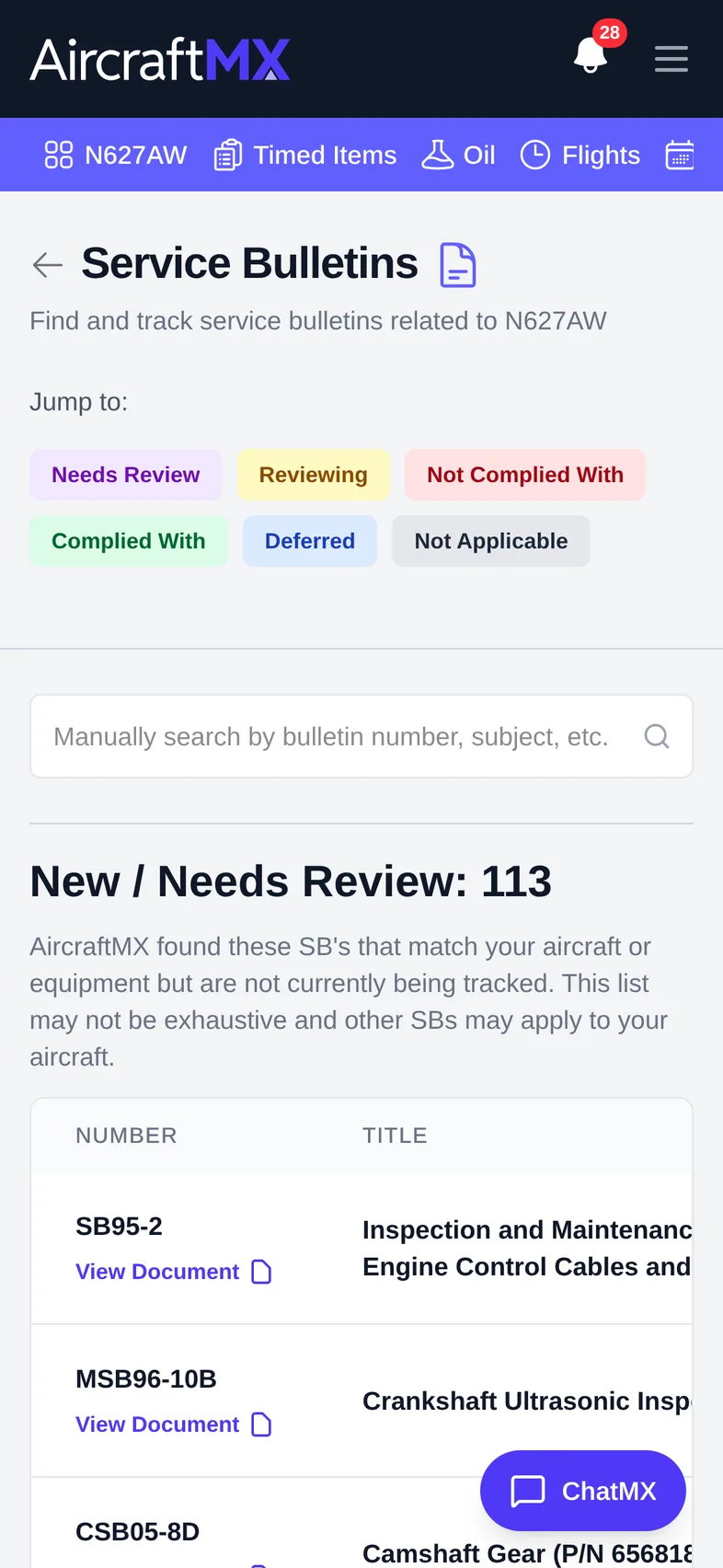
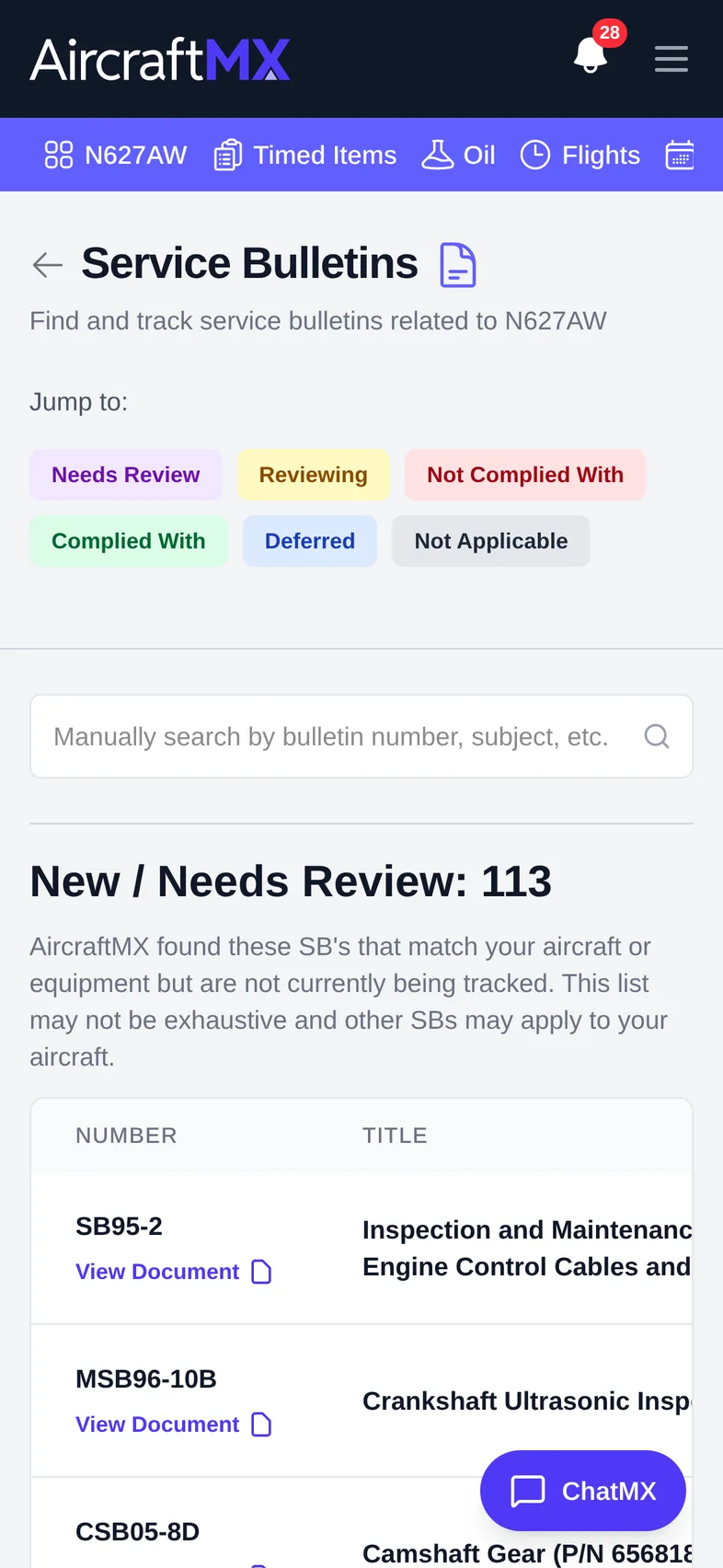
On a phone, the SB table becomes a list of cards; the Status menu is on each card.
Still stuck?
Contact us, or use Report Issue in the top bar of the app.