Support
Report an issue or contact support
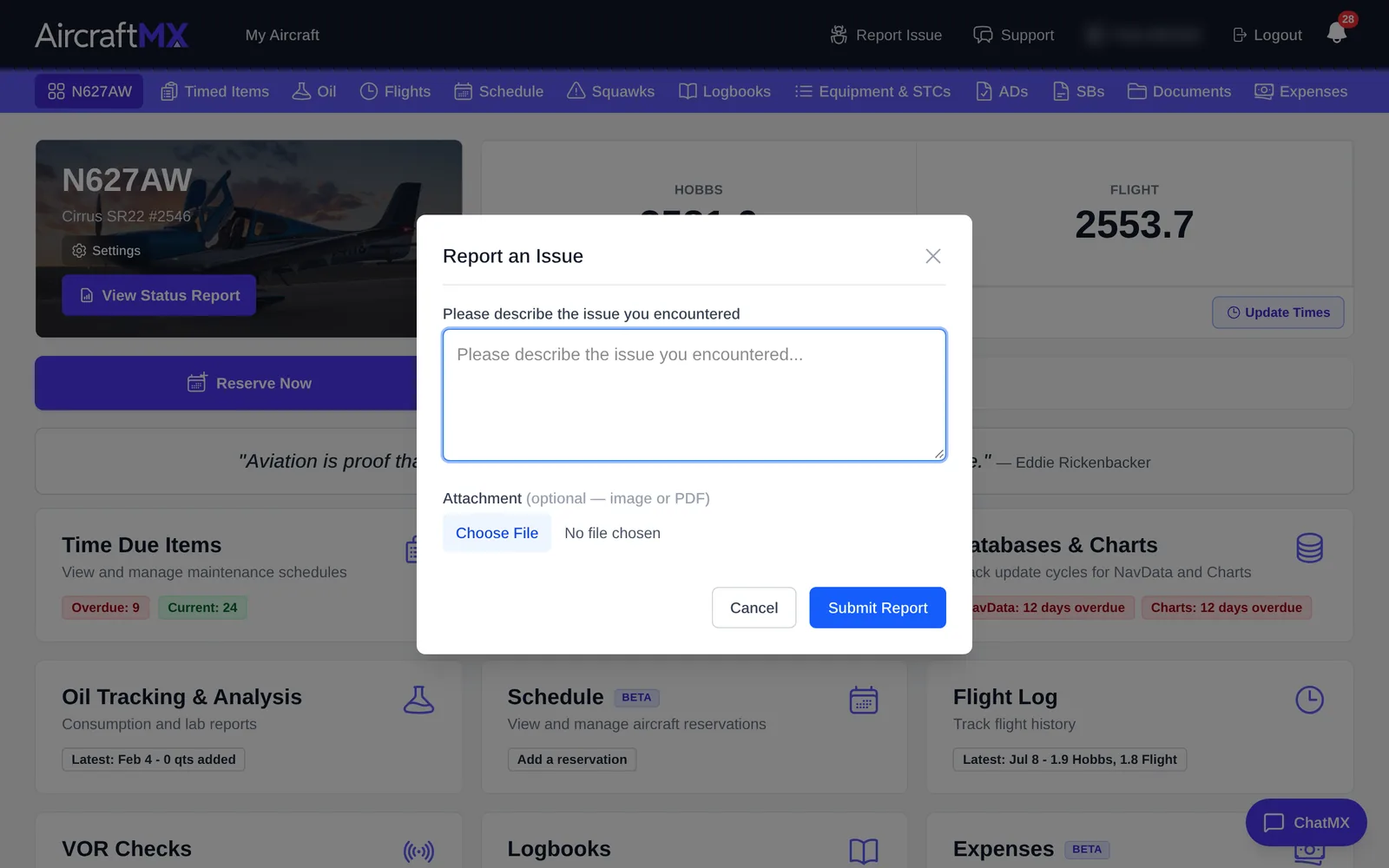
Report an issue from any page
- Click Report Issue in the top bar.
- Describe what happened and, if it helps, attach a screenshot.
- Send it. You'll see Issue Reported Successfully with a link to view it in your support requests.
The report includes the page you were on, which helps us find the problem faster.
Your support requests
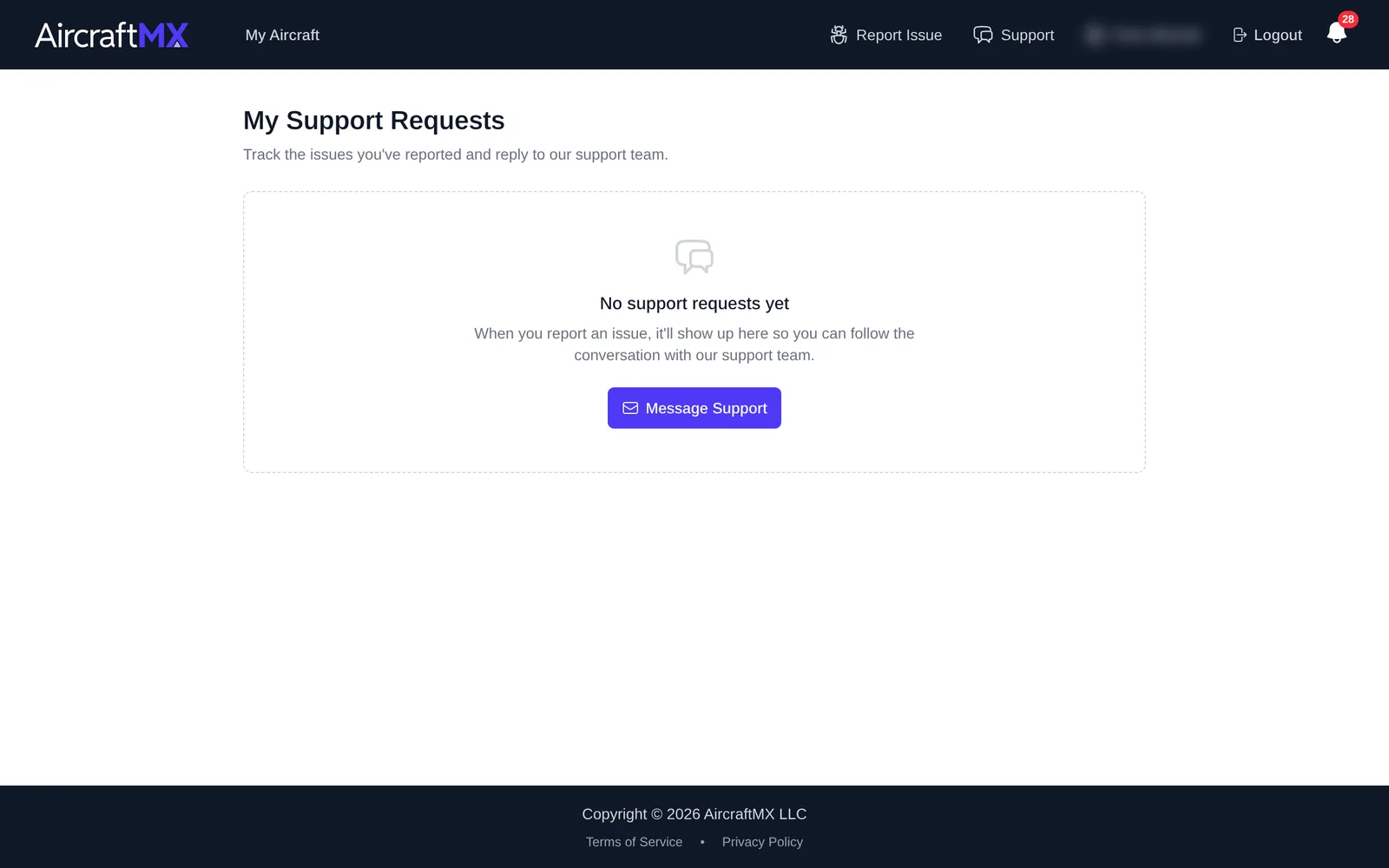
Click Support in the top bar to open My Support Requests. It lists everything you've sent us, with its status: Awaiting Your Reply, In Progress, Resolved, or Closed.
- Click a request to read the conversation, and use Reply to support to answer (you can attach files).
- Click Message Support to start a new request.
From the website
You can also contact us.
On a phone
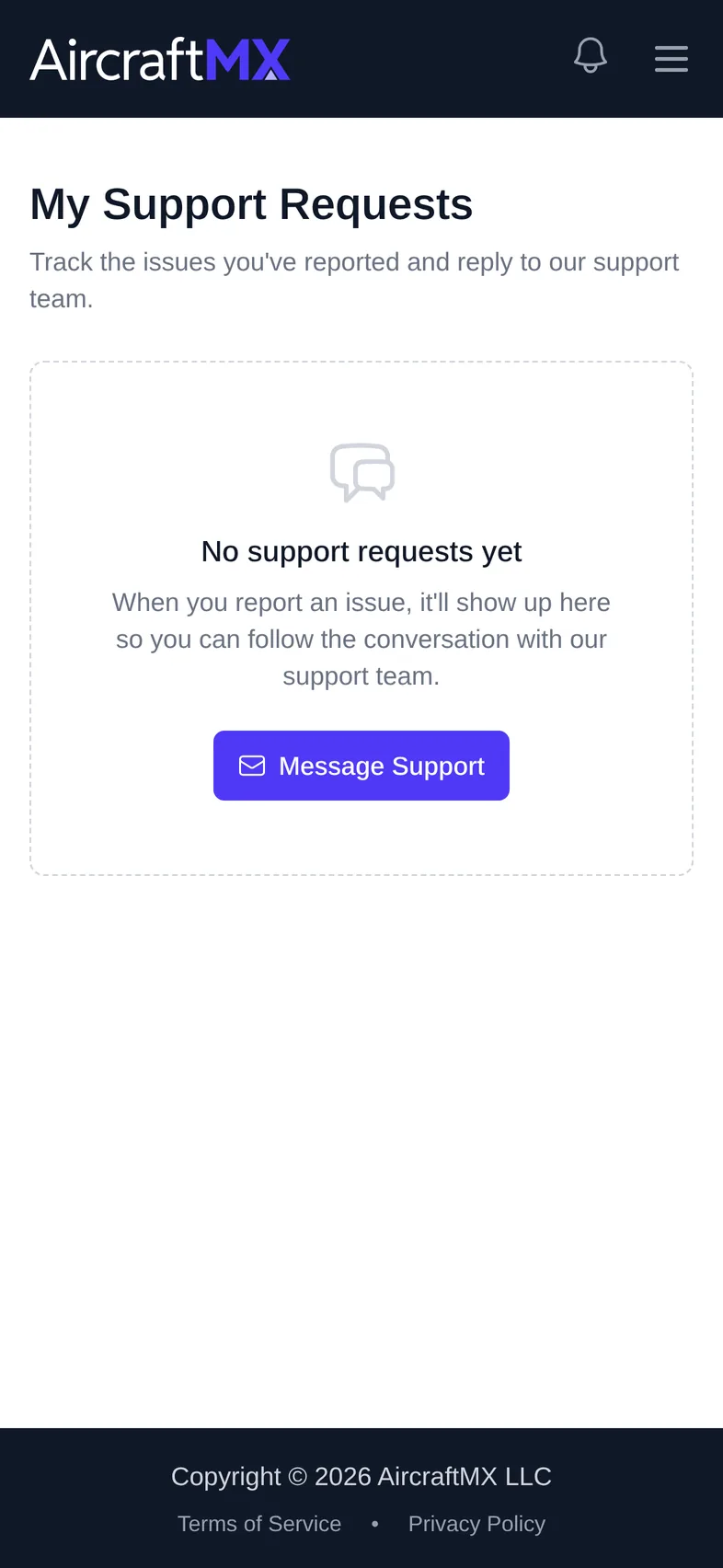
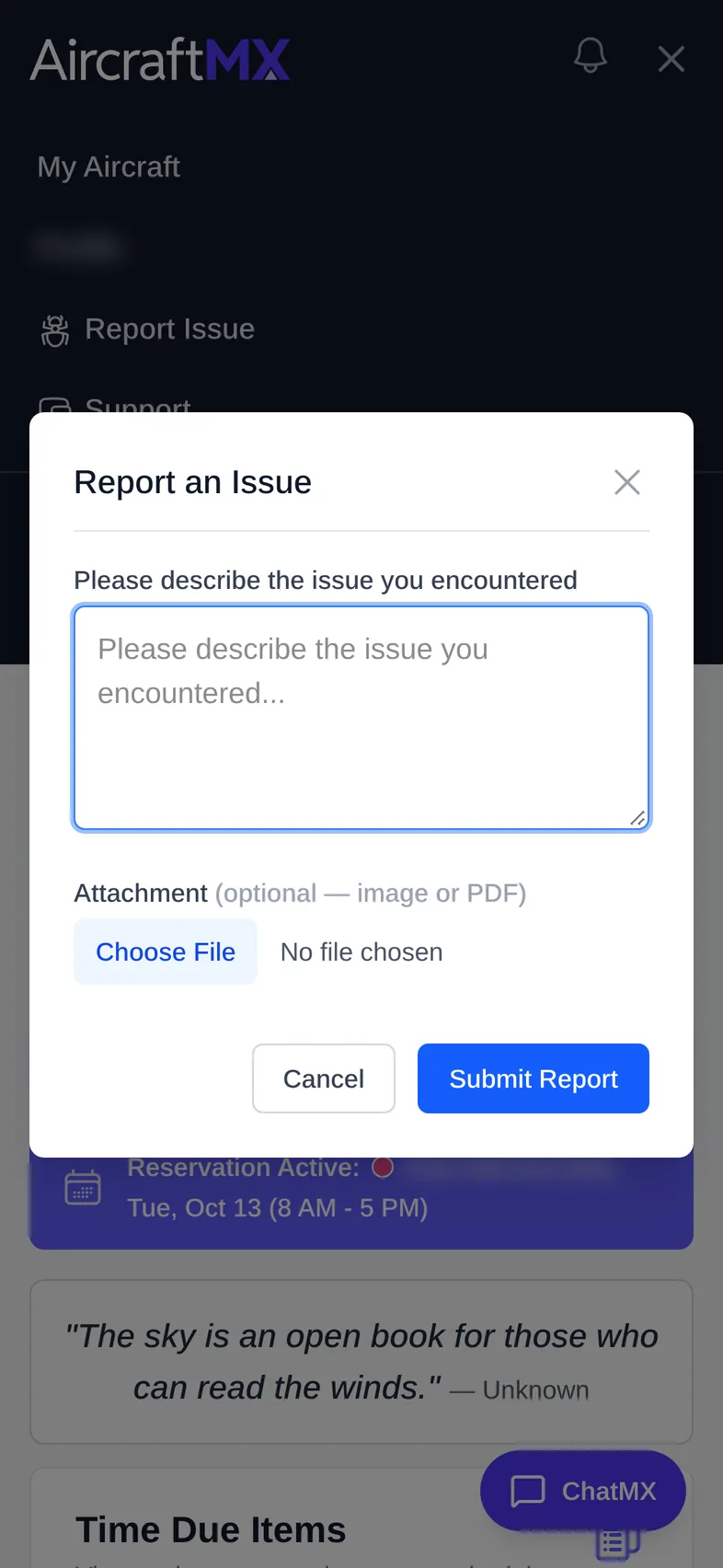
On a phone, Report Issue and Support are in the menu (☰) at the top right.
Still stuck?
Contact us, or use Report Issue in the top bar of the app.