VOR Checks
Log VOR checks
For IFR flight, VOR receivers must have been checked within the last 30 days (14 CFR 91.171). AircraftMX keeps the record for you, with your signature.
If you don't see VOR Checks, turn it on in Settings > Feature Visibility.
- On the aircraft dashboard, click the VOR Checks card.
- Click Add VOR Check.
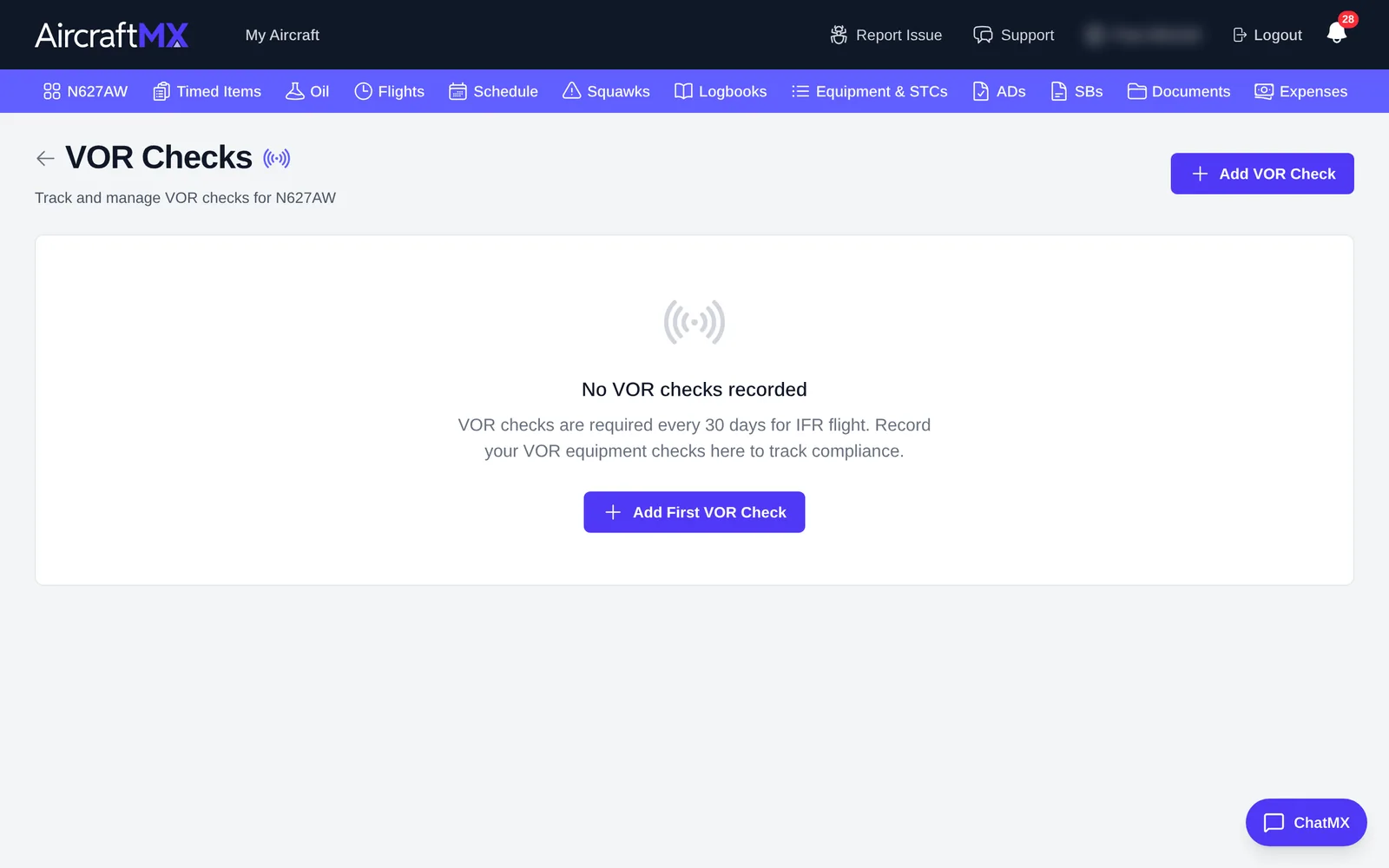
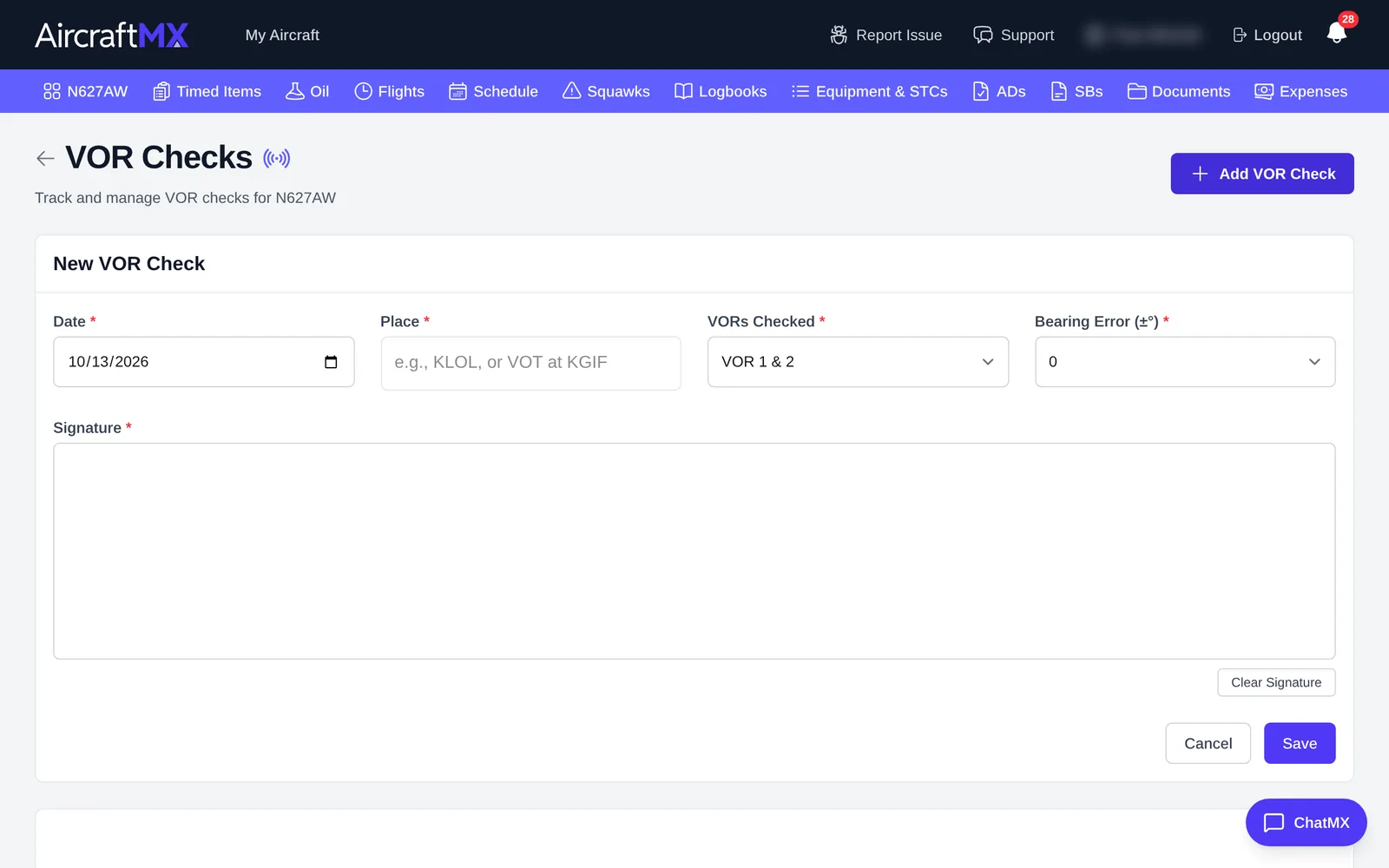
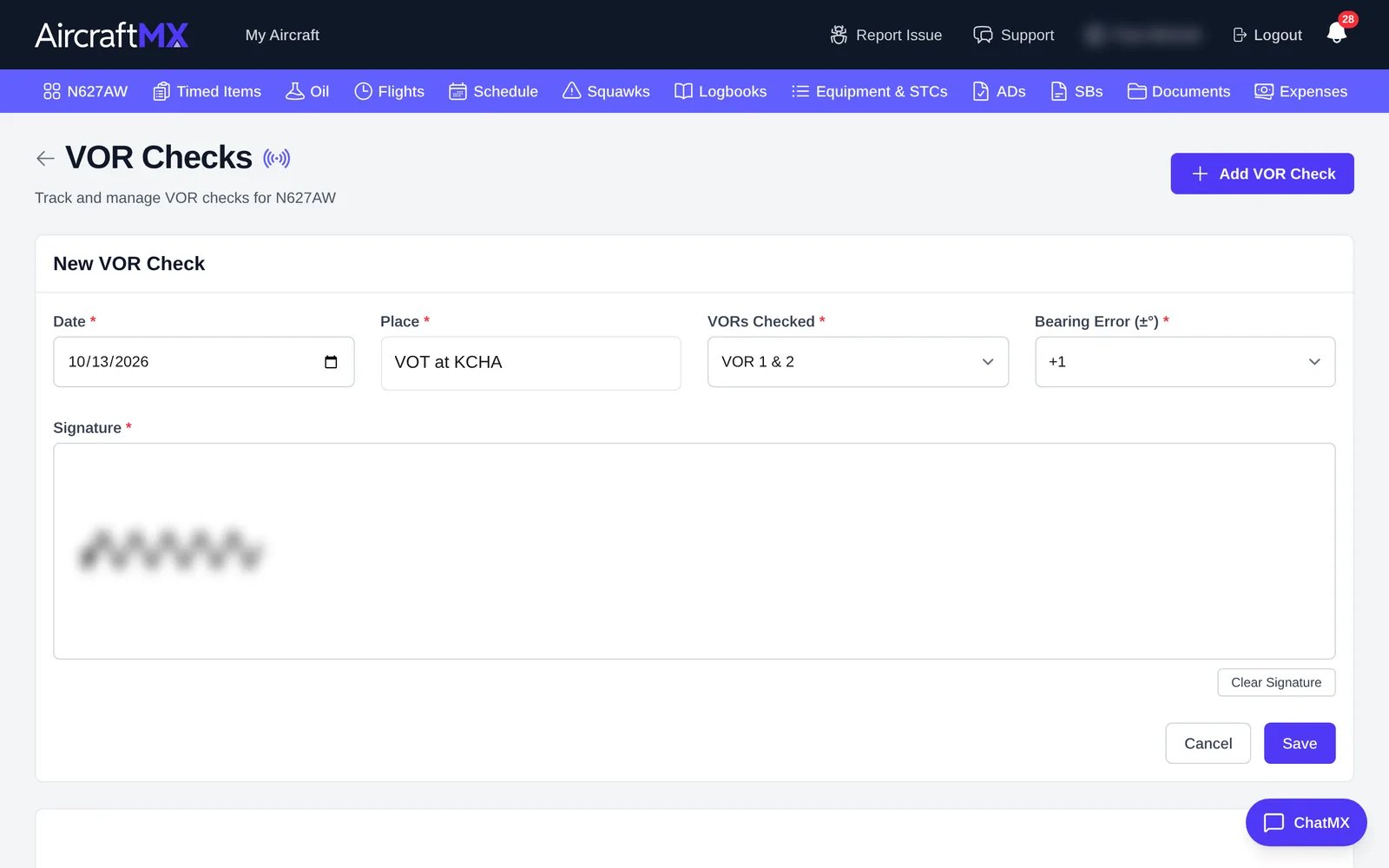
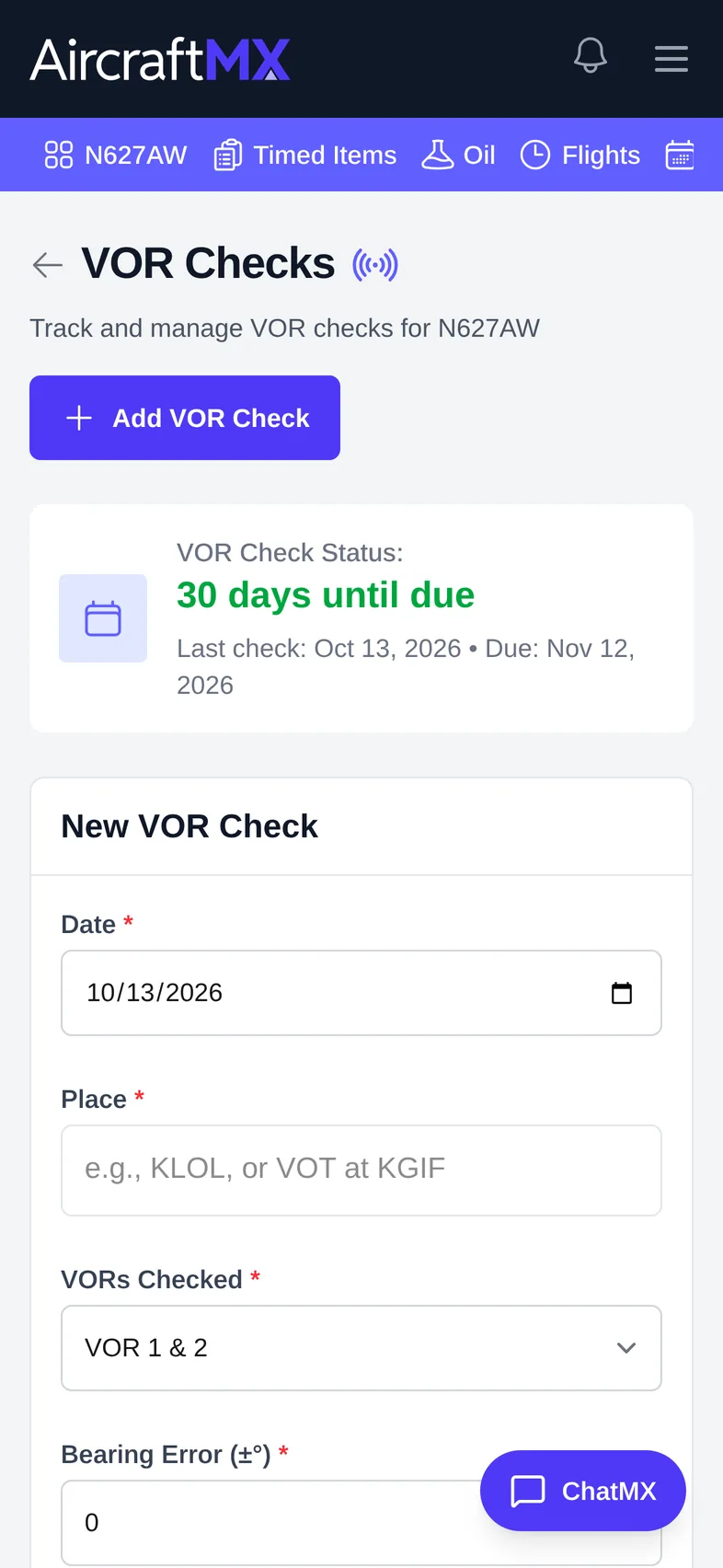
- Fill in:
- Date.
- Place, for example "KLOL" or "VOT at KGIF".
- VORs Checked: VOR 1 & 2, VOR 1, or VOR 2.
- Bearing Error.
- Signature: sign with your mouse or finger in the box.
- Save.
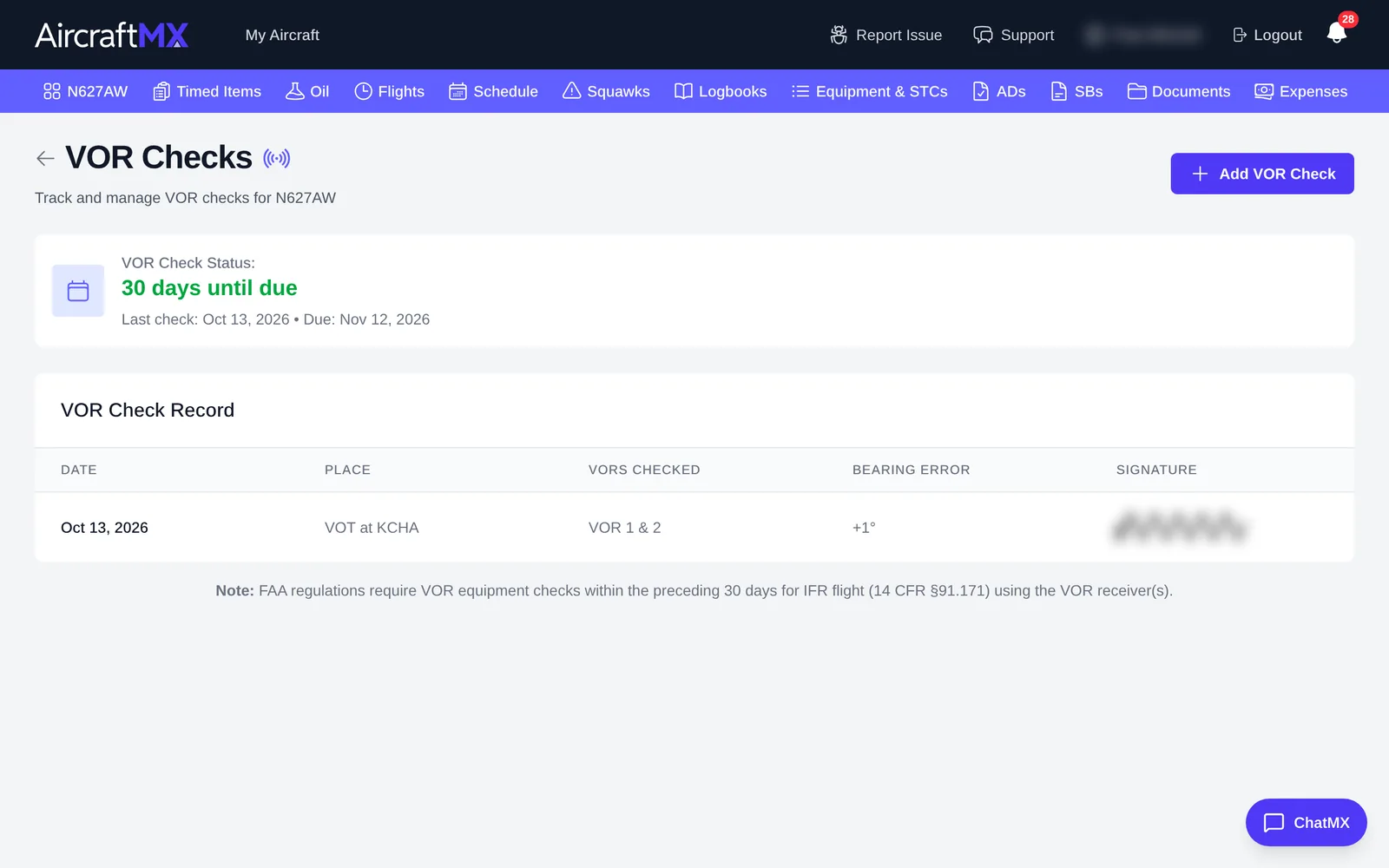
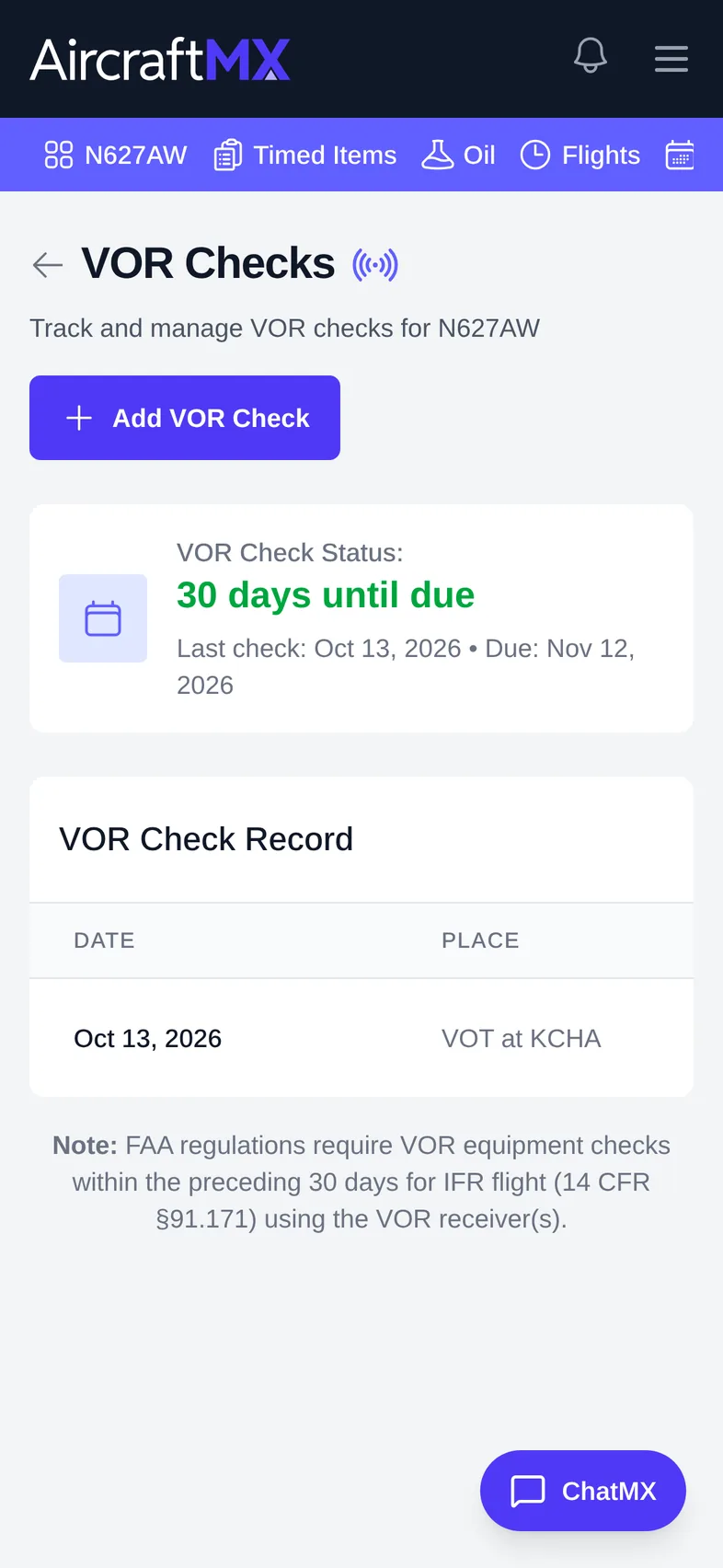
The check appears in the list, and the dashboard card shows when the next check is due.
On a phone
On a phone you can sign with your finger. The signature box is full width.
Still stuck?
Contact us, or use Report Issue in the top bar of the app.