Database Updates
Track chart updates (FAA/Jeppesen)
Next to nav database updates, AircraftMX can track your chart updates.
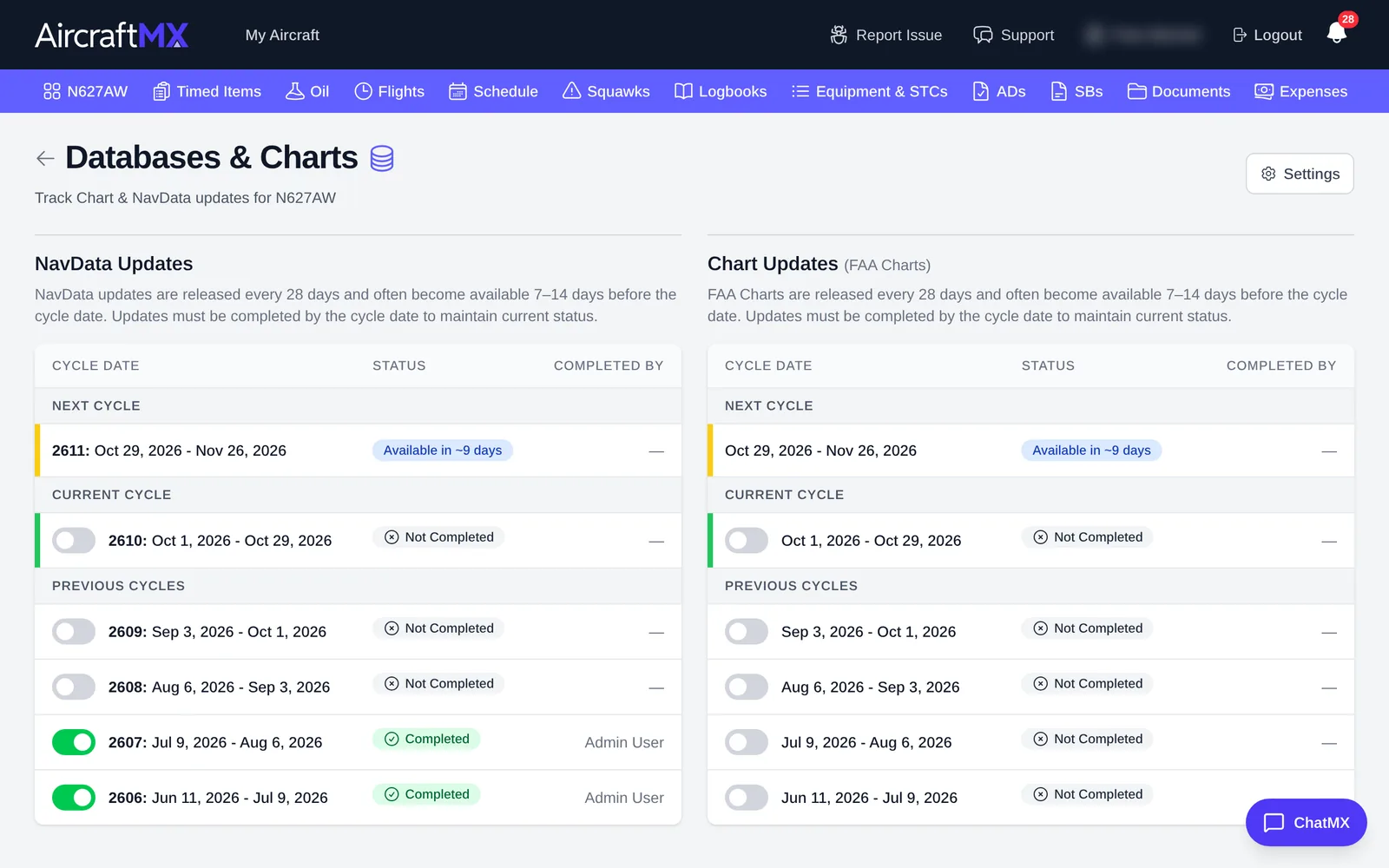
- On the aircraft dashboard, click the Database & Chart Updates card. The Databases & Charts page shows NavData Updates and Chart Updates side by side.
- Under Chart Updates, turn on Enable Chart Updates.
- Answer Which chart provider do you use?: FAA Charts or Jeppesen Charts.
- For each cycle, mark it Completed when you've loaded the new charts.
For nav databases, see Keep nav databases up to date.
Push notifications for chart and database updates are per aircraft, under the toggle Database/Chart Updates, described as NavData and chart update availability. Chart reminders are not a separate email toggle. The email section on that screen is for maintenance status updates.
On a phone
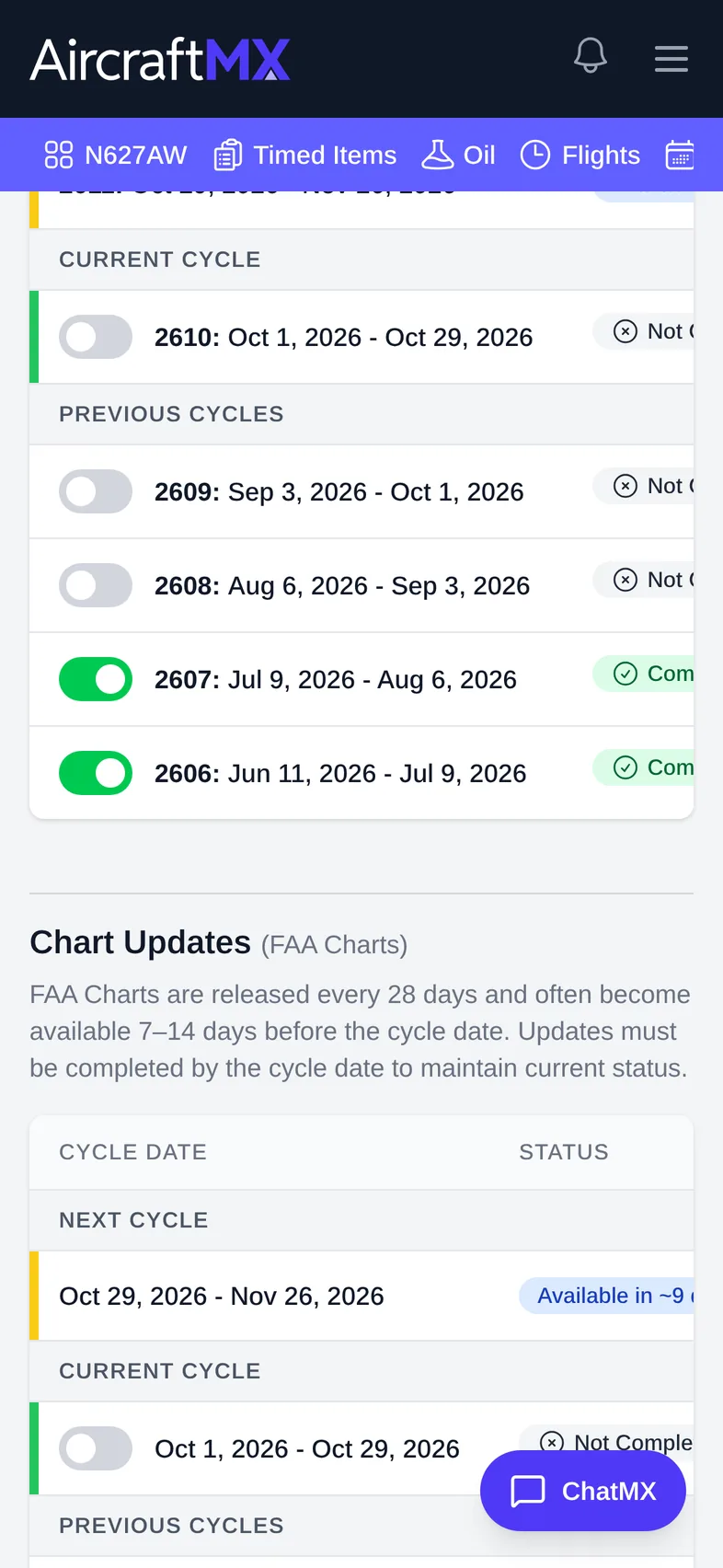
The layout is the same on a phone; sections stack in a single column.
Still stuck?
Contact us, or use Report Issue in the top bar of the app.