Database Updates
Keep your nav databases up to date
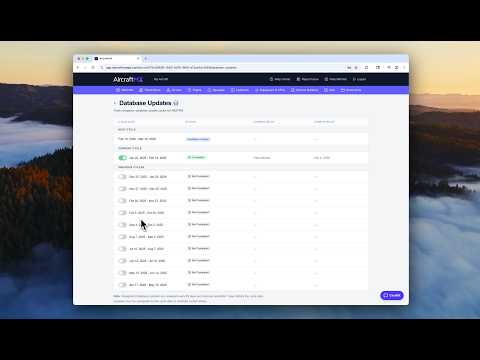
Current navigation databases matter for airworthiness, especially when you fly IFR with GPS. AircraftMX tracks the database cycles and shows whether you have the latest update installed.
Open Databases & Charts
From your aircraft dashboard, open Databases & Charts. It works on desktop and on your phone; many pilots check it during preflight.
See the cycles
The Databases & Charts screen shows:
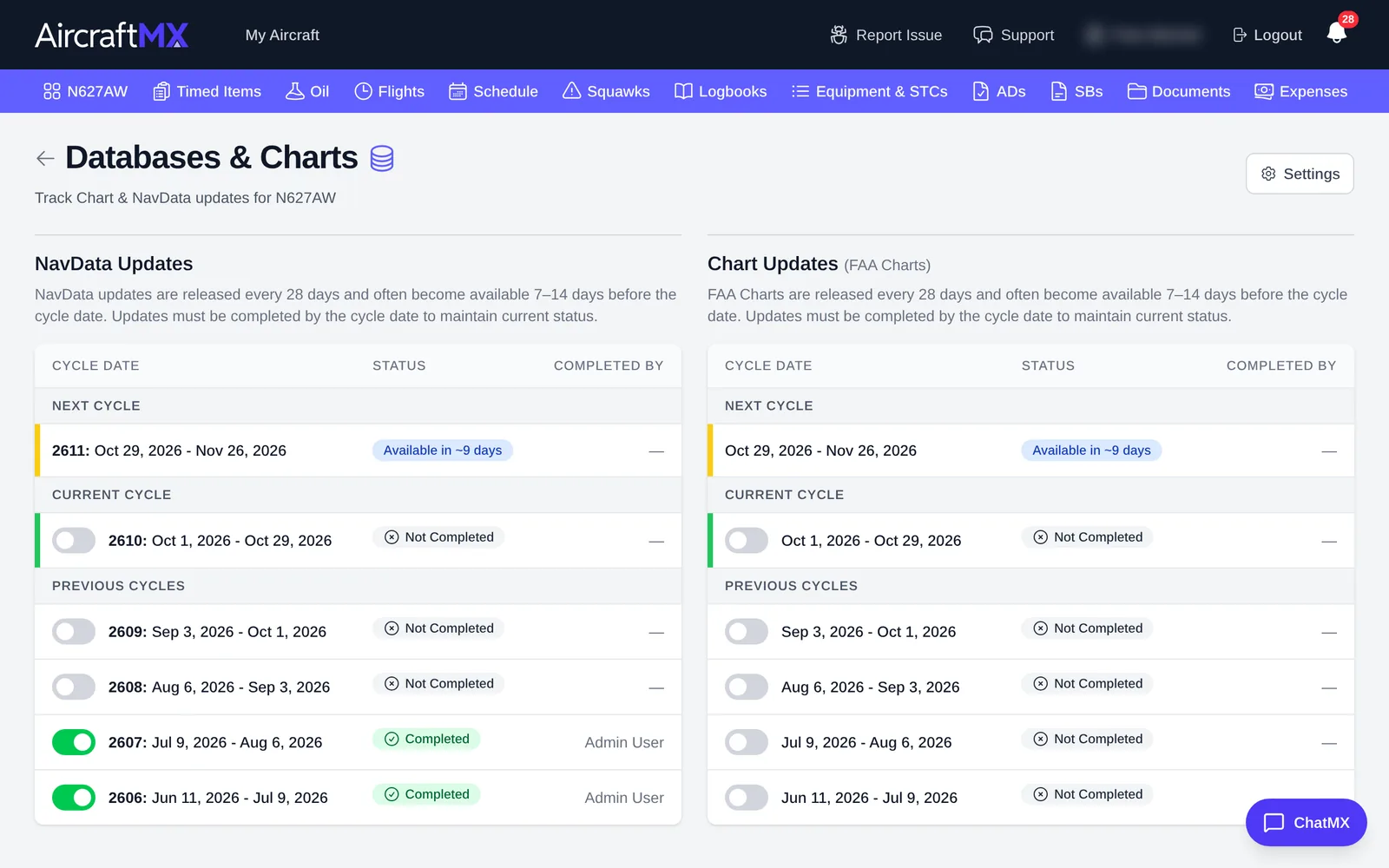
- previous cycles and whether they were completed
- the current cycle
- when the next cycle is released
Mark a cycle as installed
- On the aircraft dashboard, open Databases & Charts.
- On the current NavData cycle, turn the switch on to mark it installed. The status changes to Completed.
The dashboard card then shows the databases as up to date, including how many days until the next cycle. If you also track charts, they use the same kind of switch.
On a phone
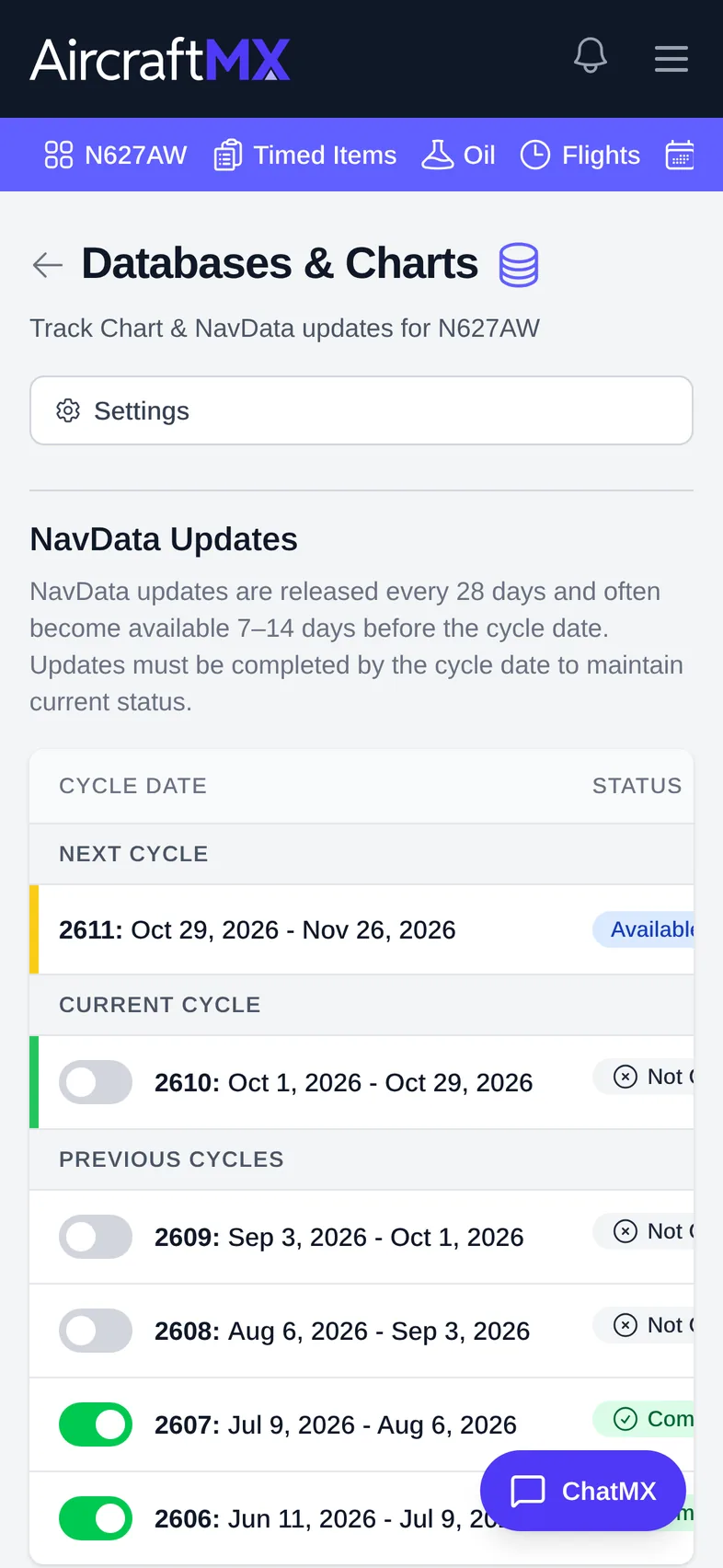
On a phone, NavData Updates and Chart Updates are stacked instead of side by side.
Still stuck?
Contact us, or use Report Issue in the app. To send files, attach them from Report Issue.