Sharing
Share an aircraft with partners or your mechanic
Share an aircraft with partners, a co-owner, or your mechanic so everyone works from the same records. Sharing is included in all paid plans.
Roles
The roles are Owner, Manager, and Viewer.
- Owner: the person the aircraft belongs to. The Owner invites people and can remove their access.
- Manager: can add and edit records.
- Viewer: can see the aircraft's records but not change them.
When you invite someone, you choose Manager or Viewer.
Invite someone
- On the aircraft dashboard, click Settings, then Users. (You can also click Add mechanic, partner, etc. on the dashboard's Users card.)
- Click Invite New User.
- Enter the person's email address.
- Choose an Access Level:
- Manager: can add and edit records.
- Viewer: can see the aircraft's records but not change them.
- Send the invitation.
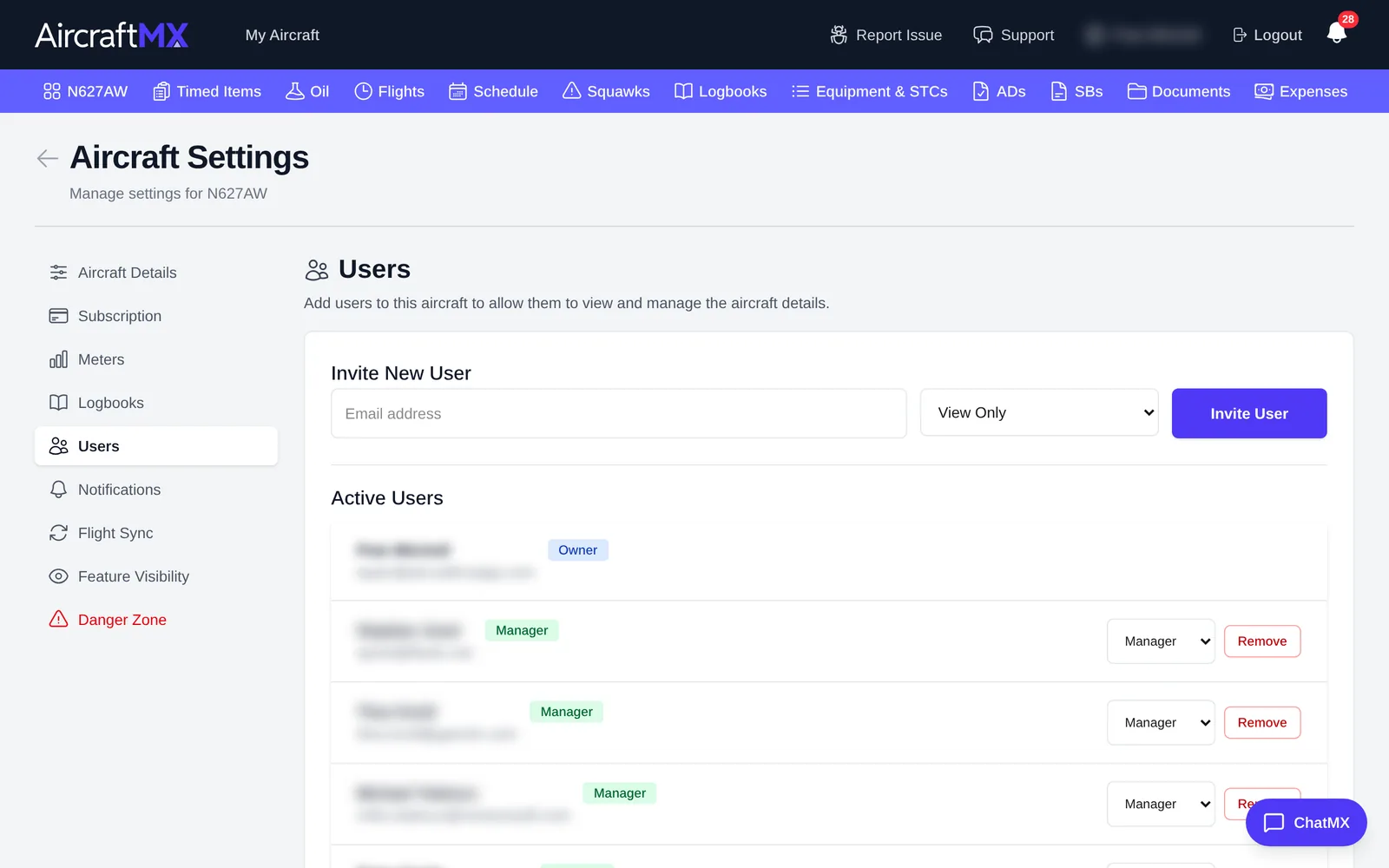
They get an email with a link to accept. See Accept an aircraft invitation.
Manage users and invitations
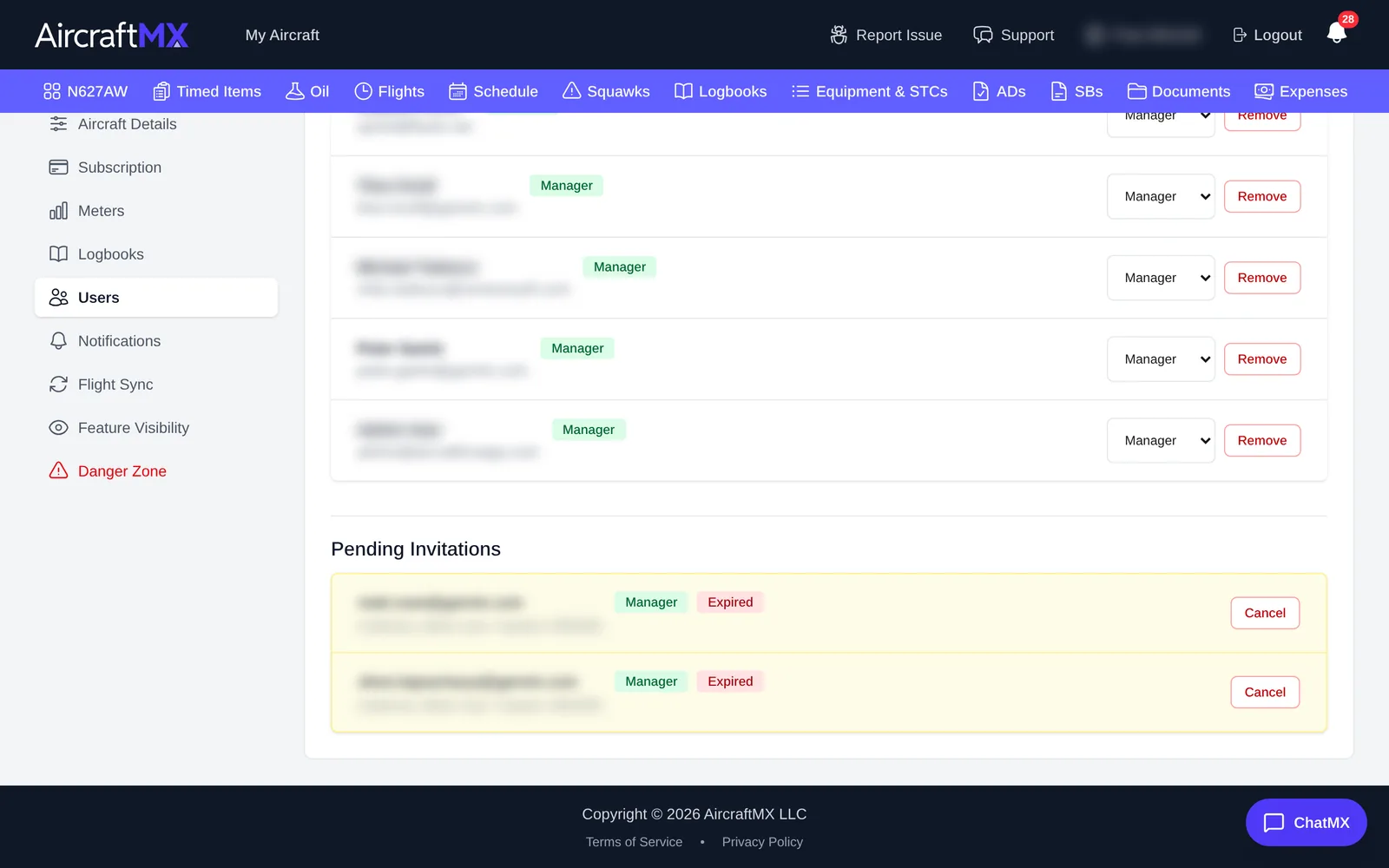
- Active Users lists everyone with access and their level. The aircraft's Owner is listed first. Use Remove to take someone's access away.
- Pending Invitations lists invitations that haven't been accepted yet. Click Cancel Invitation to withdraw one. Expired invitations are marked Expired; send a new invitation if needed.
On a phone
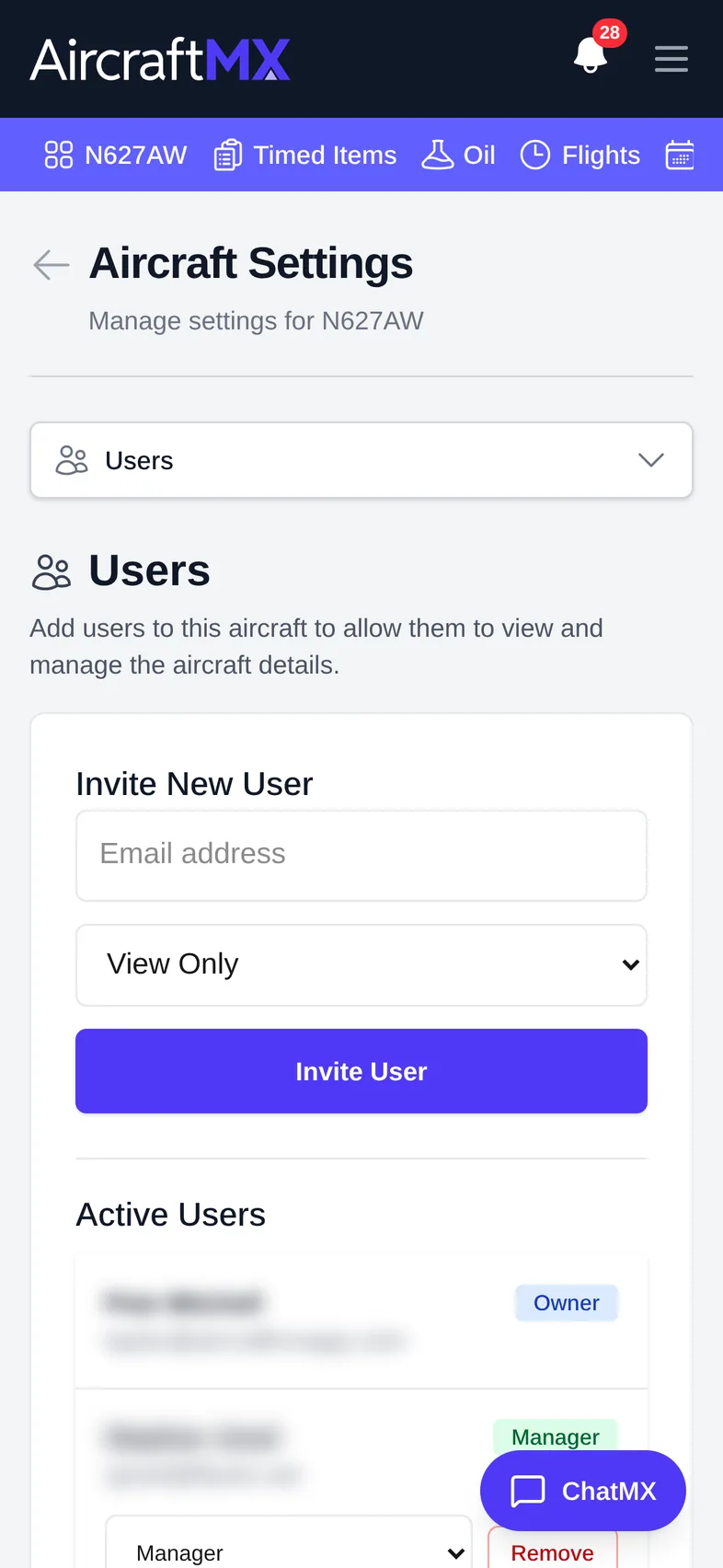
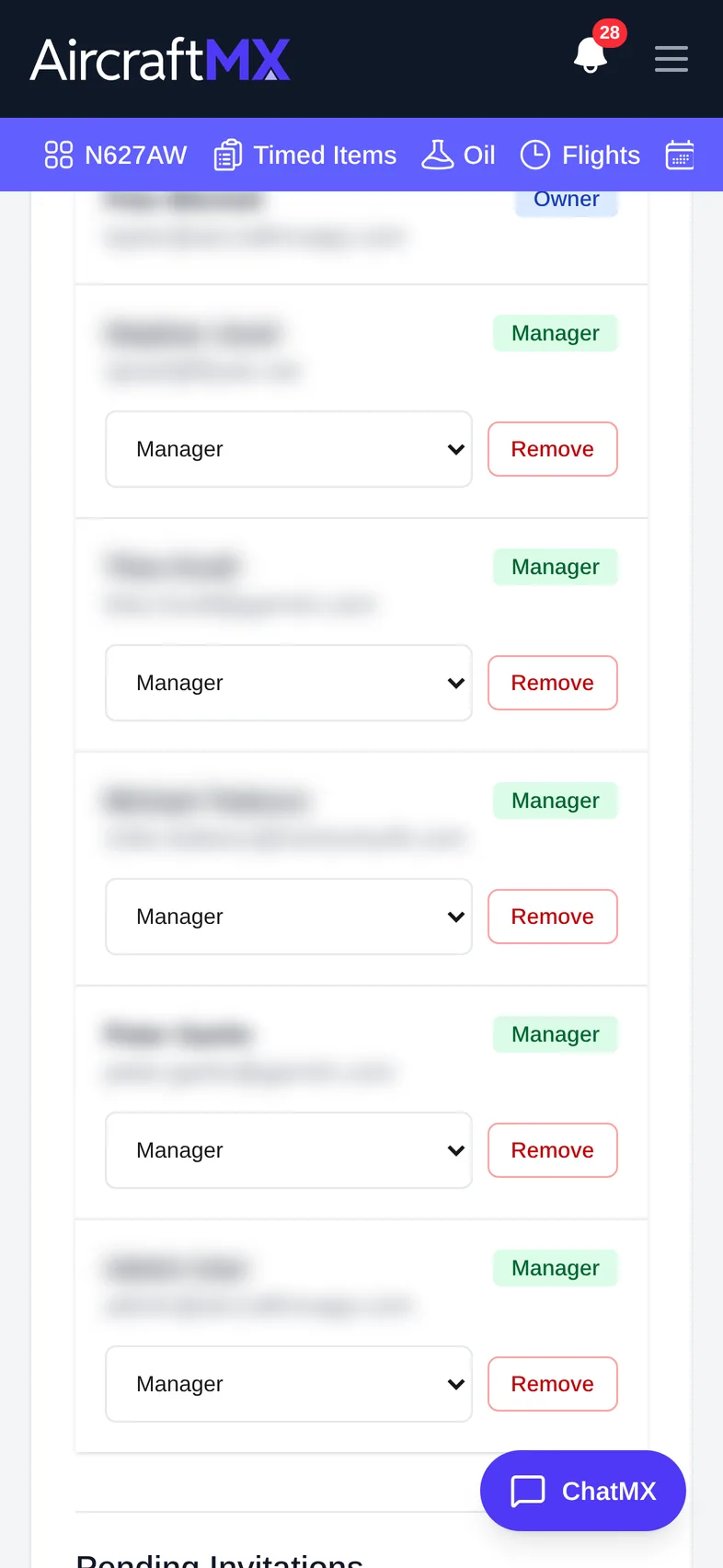
On a phone, choose Users from the section drop-down at the top of Settings. The user lists stack in one column.
Still stuck?
Contact us, or use Report Issue in the top bar of the app.