Equipment & STCs
Build your equipment list
The equipment list tracks what's installed on your aircraft: engines, propellers, avionics, and other components, with part and serial numbers and time in service.
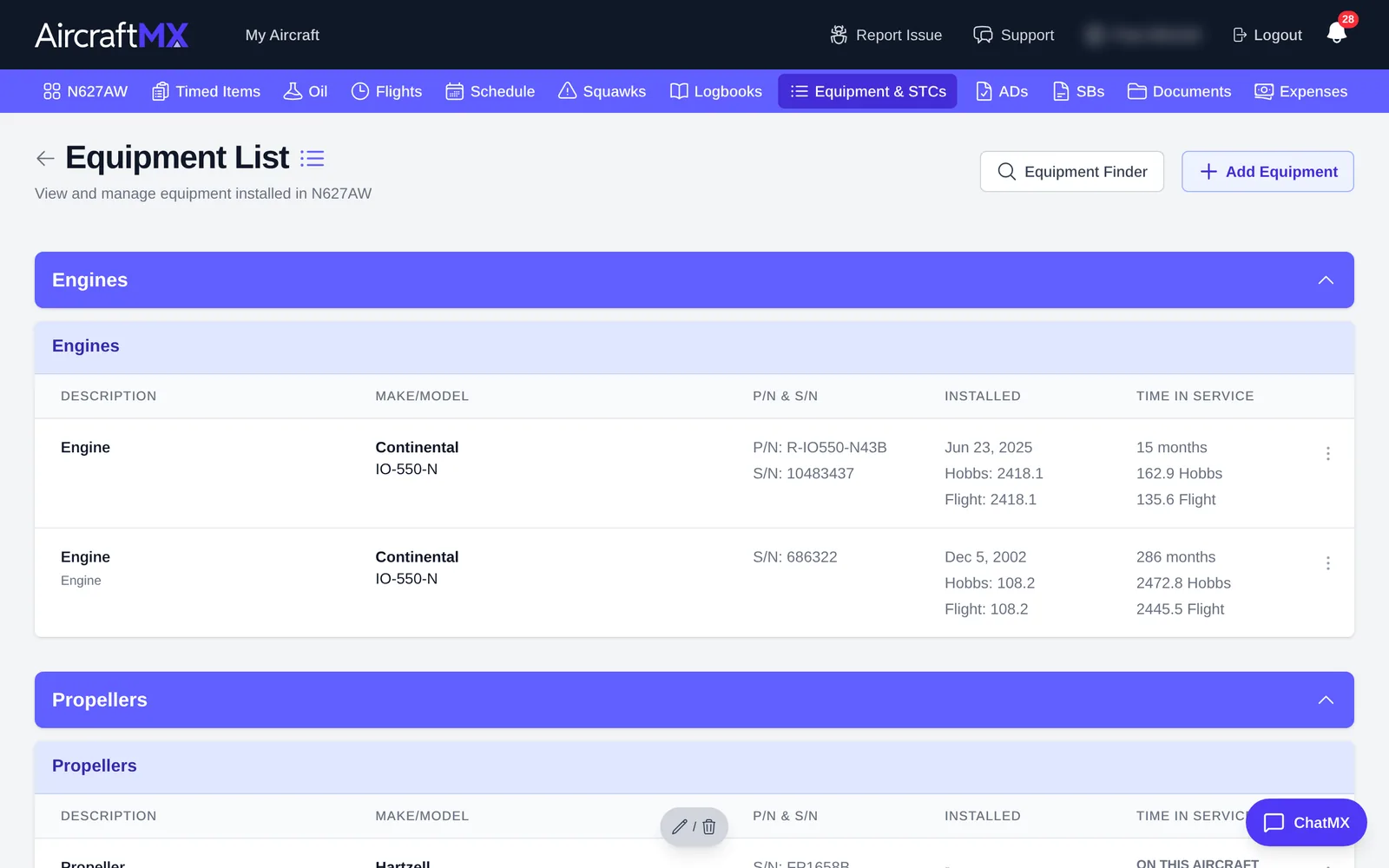
See your equipment
Click Equipment & STCs in the navigation bar. The Equipment List groups items by type (Engines, Propellers, and so on).
Add equipment
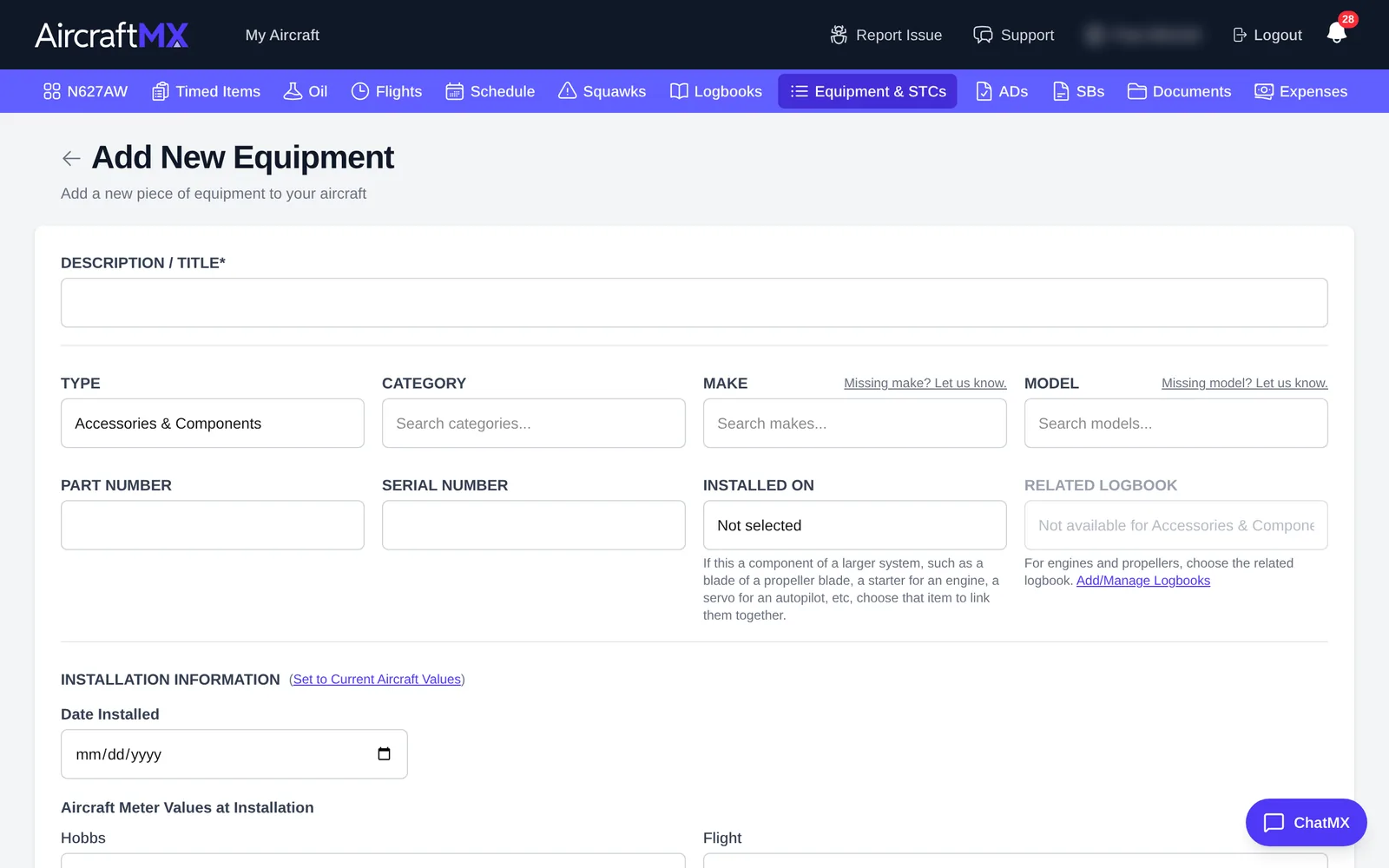
- Click Add Equipment.
- Fill in Add New Equipment:
- Description / Title, Type, and Category.
- Make and Model. Can't find your make? Click Missing make? Let us know.
- Part Number and Serial Number.
- Installed On: the aircraft or a parent component.
- Installation Information: install date and the meter readings at install, plus time since new before install.
- Click Save.
Edit, overhaul, or remove equipment
Open an item and click Edit. From there you can:
- Record Overhaul: log an overhaul or IRAN so time since overhaul resets.
- Mark as Removed from Aircraft: keep the history but take it off the current list.
The item's page shows time in service, linked timed items, sub-components, overhaul history, logbook entries, related ADs and SBs, and documents.
Tip: let AircraftMX find equipment for you. See Discover equipment from your logbooks.
On a phone
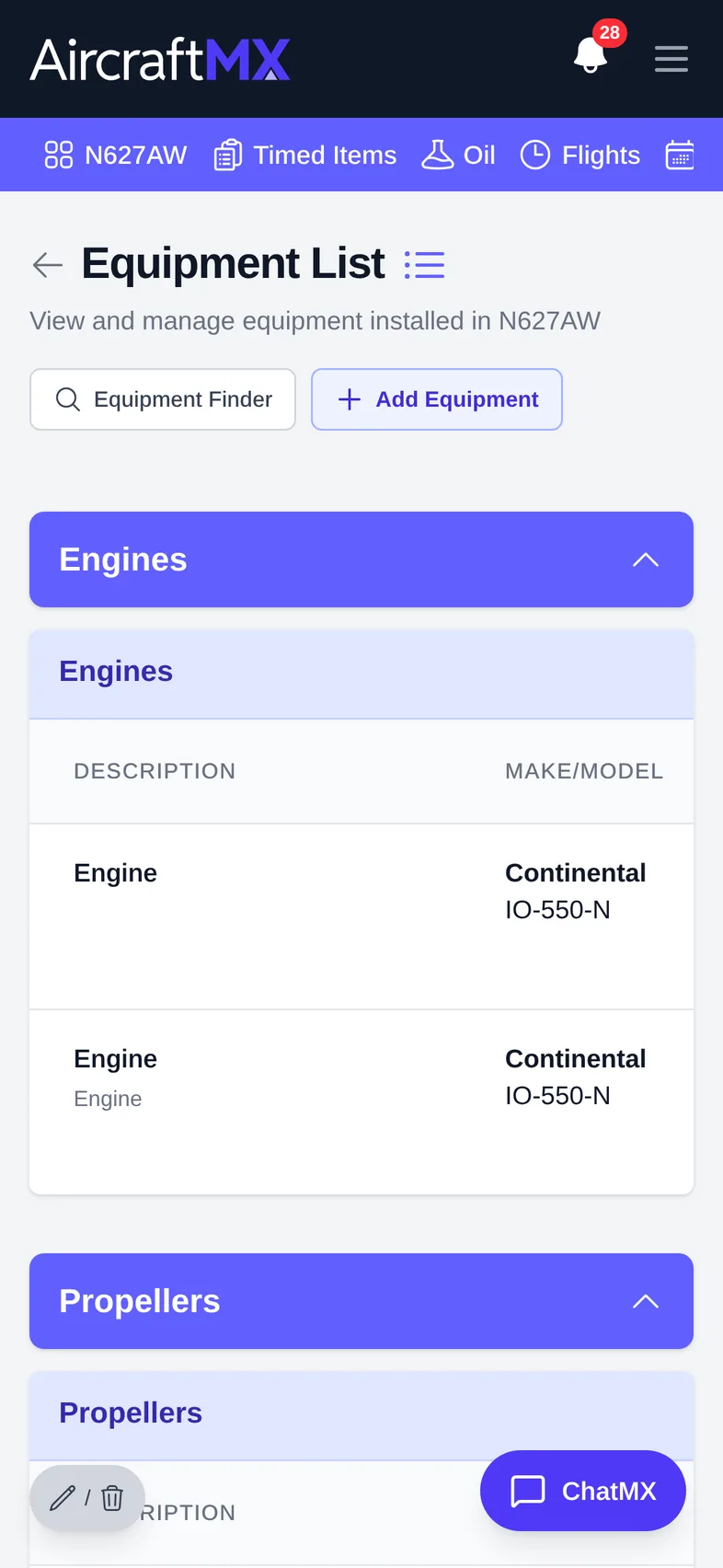
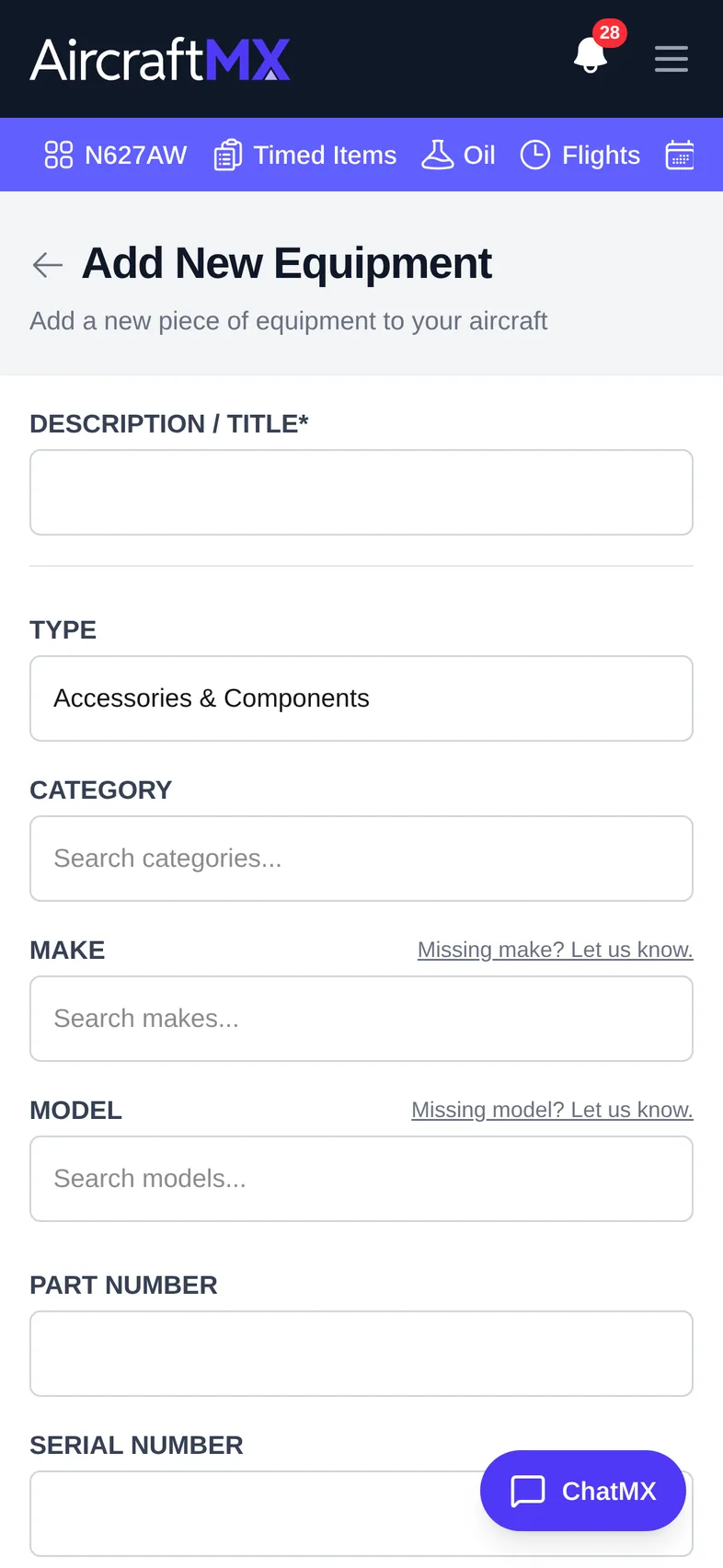
The layout is the same on a phone; sections stack in a single column.
Still stuck?
Contact us, or use Report Issue in the top bar of the app.