Equipment & STCs
Discover equipment from your logbooks (Equipment Finder)
The Equipment Finder scans your transcribed logbook entries for parts and components, such as a new engine, a replaced magneto, or an avionics install, and suggests adding them to your equipment list.
- Click Equipment & STCs, then Equipment Finder.
- Review the detected equipment. Each card shows what was found and the logbook entries it came from.
- For each one, choose:
- Confirm: add it to your equipment list.
- Don't Track: ignore it.
- Not Applicable: mark the detection as wrong.
- Restore: undo an earlier choice.
The page also lists Tracked Equipment and Untracked Parts, so you can see what's already covered.
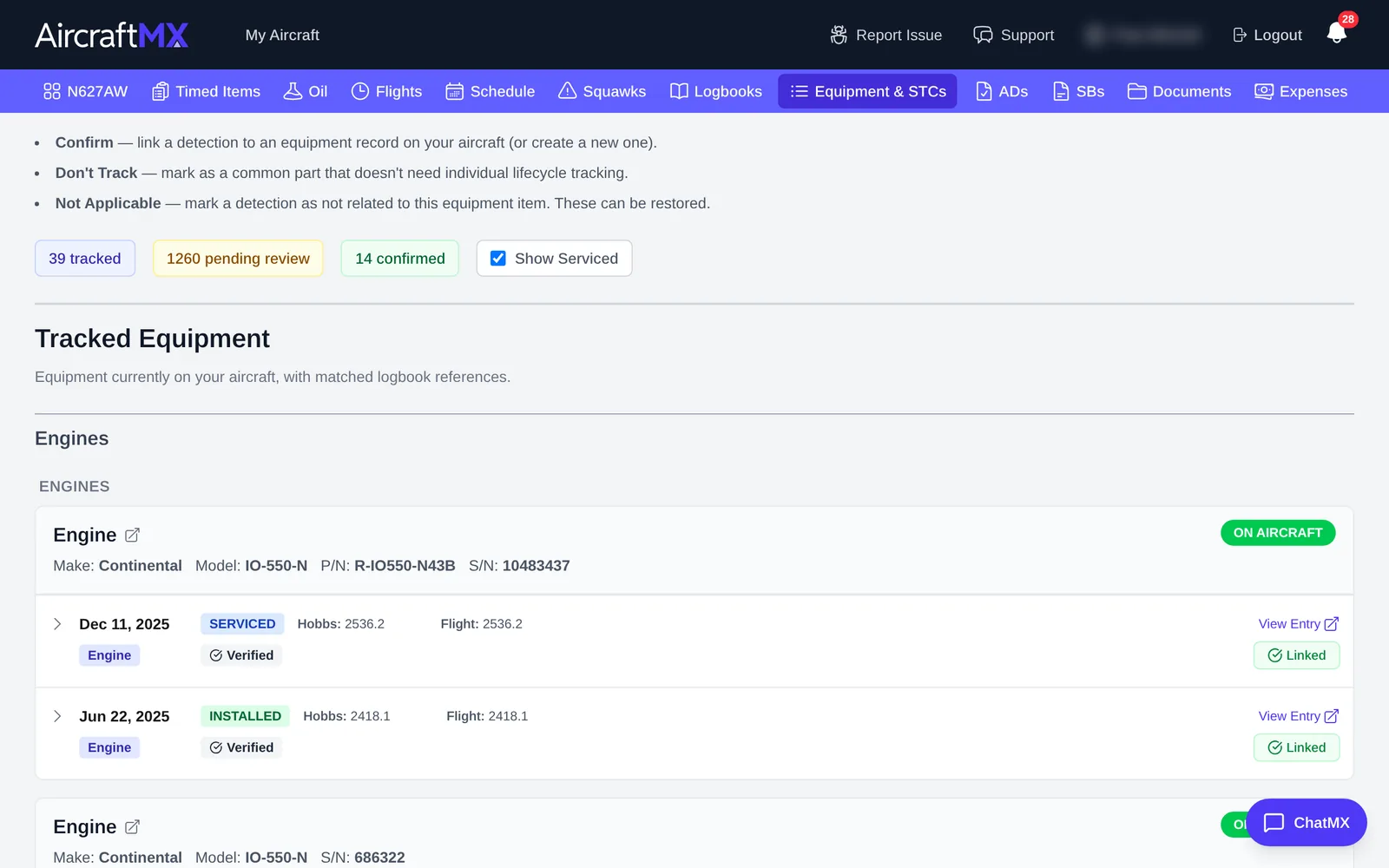
The finder can take a few seconds to load ("Loading equipment finder data...") on aircraft with many entries.
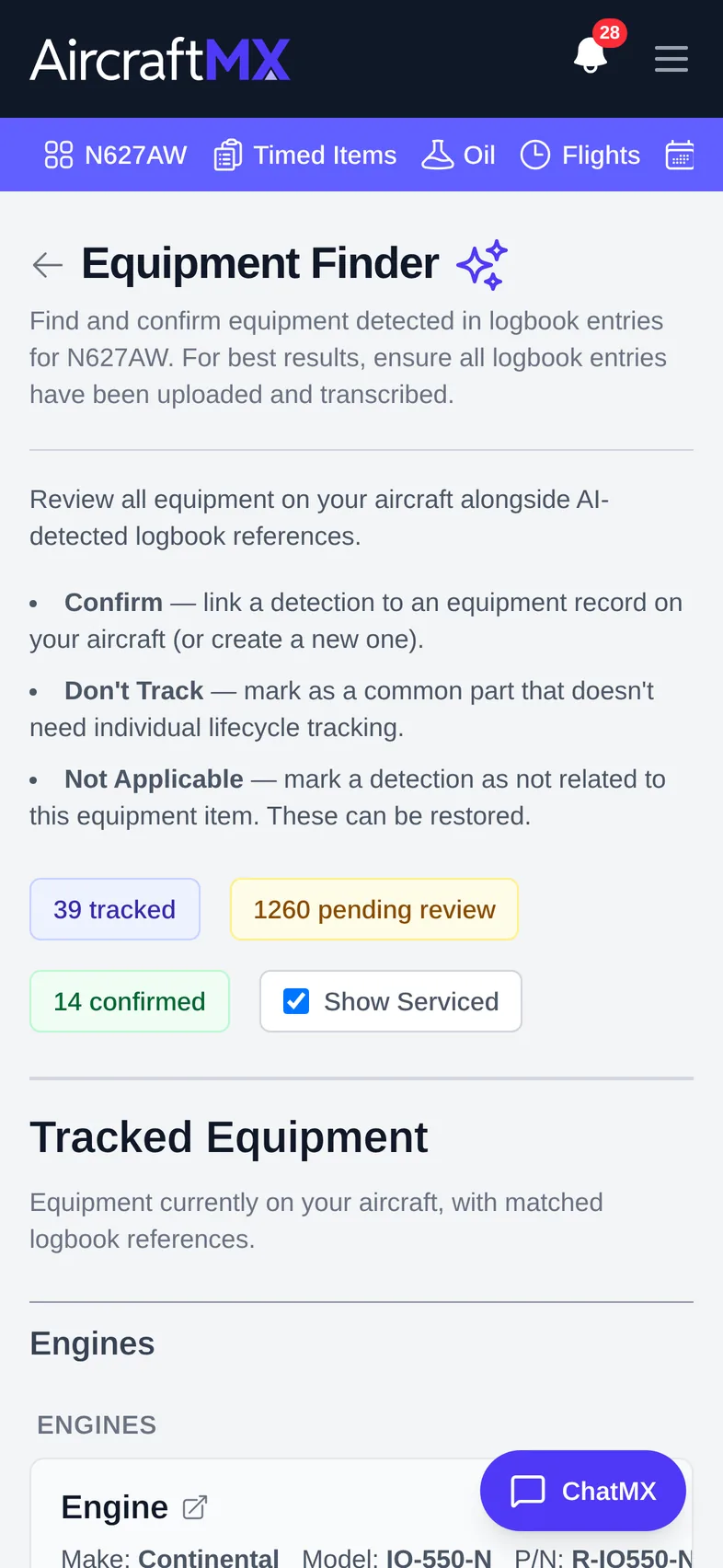
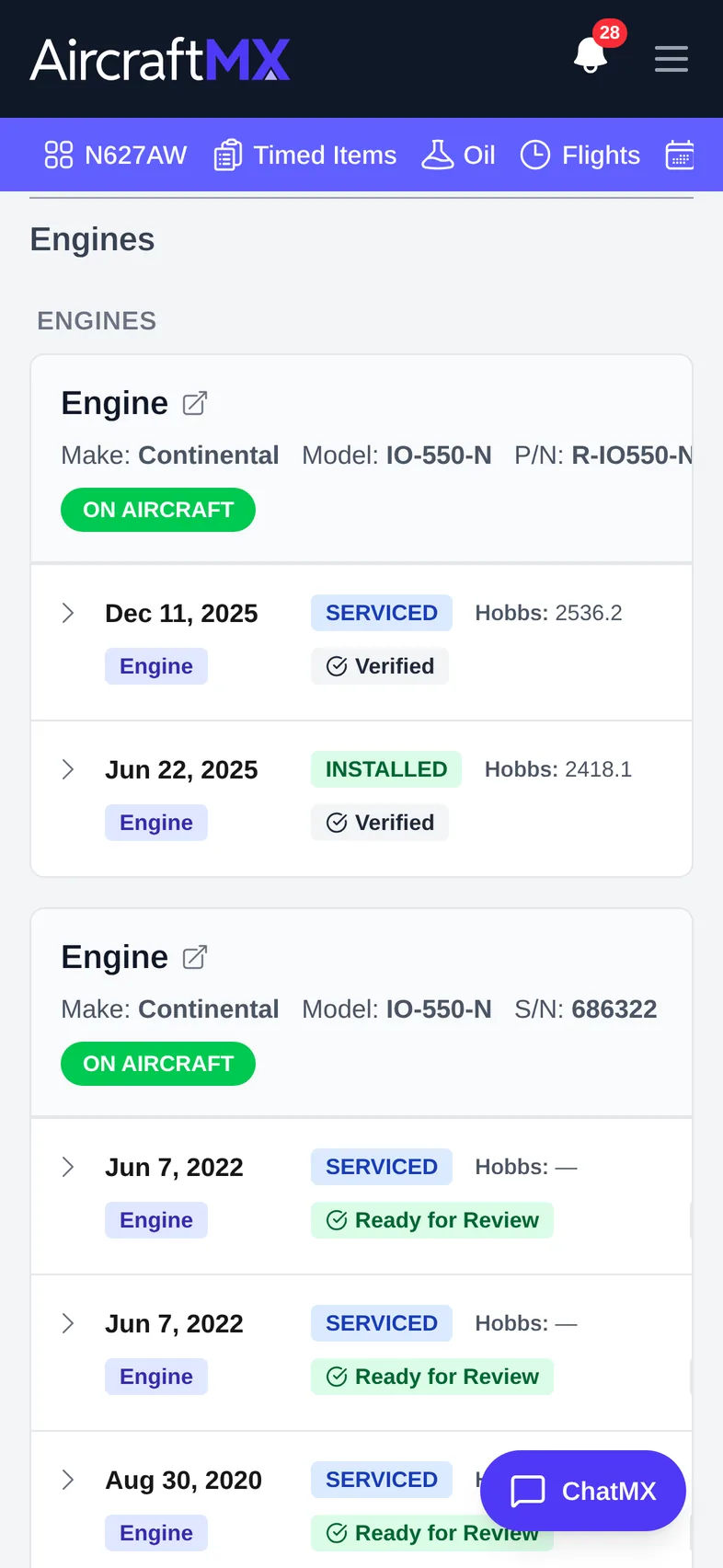
On a phone
The layout is the same on a phone; sections stack in a single column.
Still stuck?
Contact us, or use Report Issue in the top bar of the app.