Equipment & STCs
Add STCs to your aircraft
Record the Supplemental Type Certificates (STCs) that apply to your aircraft, so they appear on your status report and help find related ADs and SBs.
- Click Equipment & STCs.
- Click Add STC. The add page heading is Add STC to {tail number}. The form's save button is also Add STC.
- In Select STC, search by STC number, title, or description ("Search by STC ID, title, or description...").
- Click Select next to the right STC.
- Add any notes or attachments and save.
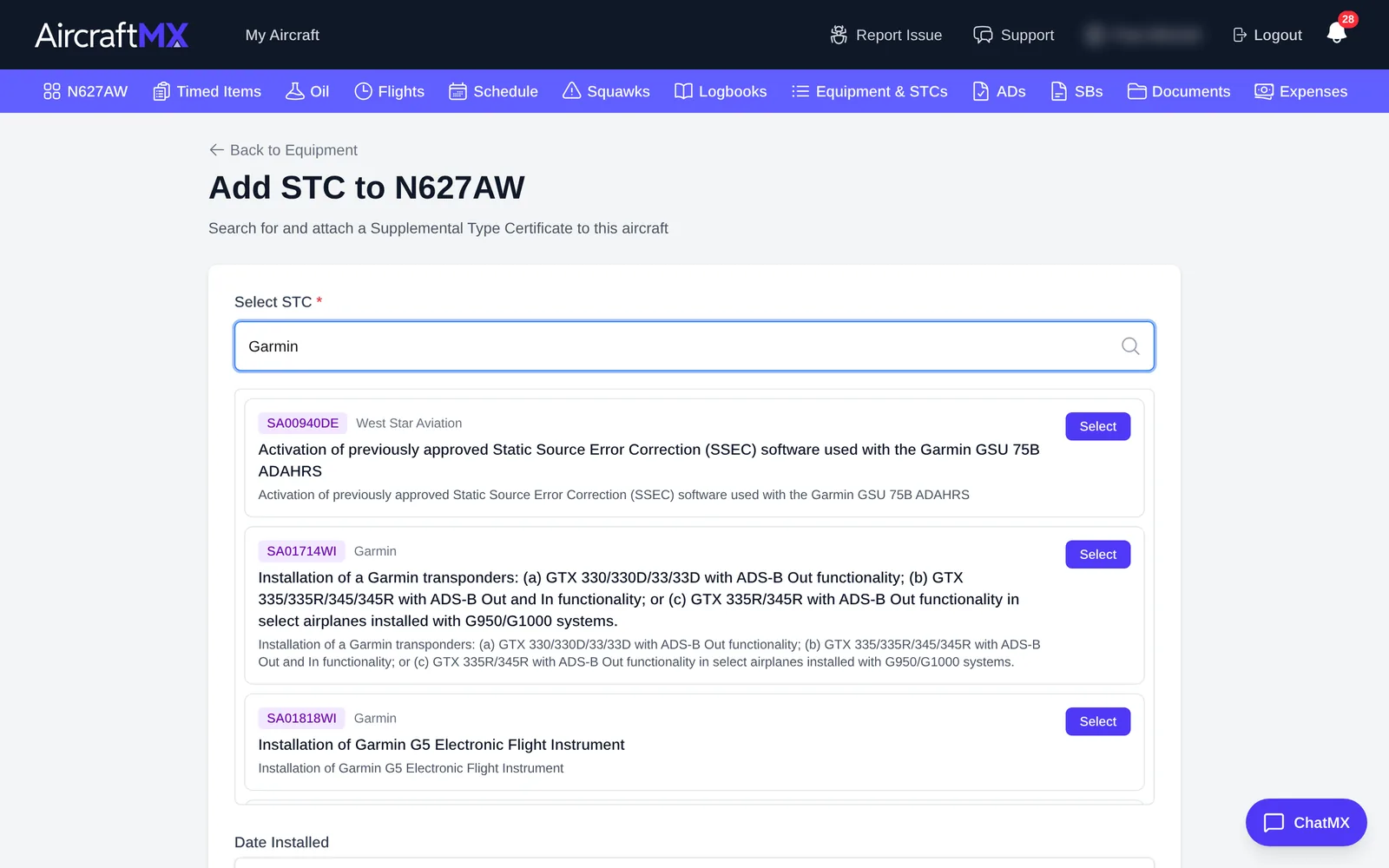
Open an STC to see the holder, your notes and attachments, a View on FAA DRS link, and related SBs with their compliance status.
If the search has no results, click Add {what you typed}. The card says to click to add this STC, and that the team will add the full details soon. That creates a placeholder, not a full FAA record.
On a phone
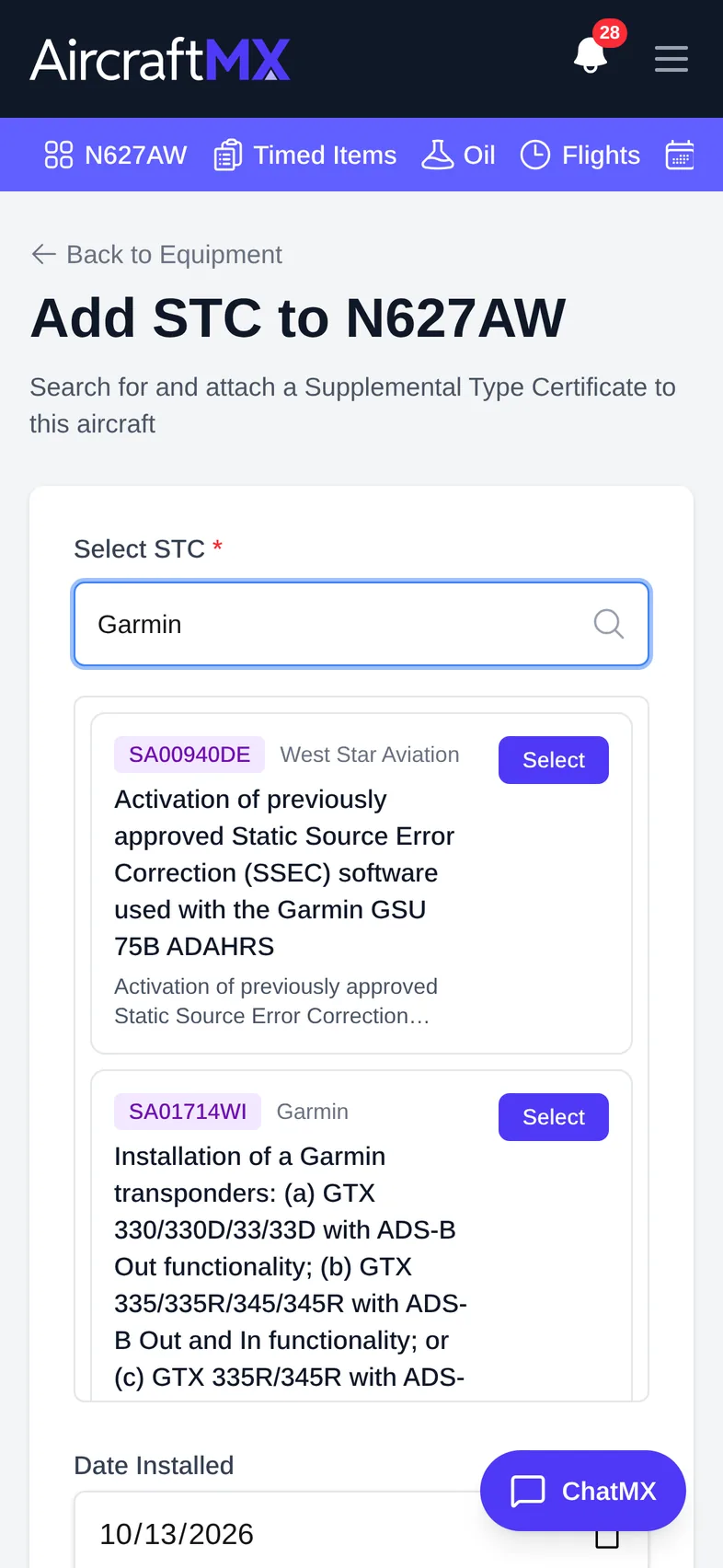
The layout is the same on a phone; sections stack in a single column.
Still stuck?
Contact us, or use Report Issue in the top bar of the app.