Scheduling
Scheduling settings and user colors
Each person who reserves the aircraft gets their own color, so it's easy to see whose booking is whose.
- Click Schedule.
- Click Settings. The User Colors dialog opens.
- Pick a color for each user.
- Save.
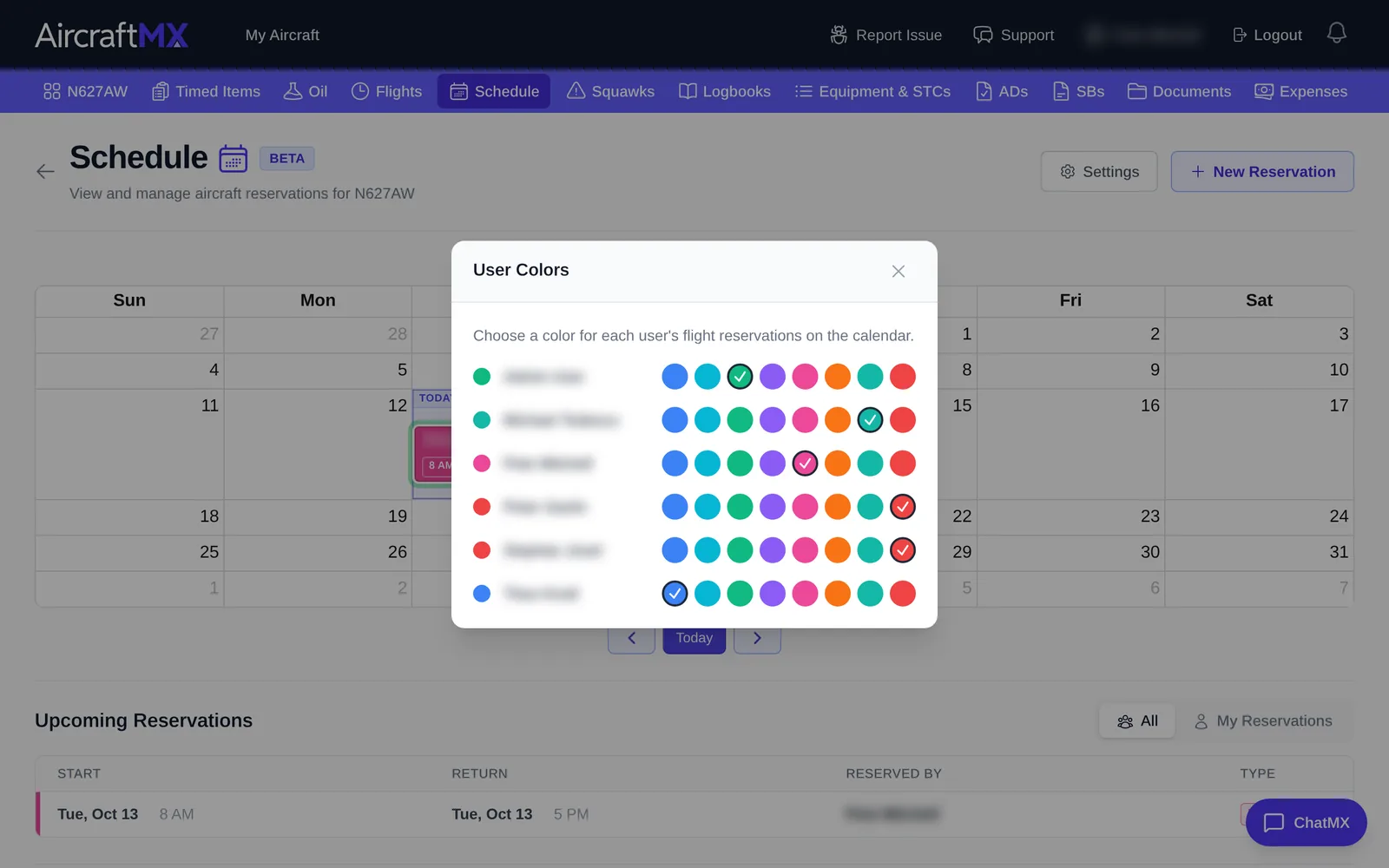
The Schedule Settings button opens User Colors only. Morning, Afternoon, and Evening time blocks are not shown.
On a phone
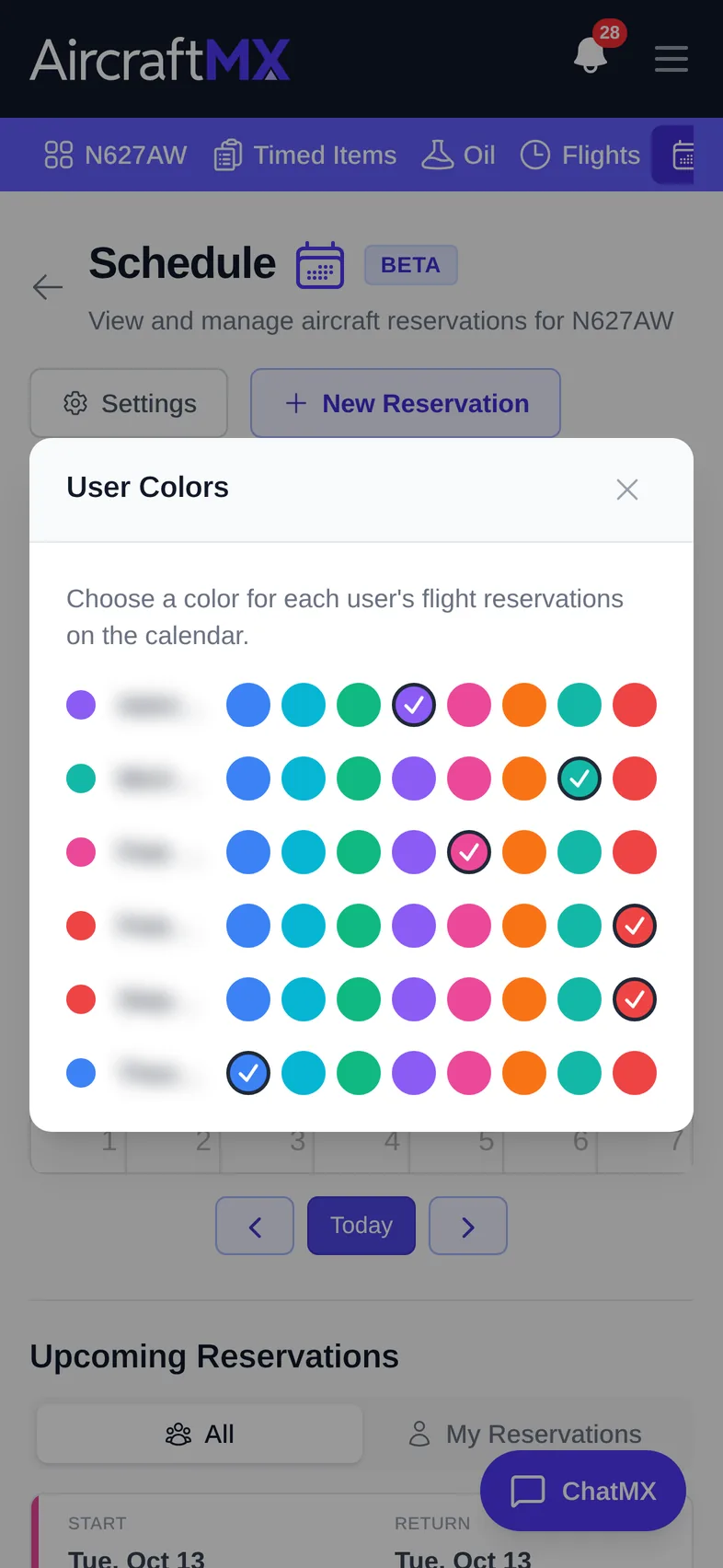
The layout is the same on a phone; sections stack in a single column.
Still stuck?
Contact us, or use Report Issue in the top bar of the app.