Timed Items
Link related items and use cascading compliance
A timed item can be linked to the equipment, Airworthiness Directives (ADs), and Service Bulletins (SBs) it relates to. It can also update other timed items automatically when it's complied with.
Link related items
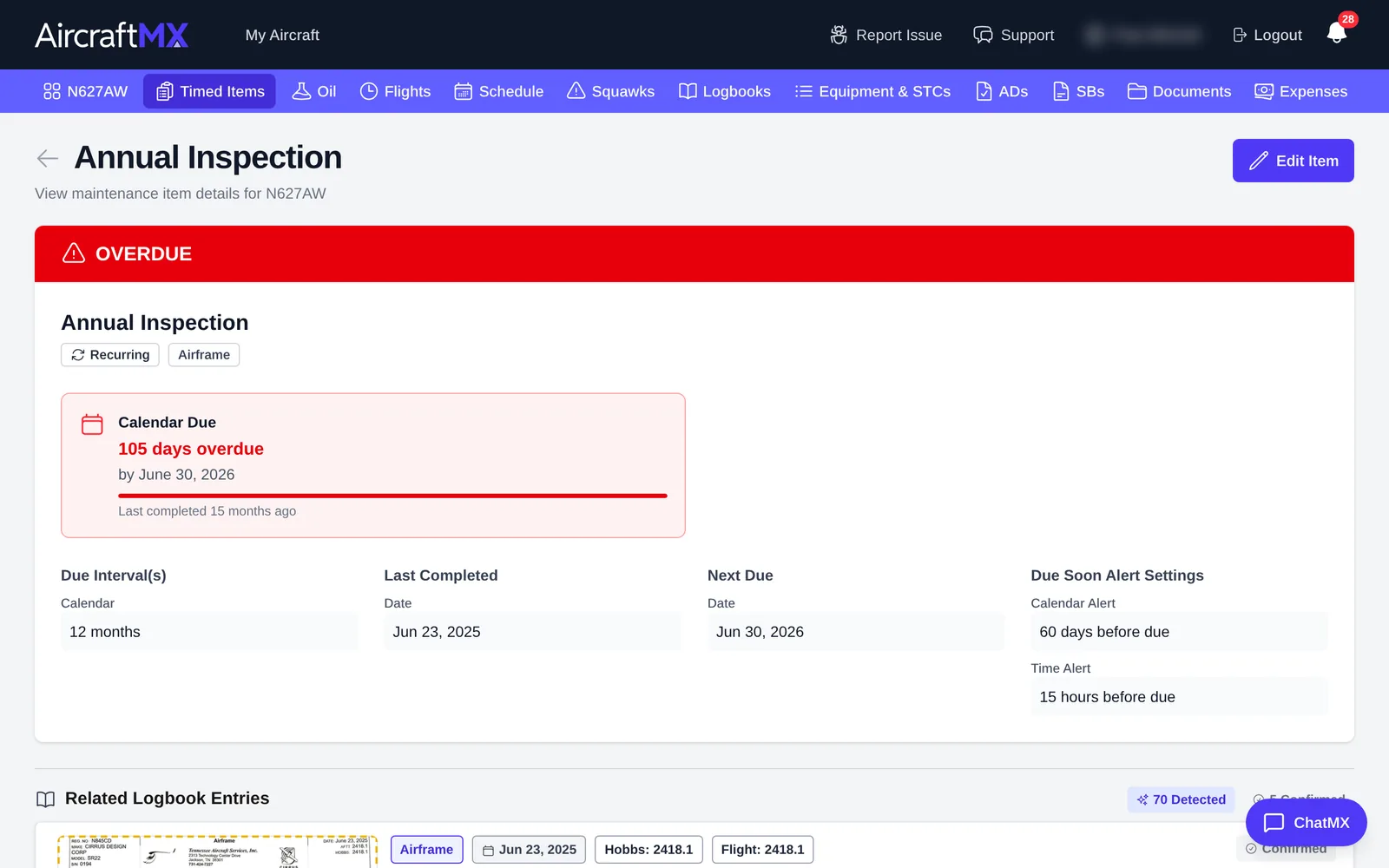
- Open a timed item and click Edit.
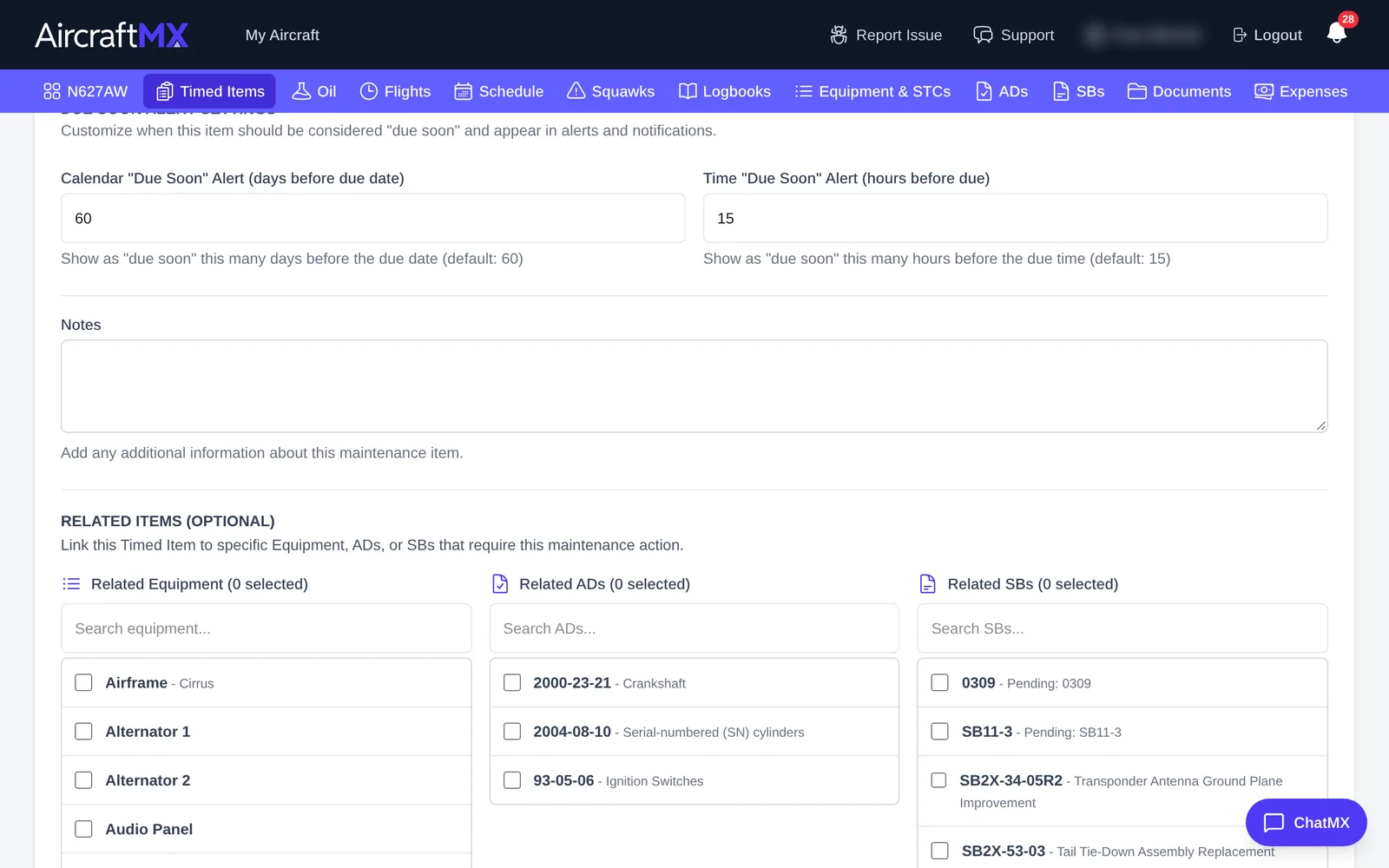
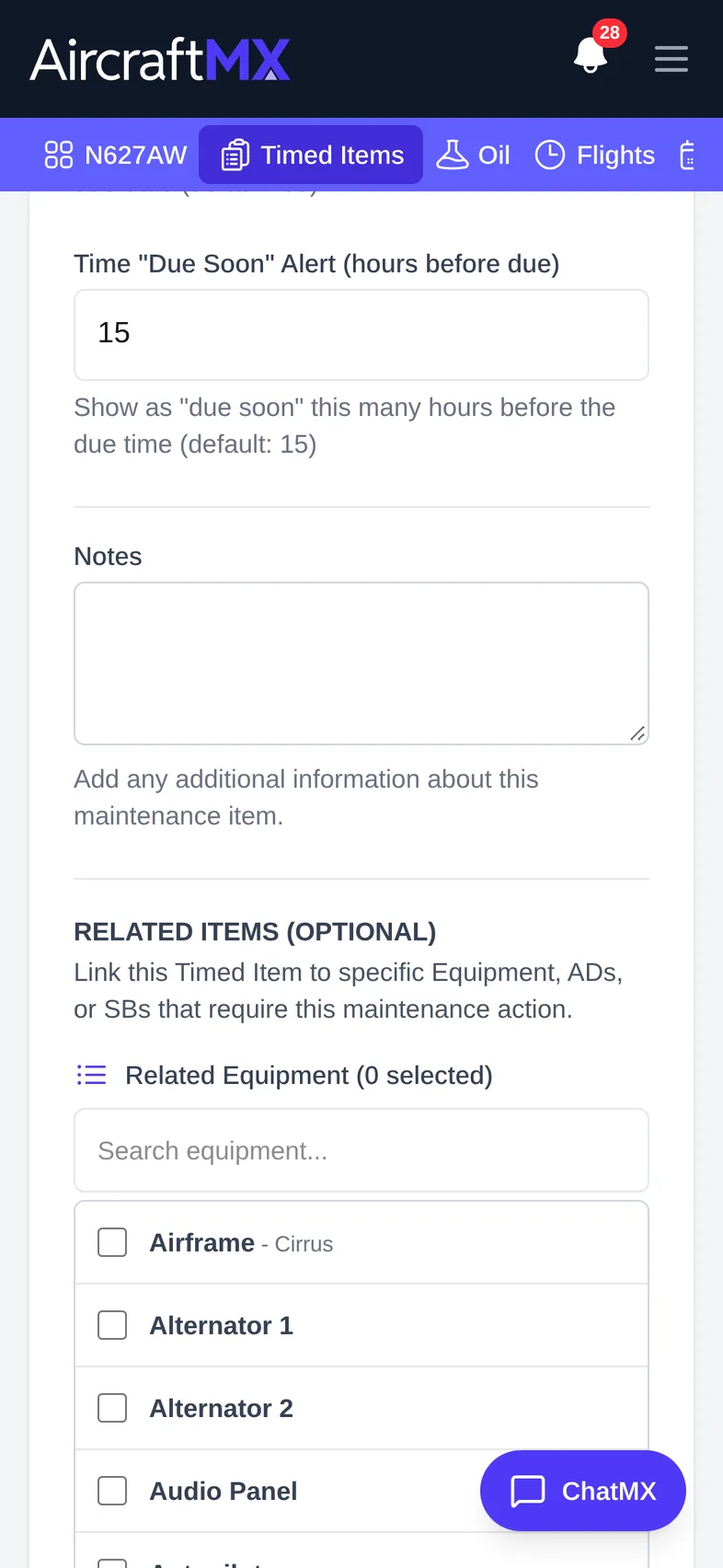
- Scroll to Related Items (Optional).
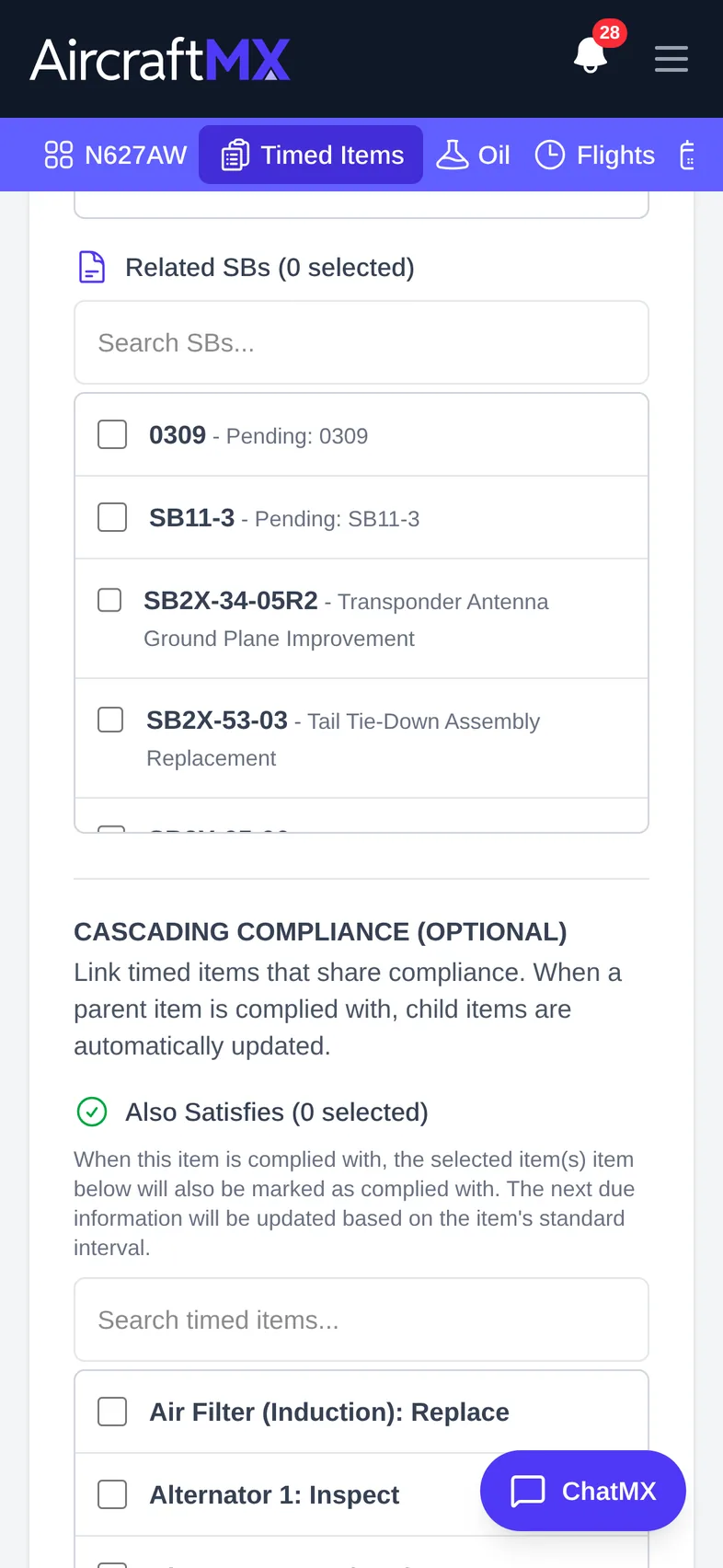
- Check the Related Equipment, Related ADs, and Related SBs that apply.
- Click Save.
Cascading compliance
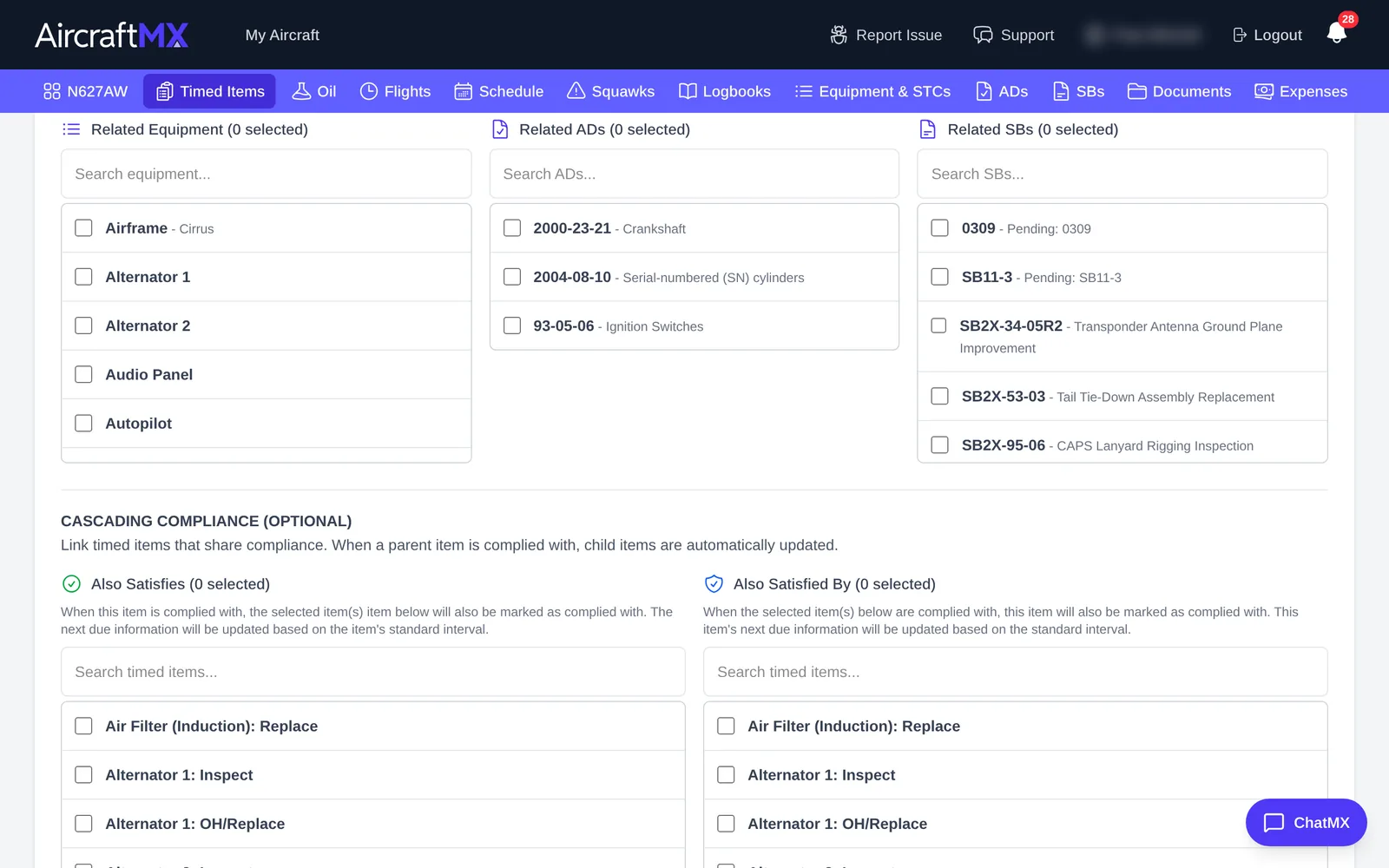
Some tasks are always done together. For example, an annual inspection also satisfies a 100-hour inspection. Use Cascading Compliance (Optional) to mark other timed items as complied whenever this one is.
- In the same form, scroll to Cascading Compliance (Optional).
- Check the items that should be updated at the same time.
- Click Save.
Cascading runs one way. Complying an item also complies the items listed in its satisfies list, and those items' own lists, and so on. Complying a child does not comply its parent. In a logbook entry, Link & Mark Complied sends the original item and those related items together, and the dialog says Also Satisfies and that their next due dates will be updated. The Compliance Finder attaches the item you confirm, then moves those same related items from found to attached on that page. It does not send the related items in its request.
On a phone
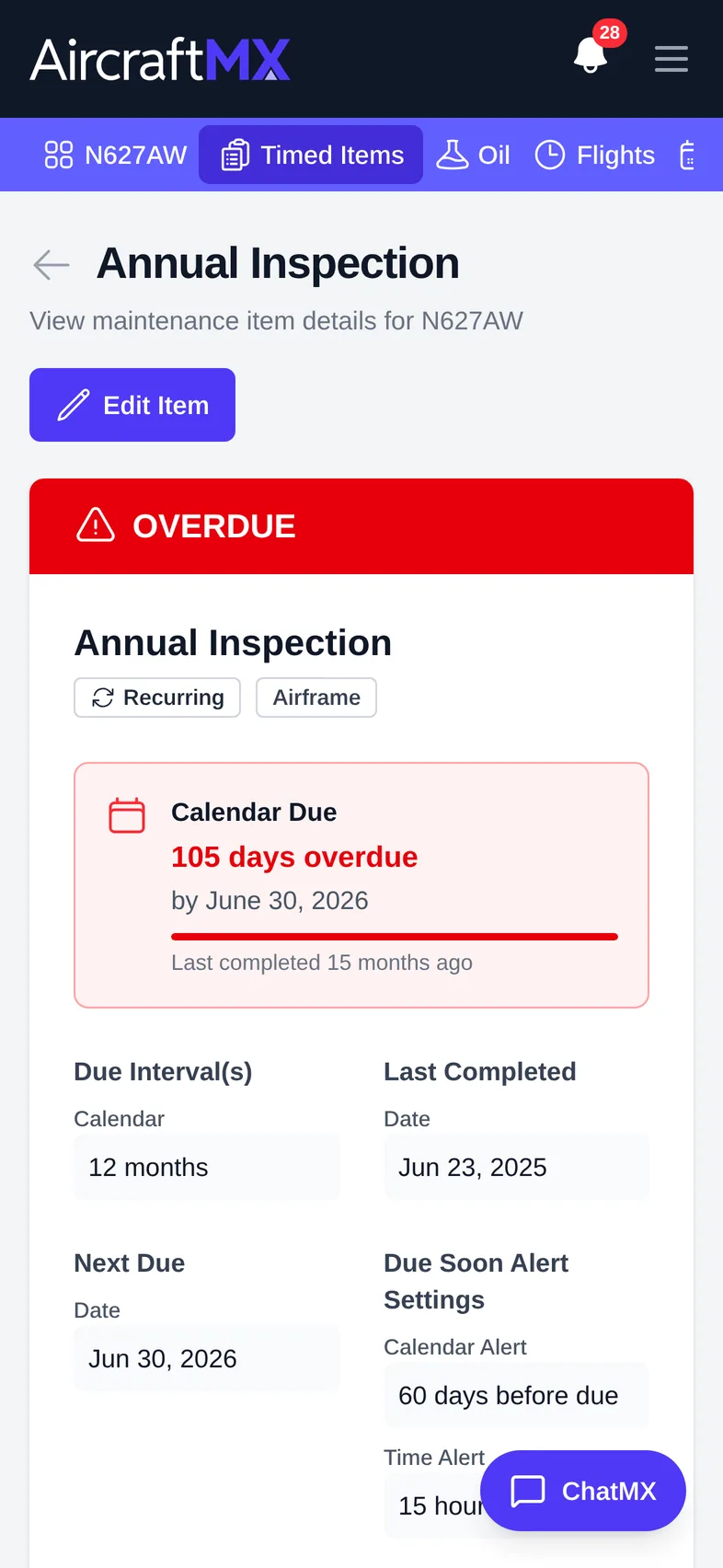
The layout is the same on a phone; sections stack in a single column.
Still stuck?
Contact us, or use Report Issue in the top bar of the app.