Timed Items
Calendar and Schedule/Budget views for timed items
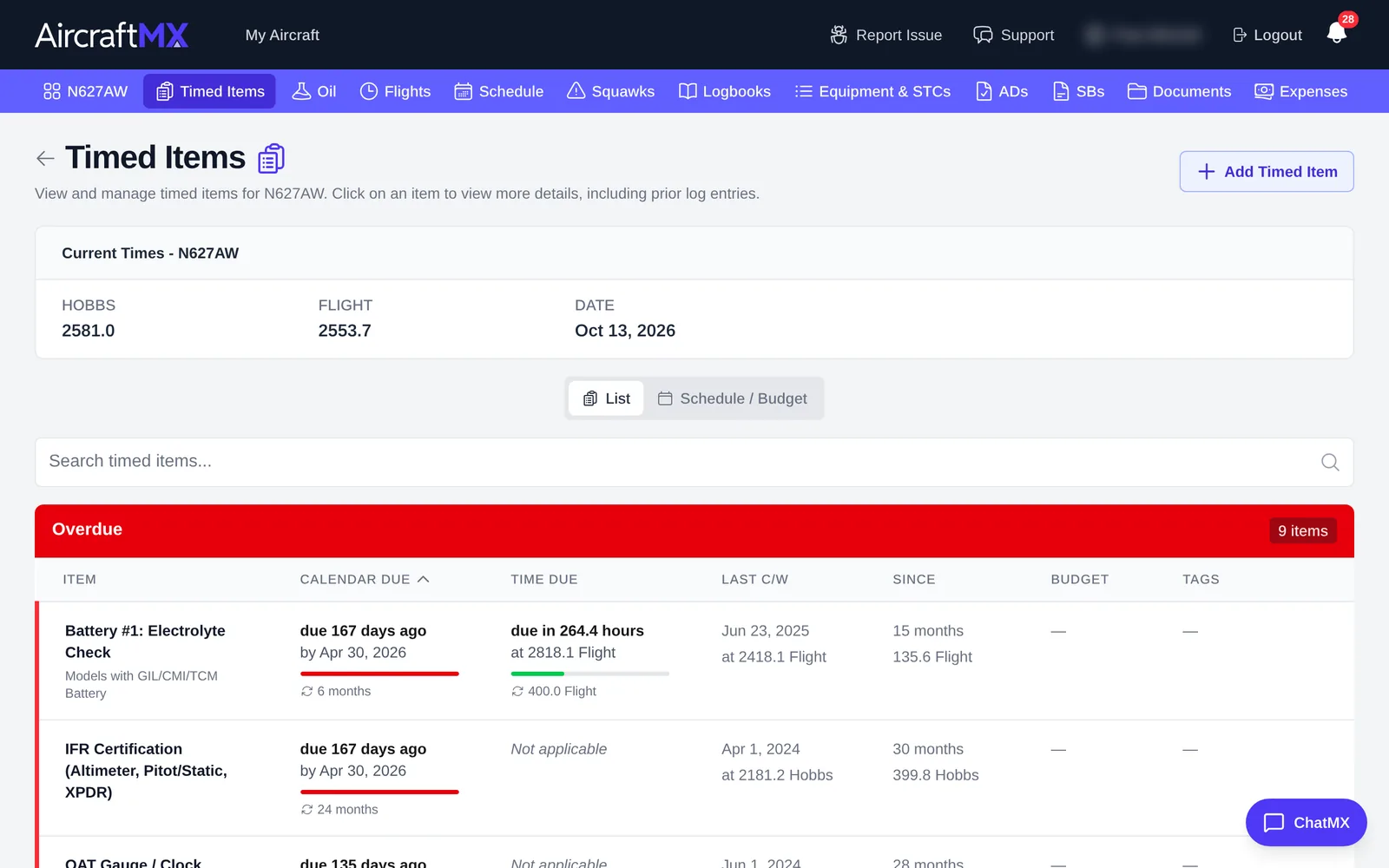
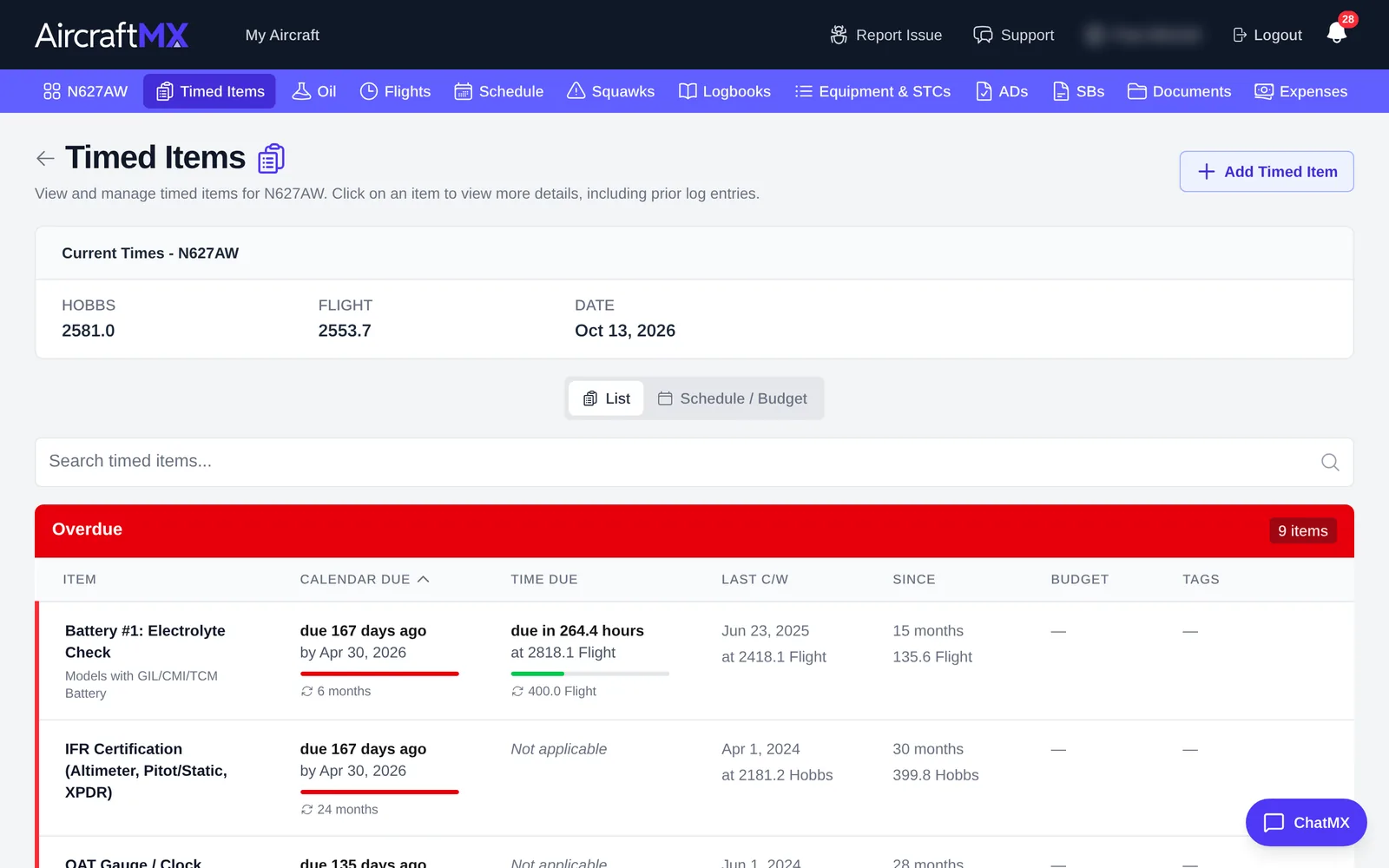
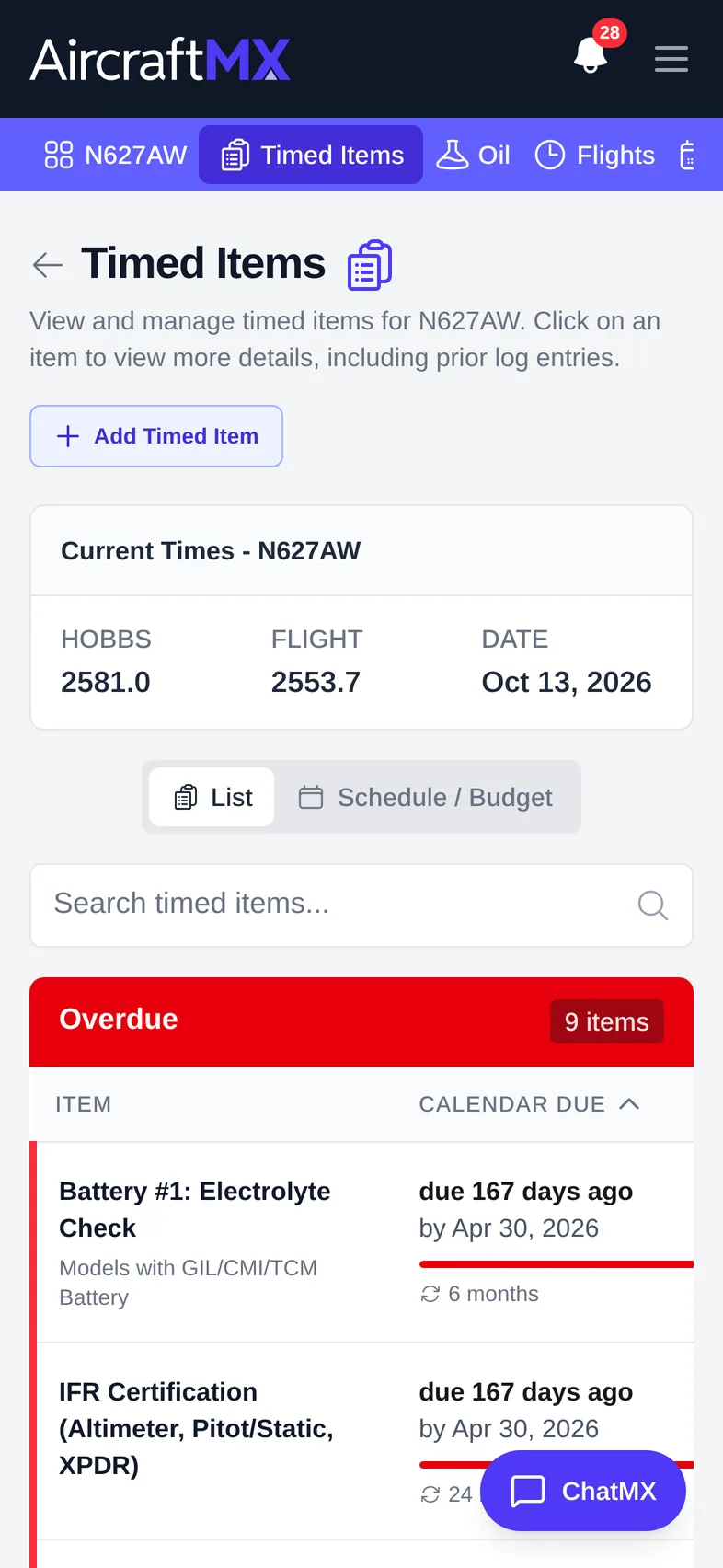
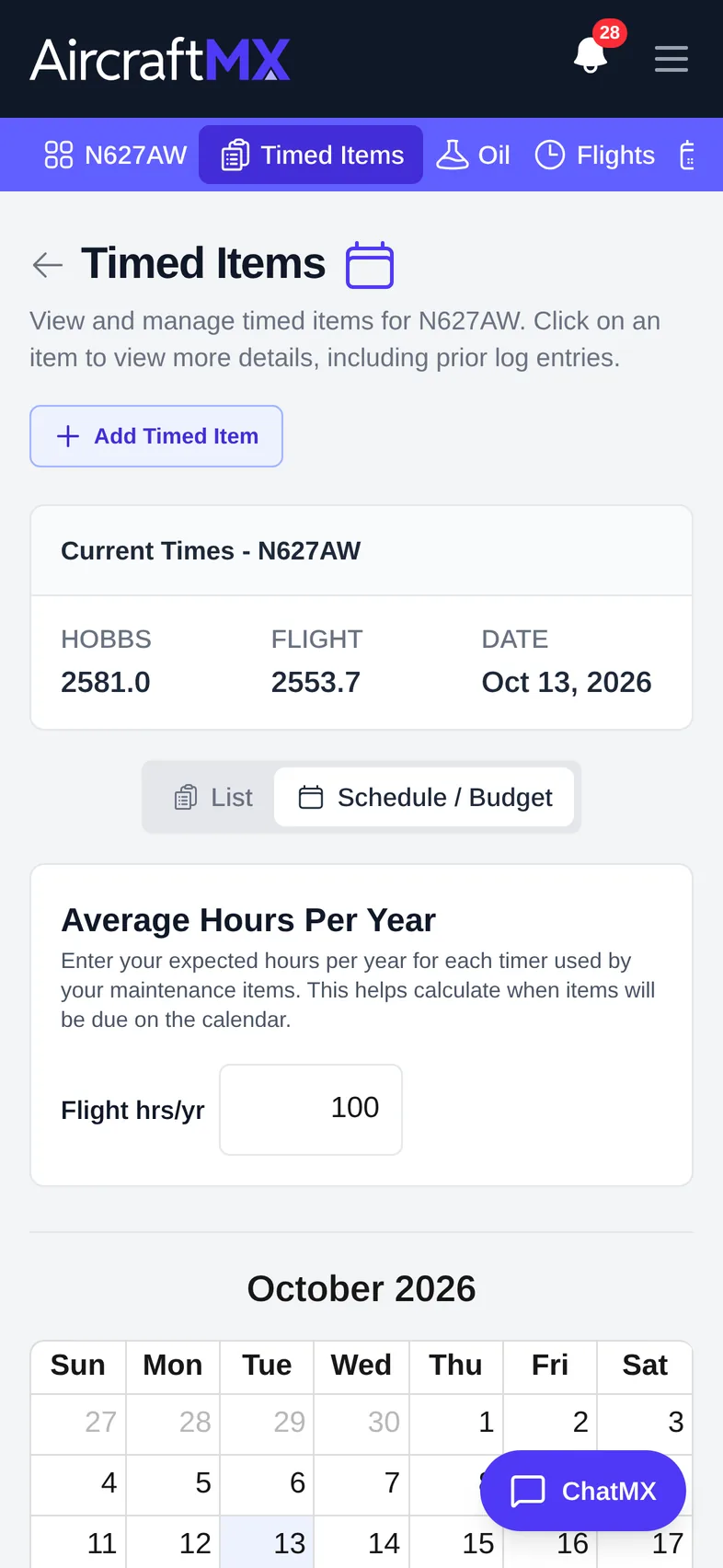
The Timed Items page opens on List. The other button is Schedule / Budget. There is no separate Date, Schedule, or Budget view. "Date" in the Current Times box is today's date, not a view. If you have switched views before, the page restores that choice.
List
List is a flat list you can search and filter. Items show when they were last done and when they're next due.
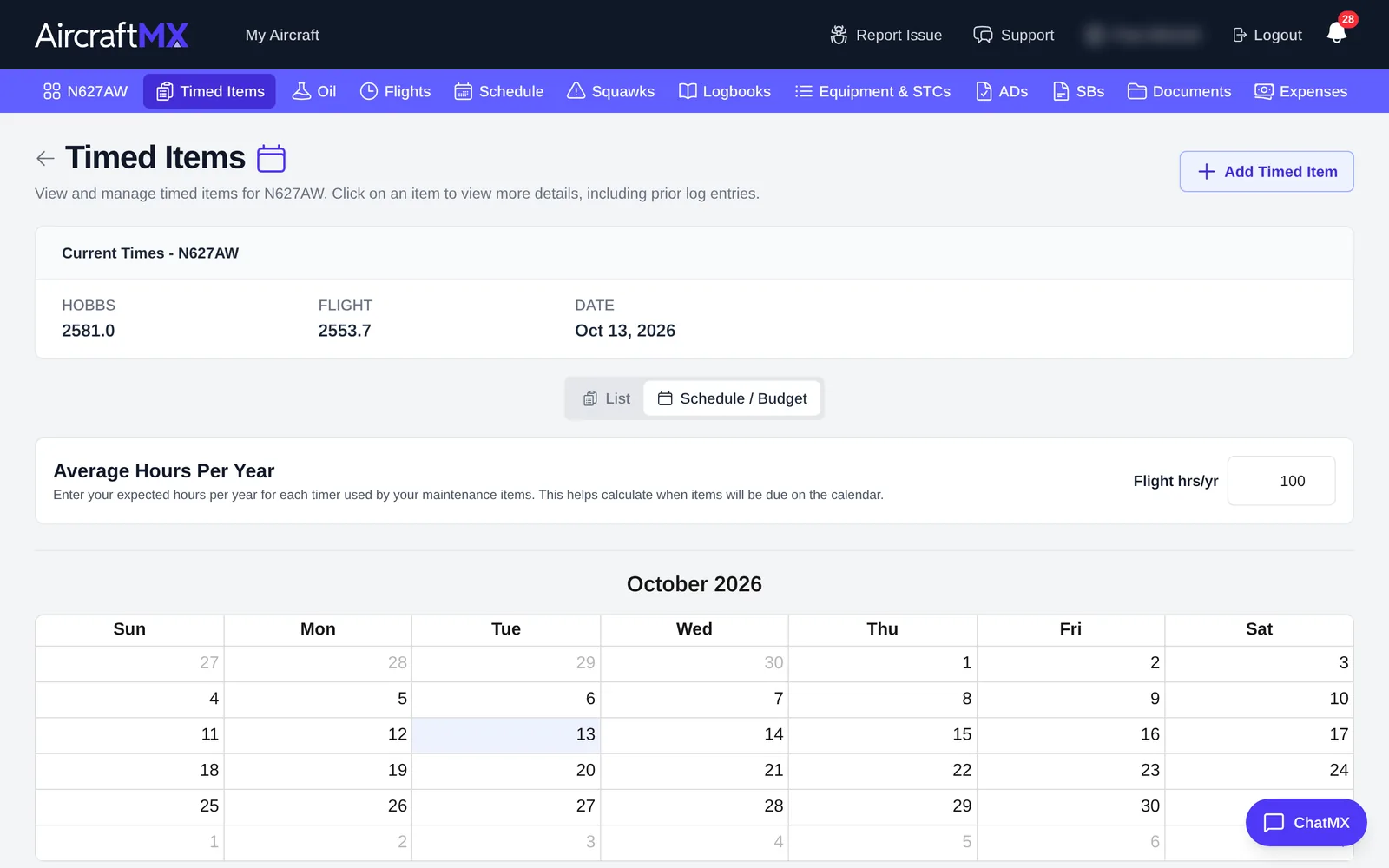
Schedule / Budget
Click Schedule / Budget to see when items come due over the coming months, on a calendar. Set Average Hours Per Year so AircraftMX can predict when hour-based items will come due.
On Schedule / Budget, each month with items shows a total like ~$1,200, each item shows its budget or N/E, and the end of a year shows {year} Estimated Total Timed Items with ~$…. See Create and edit timed items.
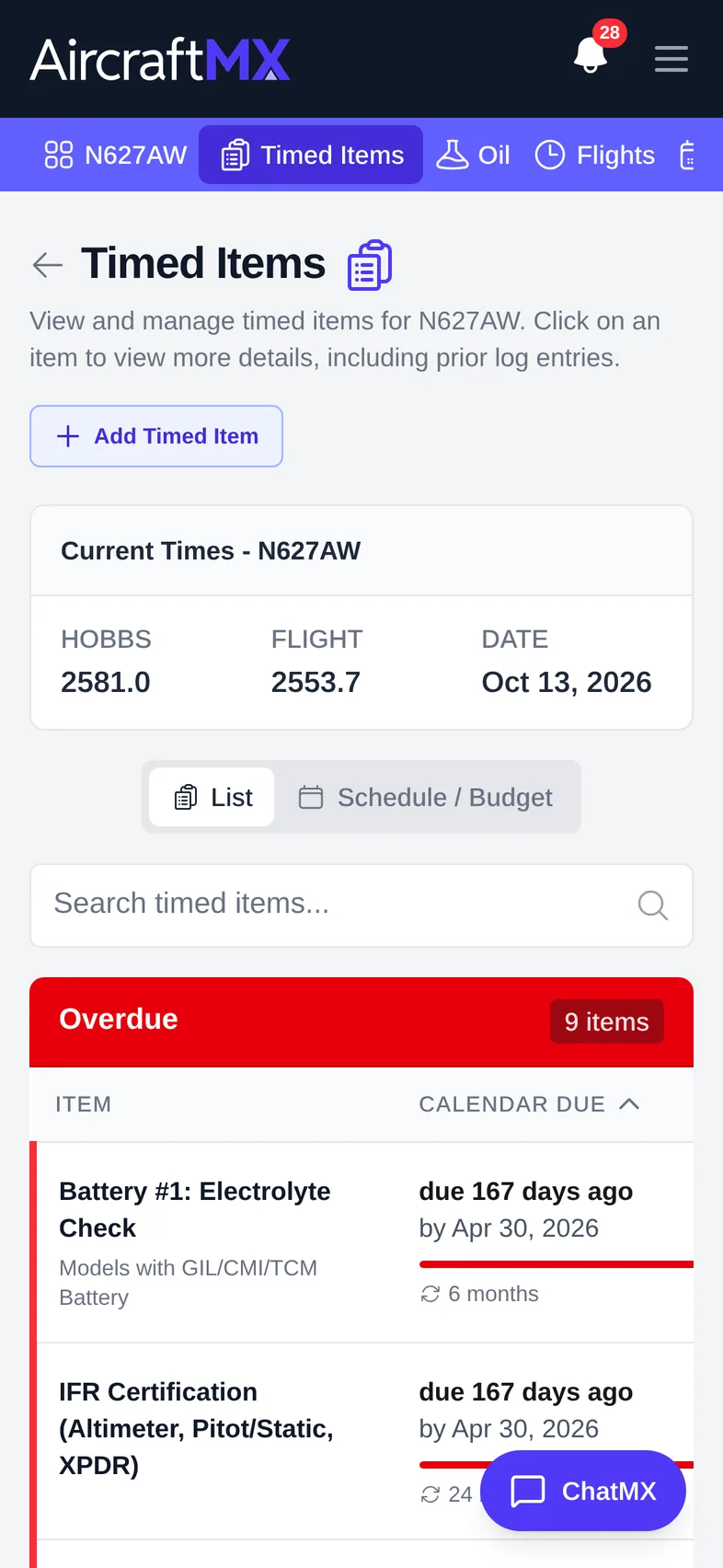
On a phone
Still stuck?
Contact us, or use Report Issue in the top bar of the app.