Aircraft
Edit aircraft details and photo
Open Aircraft Settings
- Open the aircraft's dashboard.
- Click Settings (under the tail number).
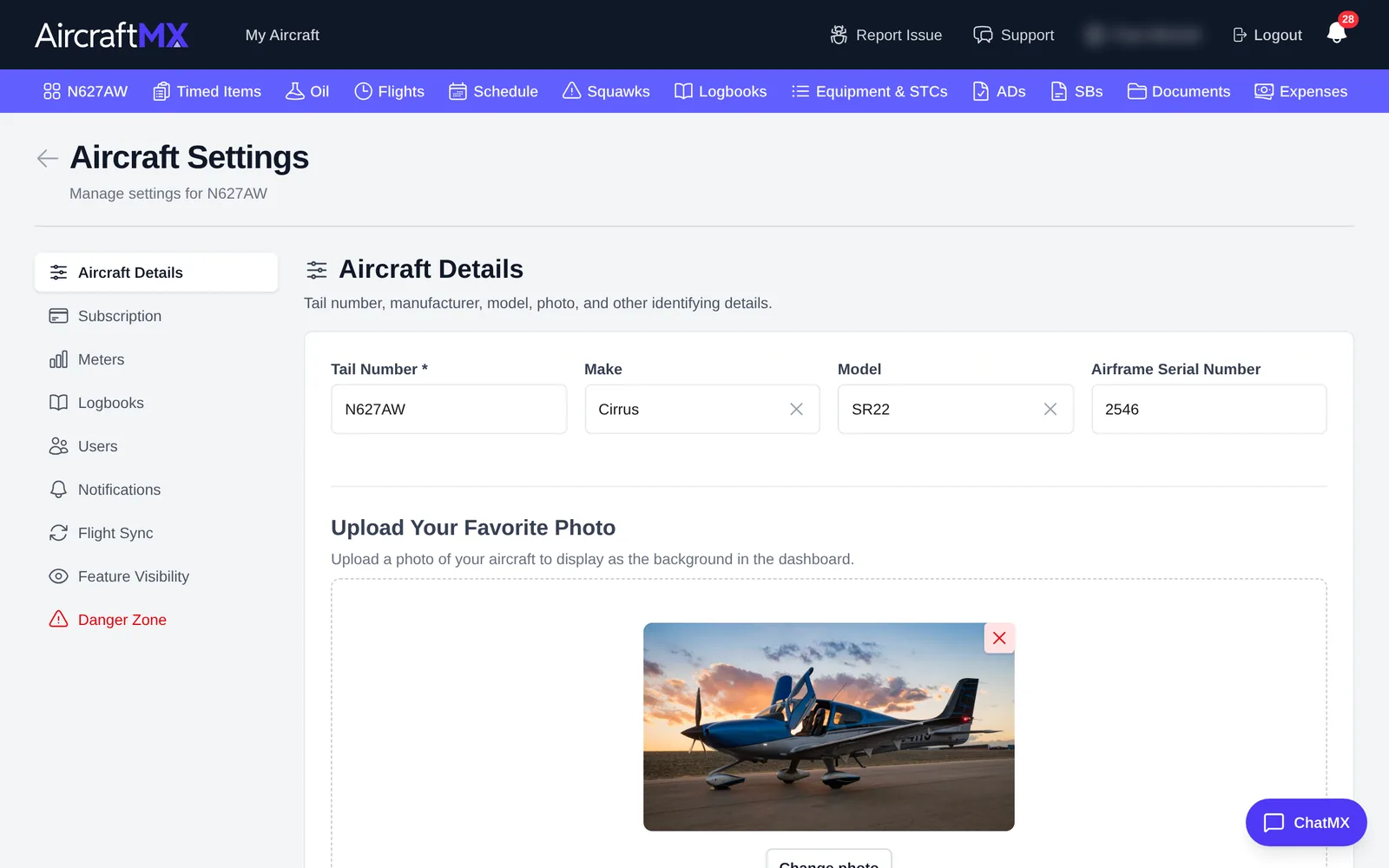
The Aircraft Settings page opens on Aircraft Details. The left menu also has Subscription, Meters, Logbooks, Users, Notifications, Flight Sync, Feature Visibility, and Danger Zone.
Change the details
- Edit Tail Number, Make, Model, or Airframe Serial Number. To pick a different make or model, clear the field with the × and choose from the list.
- Click Update Aircraft, or Cancel to discard your changes.
Change the photo
The photo under Upload Your Favorite Photo is the background of the aircraft's dashboard card.
- To replace it, click Change photo and choose an image.
- To remove it, click the red × on the photo.
Choosing a photo updates the preview only. The photo is uploaded when you click Update Aircraft. While the form saves, the button says Saving....
On a phone
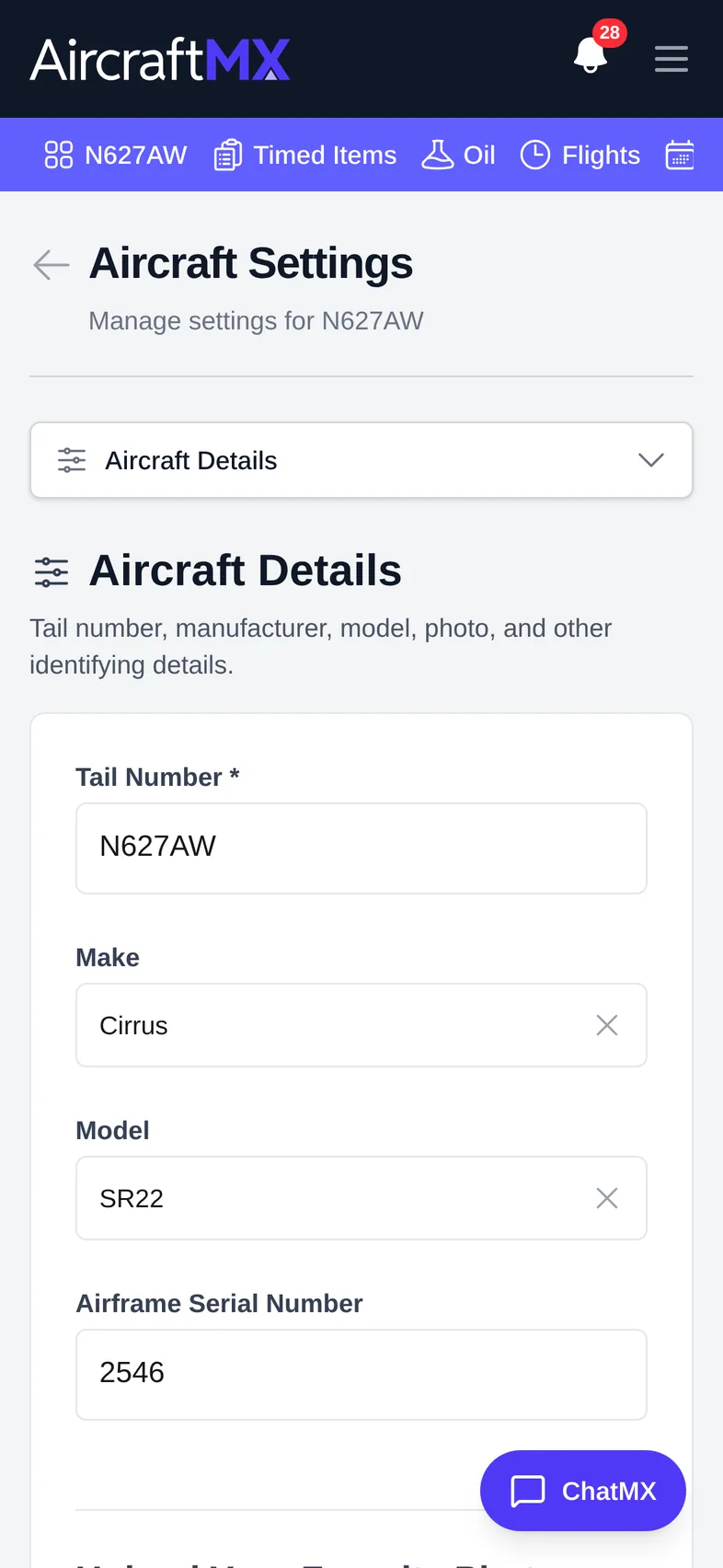
On a phone, the settings section list becomes a drop-down at the top of Aircraft Settings. Choose Aircraft Details from it.
Still stuck?
Contact us, or use Report Issue in the top bar of the app.