Aircraft
Show or hide features for an aircraft
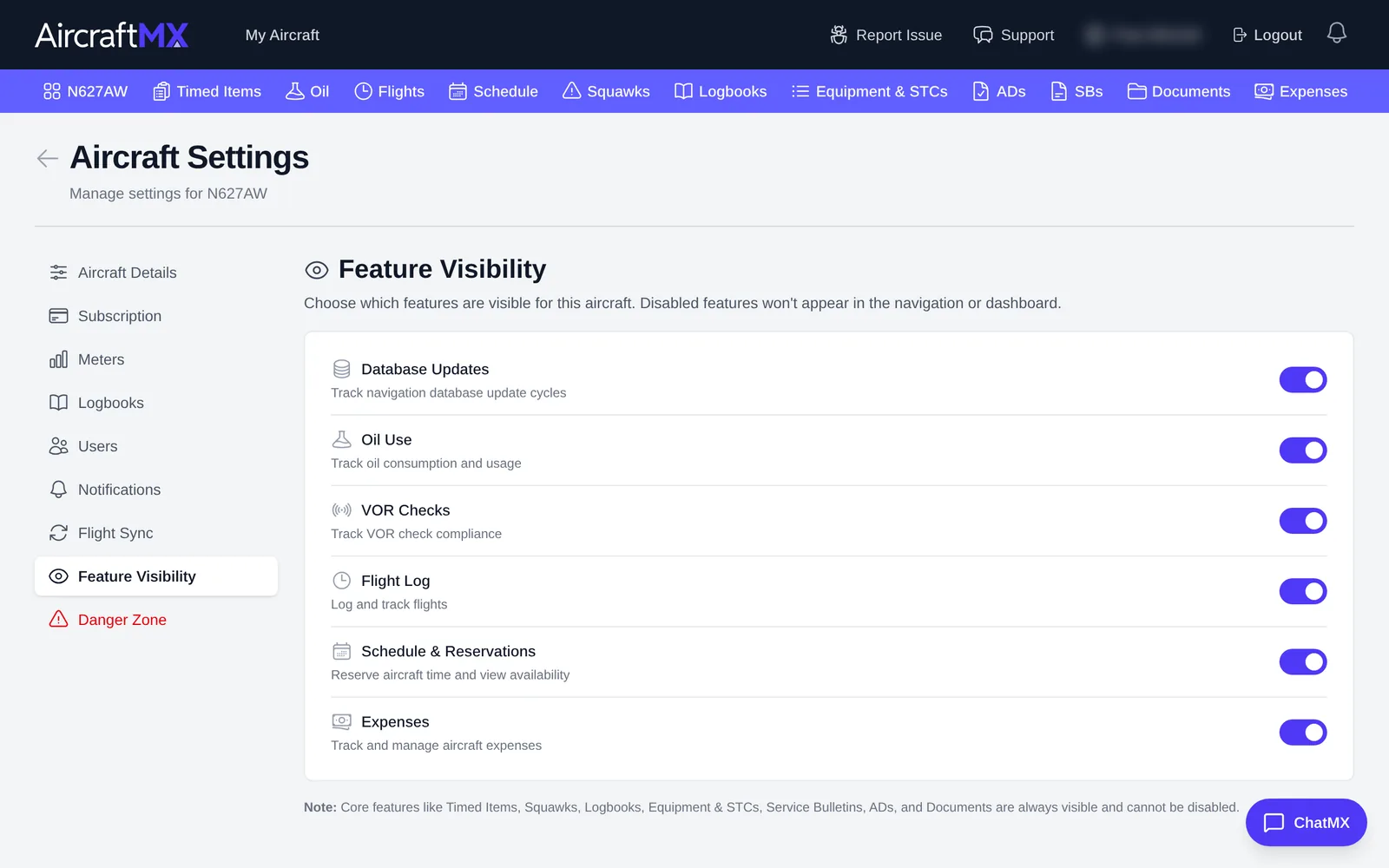
If you don't use a feature, you can hide it so it doesn't clutter the dashboard and navigation bar. Hiding a feature doesn't delete its data.
- On the aircraft dashboard, click Settings.
- Click Feature Visibility.
- Use the switches to turn each feature on or off:
- Database Updates
- Oil Use
- VOR Checks
- Flight Log
- Schedule & Reservations
- Expenses
Feature visibility is for the aircraft, not per user. Disabled features won't appear in the navigation or dashboard. Each switch saves immediately and shows Saving... beside that feature. There is no Save button.
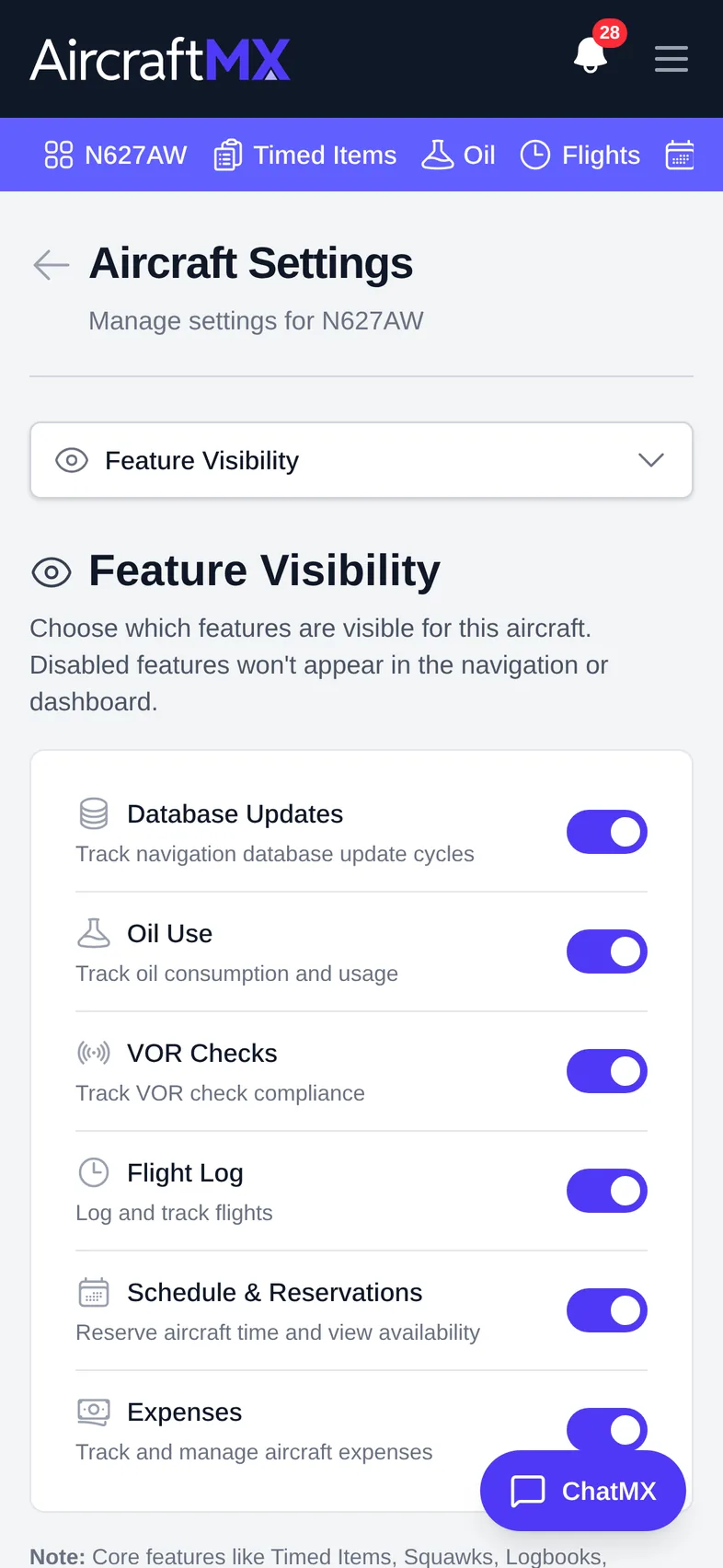
On a phone
On a phone, pick Feature Visibility from the section drop-down at the top of Settings.
Still stuck?
Contact us, or use Report Issue in the top bar of the app.