Aircraft
Delete an aircraft
Deleting an aircraft permanently removes it and everything recorded for it: logbook entries, timed items, squawks, documents, flights, and more. This can't be undone.
If you've sold the aircraft or no longer need it, consider exporting your logbooks first. See Export your logbooks to PDF or CSV.
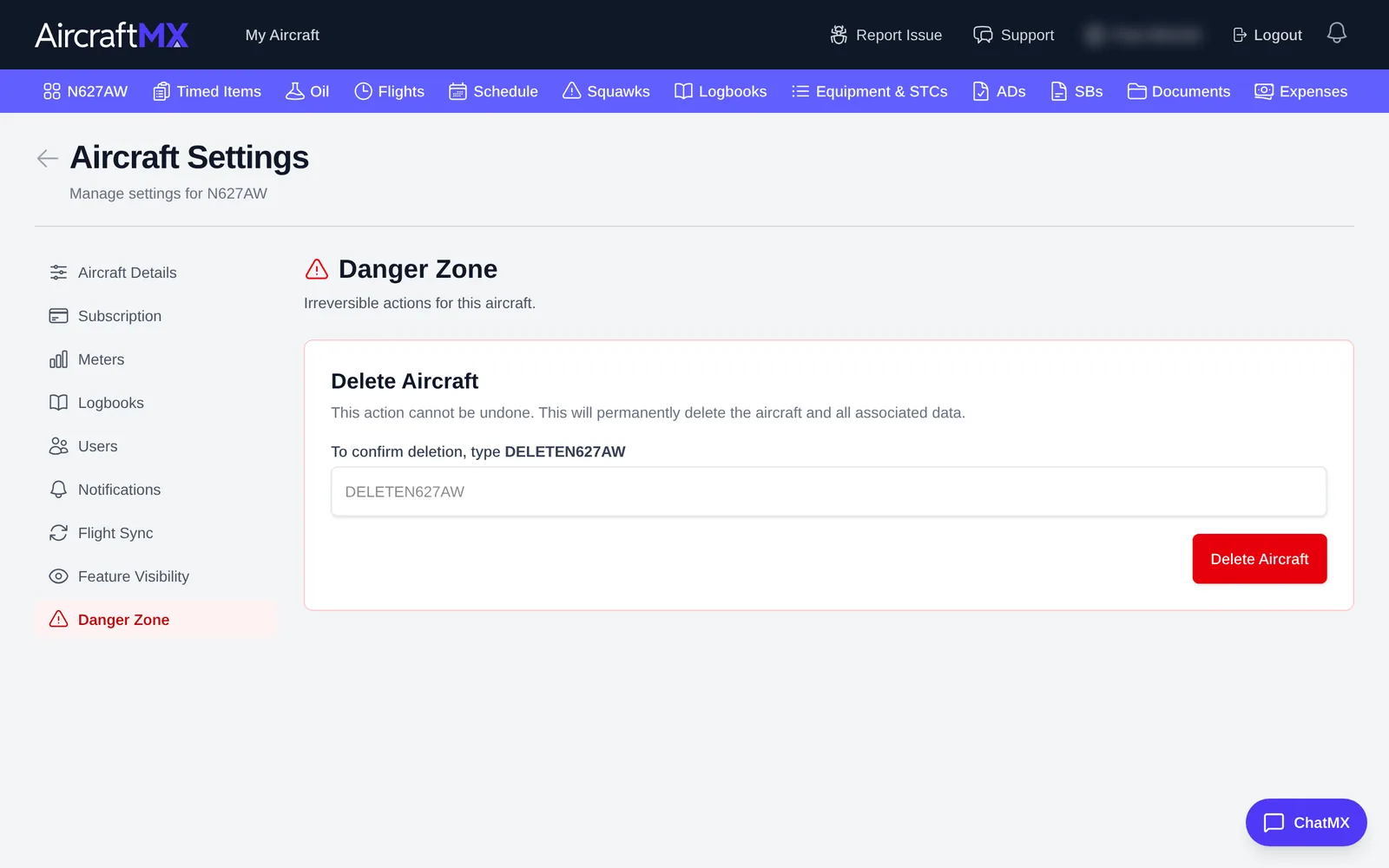
- On the aircraft dashboard, click Settings.
- Click Danger Zone.
- Under Delete Aircraft, type the confirmation text shown.
- Click Delete Aircraft. The confirm title is Permanently Delete {tail number}? and the button is Yes, Delete Permanently. Type
DELETEplus the tail number.
On a phone
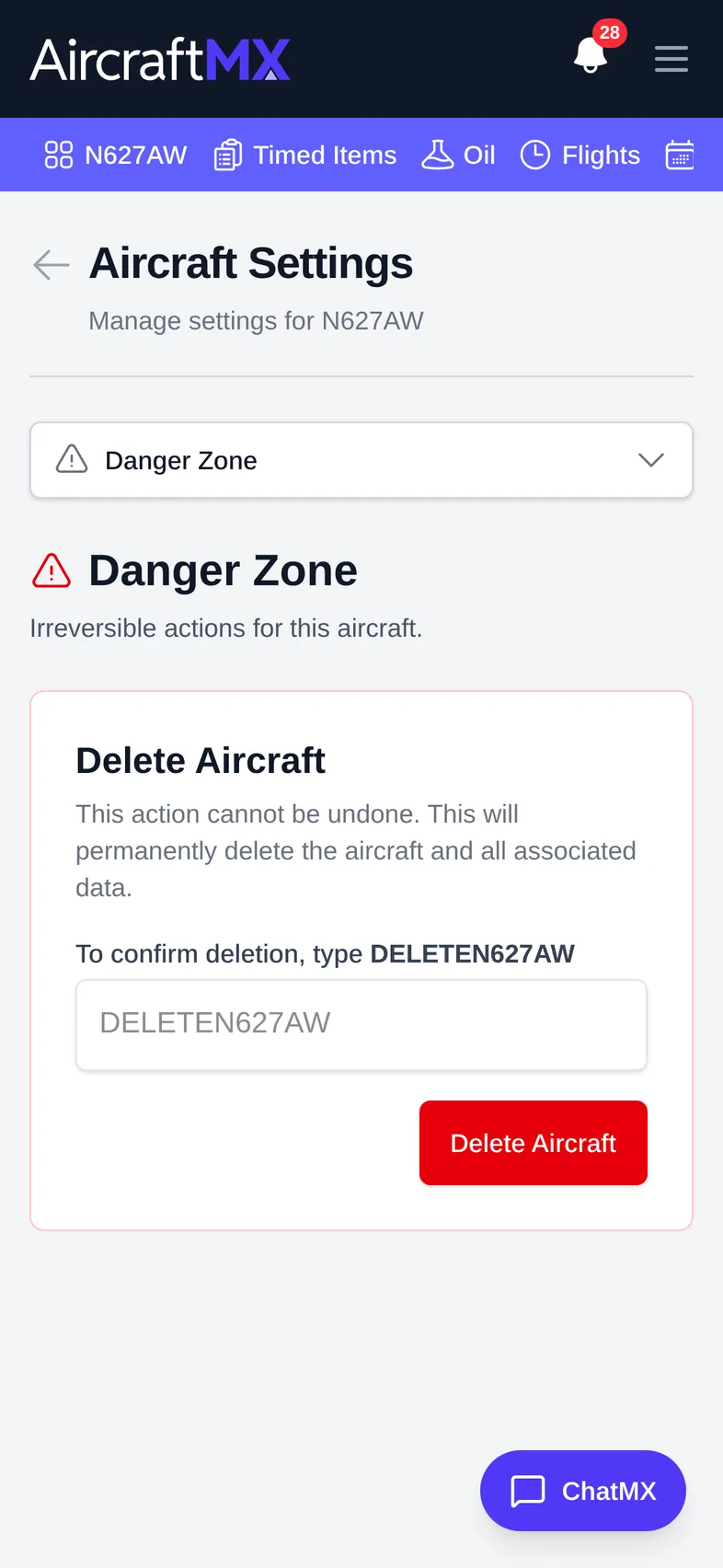
On a phone, choose Danger Zone from the section drop-down at the top of Settings.
Still stuck?
Contact us, or use Report Issue in the top bar of the app.