Aircraft
Print an aircraft status report
The status report puts everything about an aircraft's maintenance status on one page. It's handy for annuals, pre-buys, insurance, or a partner meeting.
Open the report
- Open the aircraft's dashboard.
- Click View Status Report.
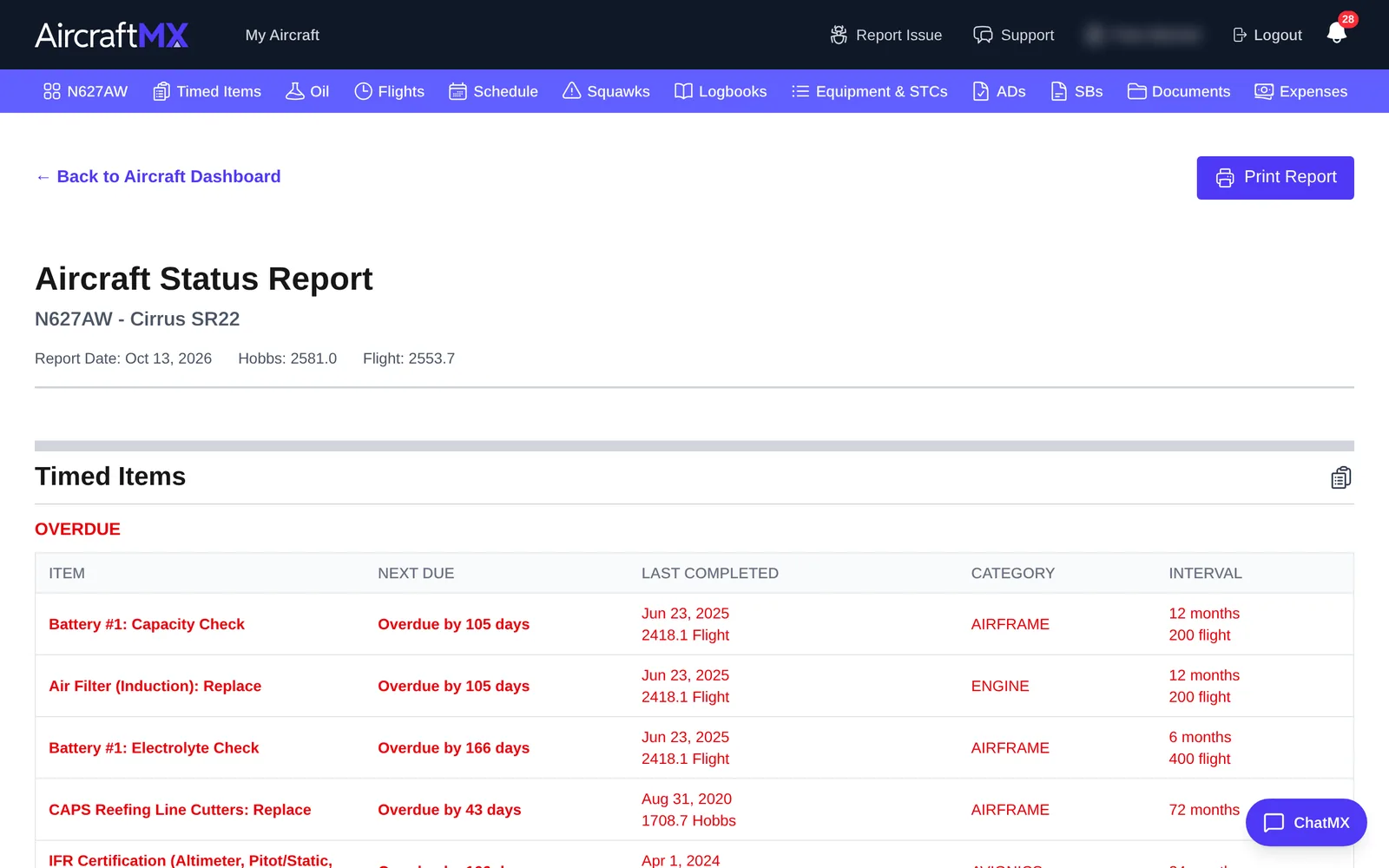
The Aircraft Status Report shows the tail number, make/model, report date, and current times.
What's in it
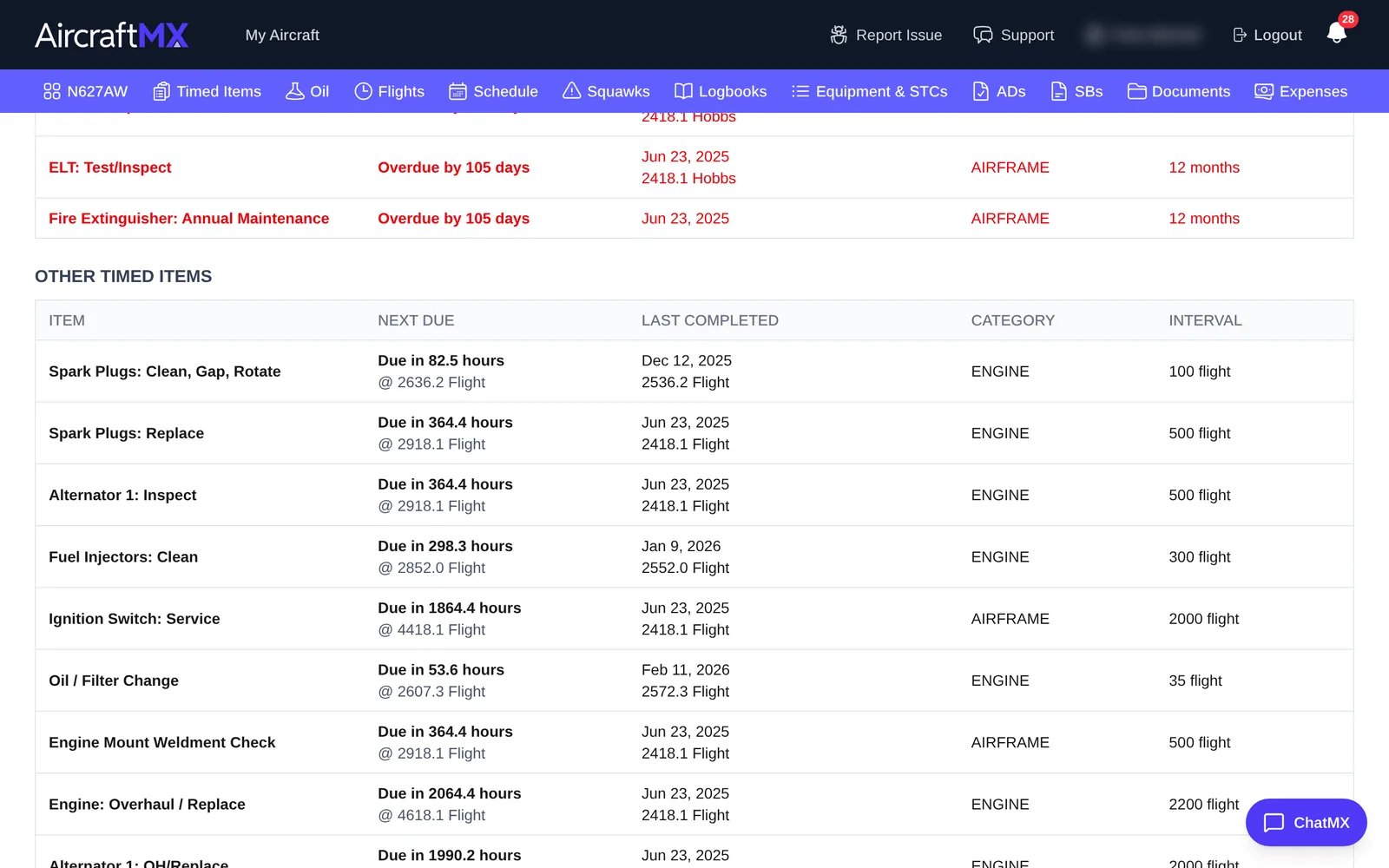
- Timed Items, grouped as Overdue, Due Soon, Other Timed Items, and On Condition, with next due, last completed, category, and interval
- Open Squawks
- Equipment List
- Service Bulletins
- Airworthiness Directives, with links to FAA DRS
- Most Recent Logbook Entries
Print or save as PDF
Click Print Report. Your browser's print dialog opens. Choose a printer, or choose Save as PDF to keep or email a copy.
To go back, click ← Back to Aircraft Dashboard.
On a phone
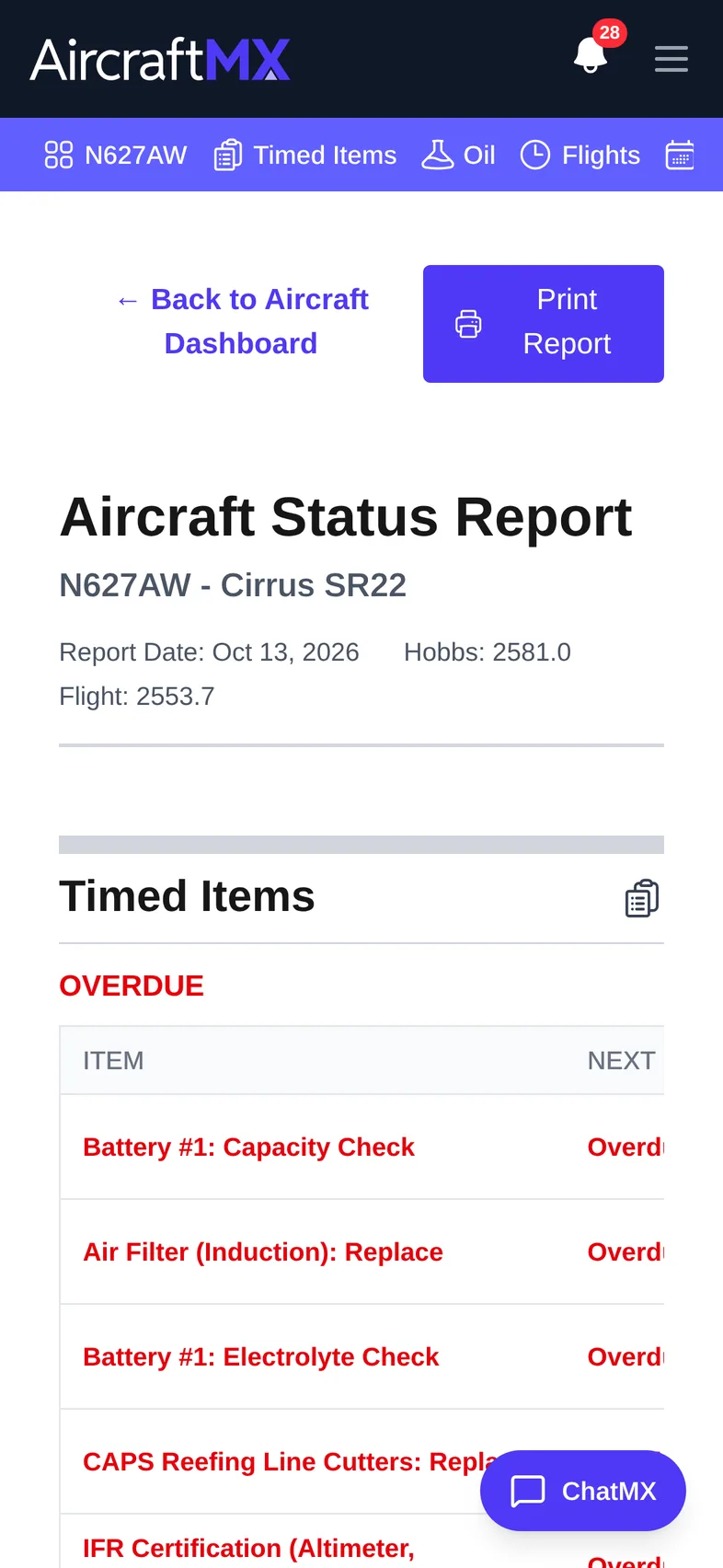
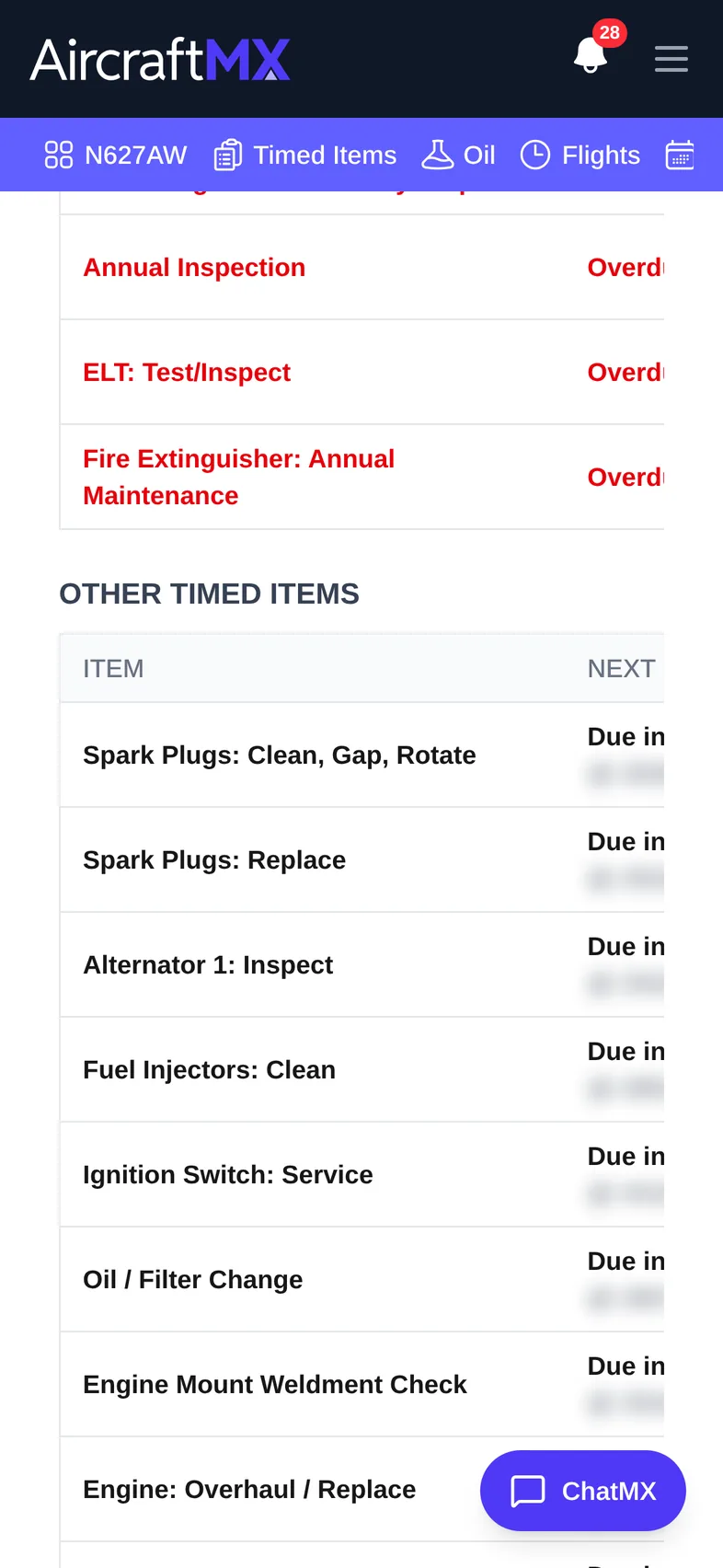
The status report opens on a phone, but printing is easier from a computer. On iPhone, use the Share button and choose Print or Save to Files.
Still stuck?
Contact us, or use Report Issue in the top bar of the app.