Flight Logs
Track business use and passengers
If you use your aircraft for business, AircraftMX can keep the records you need: each flight's purpose and who was on board.
Record the flight type
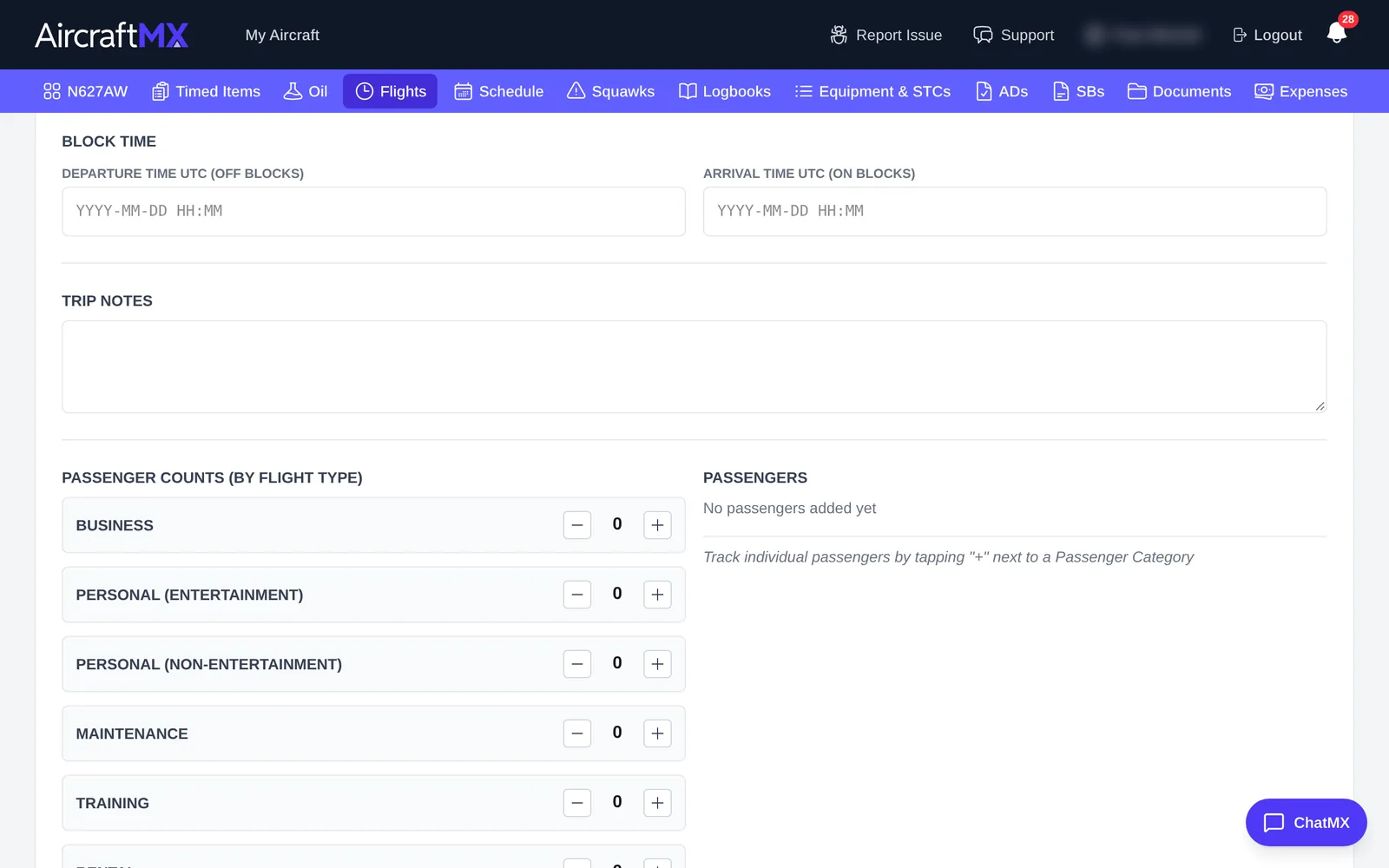
When you log a flight, choose a Flight Type, such as Business, Personal, Training, Rental, Charity, or Maintenance.
Record passengers
In the same form, under Passenger Count (by Flight Type), enter the number of passengers for each type, such as Business, Personal (Entertainment), or Personal (Non-Entertainment). You can also note who the passengers were.
Get the records out
On the Flights page, click Export Flight Log to download your flights with their types and passenger counts. Give the file to your accountant.
AircraftMX records this information but doesn't give tax advice. Ask your tax professional what you need to keep.
The flight types are Business, Personal (Entertainment), Personal (Non-entertainment), Maintenance, Training, Rental, Charity, Reposition, Incidental, and Fuel Stop. The CSV export includes a Passengers column of names, plus a passenger-count column for each of those types, such as Business Passengers.
On a phone
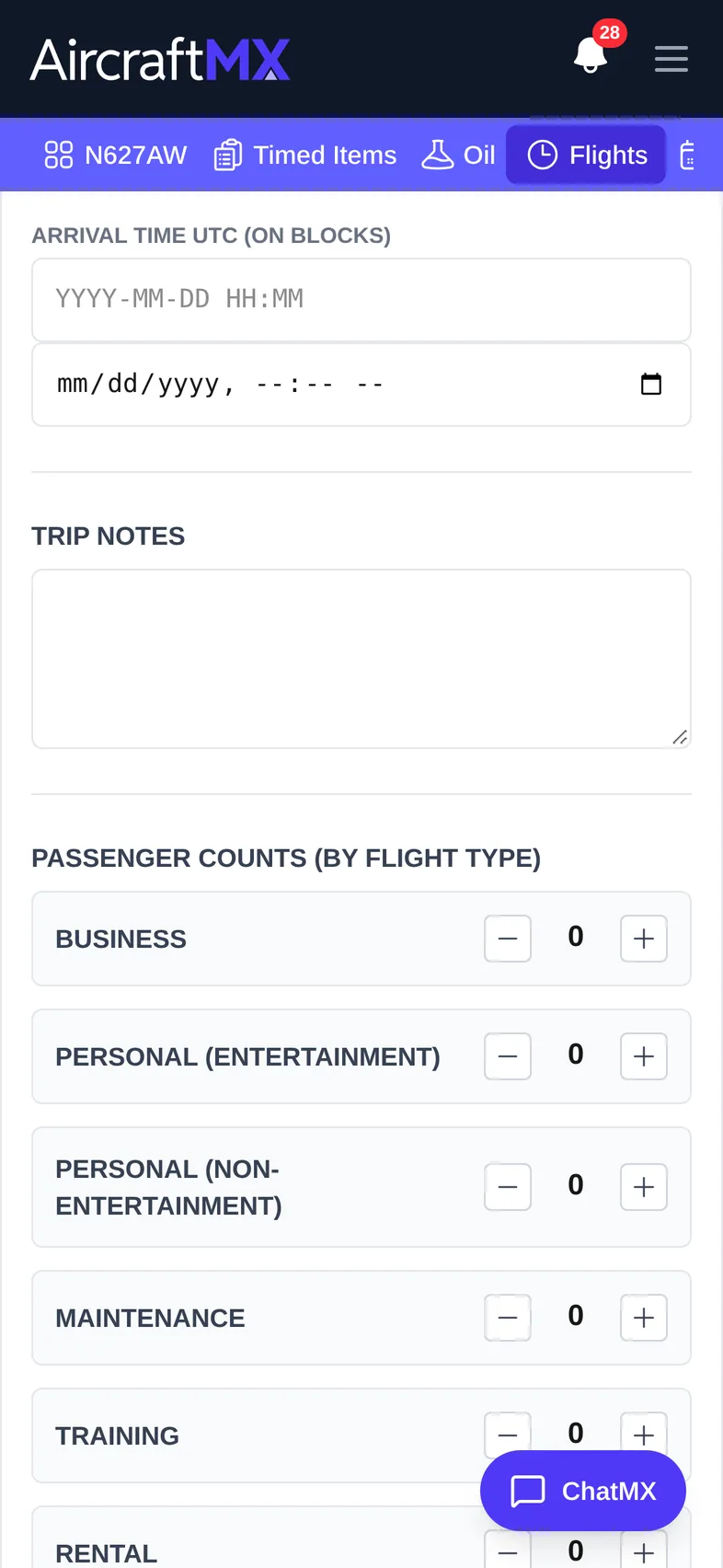
The layout is the same on a phone; sections stack in a single column.
Still stuck?
Contact us, or use Report Issue in the top bar of the app.