Flight logs
Log a flight
Log a flight with its times, route, flight type, and passengers. You can also import flights automatically.
Open the flight log
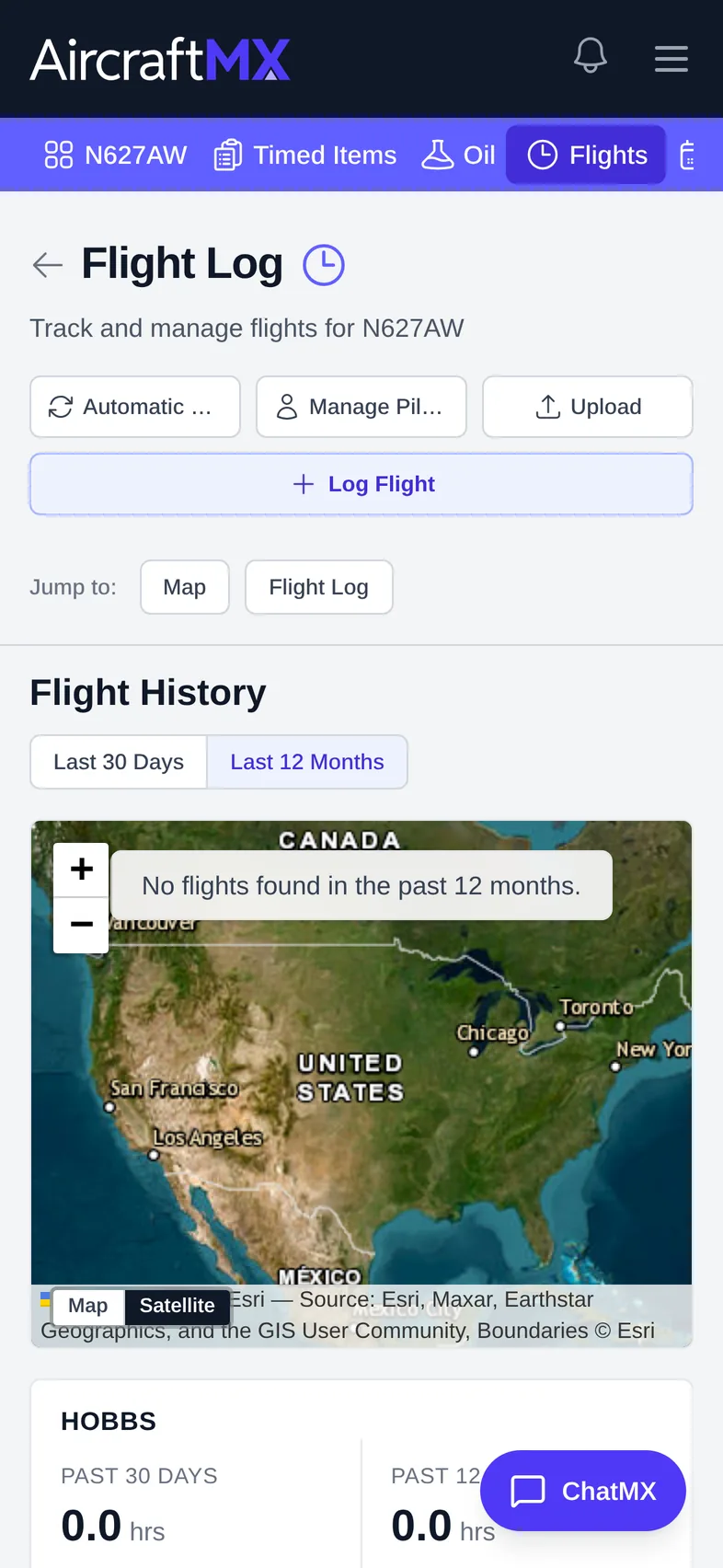
Click Flights in the navigation bar. Flight Log shows a map of recent flights, Hobbs and Flight totals for Last 30 Days or Last 12 Months, and the list of Flights.
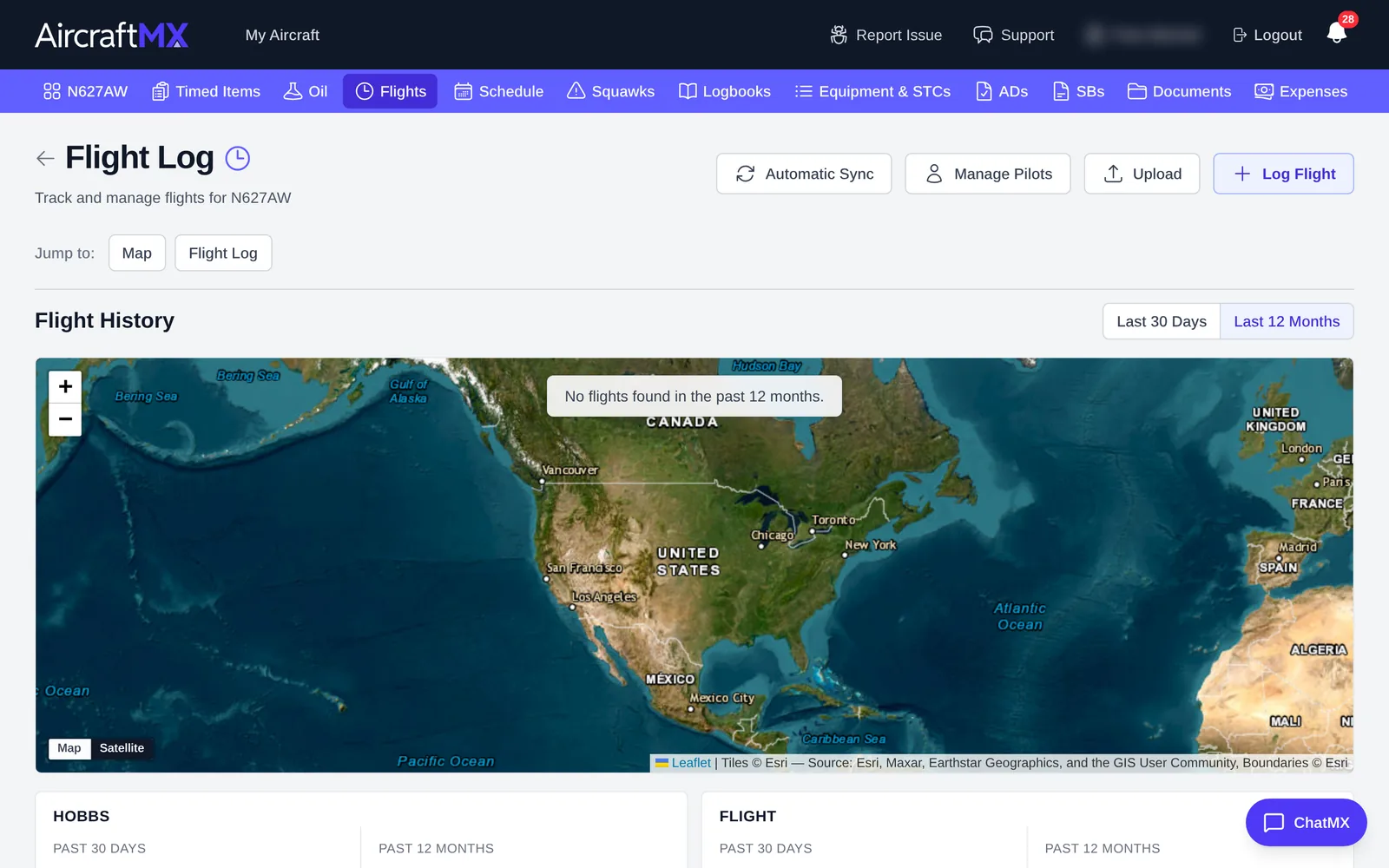
From here you can also use Automatic Sync, Manage Pilots, Upload (flight data files), and Export Flight Log.
Add a flight
- Click Log Flight.
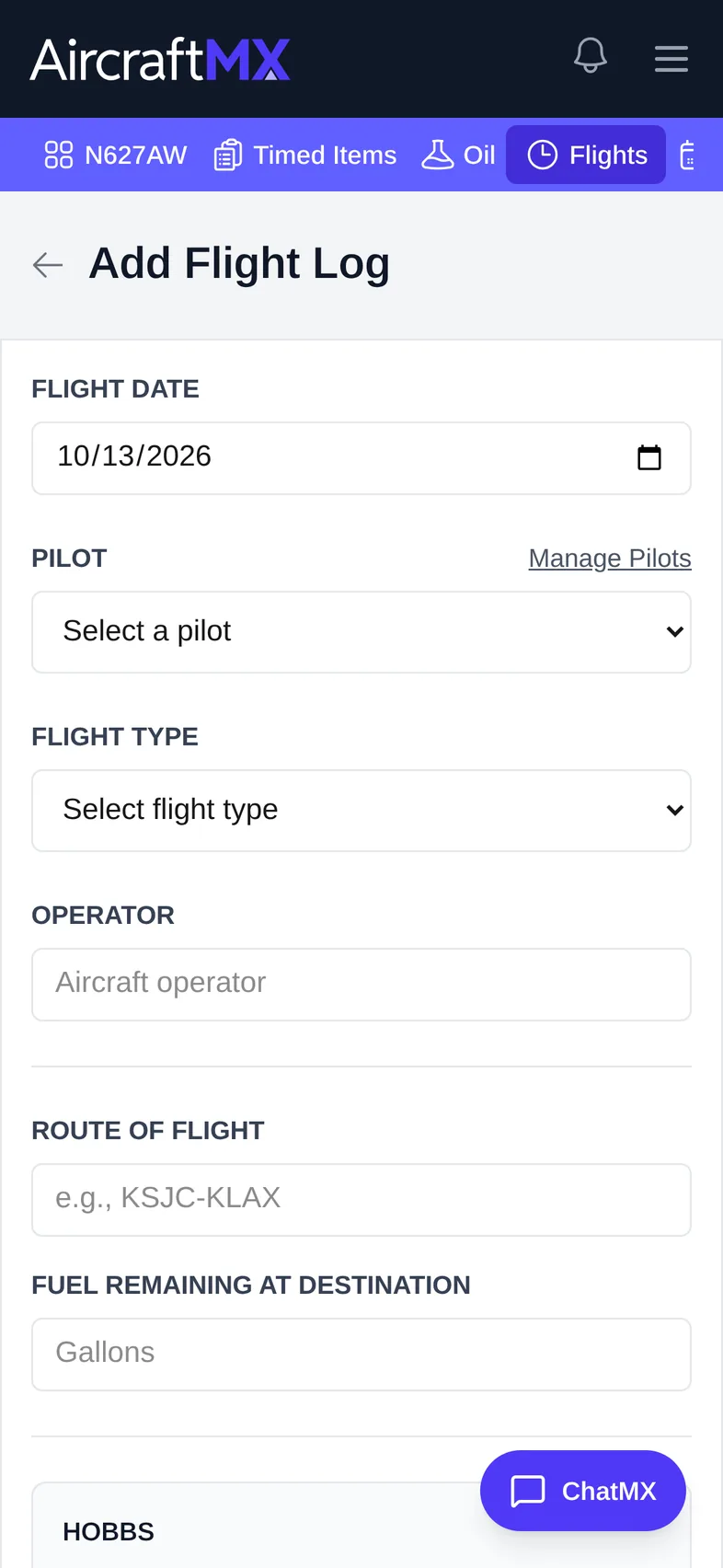
- In Add Flight Log, fill in:
- Flight Date
- Pilot: choose a pilot, or click Manage Pilots to add one
- Flight Type: Business, Personal (Entertainment), Personal (Non-entertainment), Maintenance, Training, Rental, Charity, Reposition, Incidental, or Fuel Stop
- Operator (optional)
- Route of Flight, for example KCHA-KAVL
- Fuel Remaining at Destination (gallons, optional)
- For each meter (for example Hobbs and Flight), Start is filled with the current value. Enter End and Actual is calculated. Enter Actual and End is calculated. Enter Start while Actual is already filled and End is calculated.
- Optional: Block Time, with Departure Time UTC (Off Blocks) and Arrival Time UTC (On Blocks).
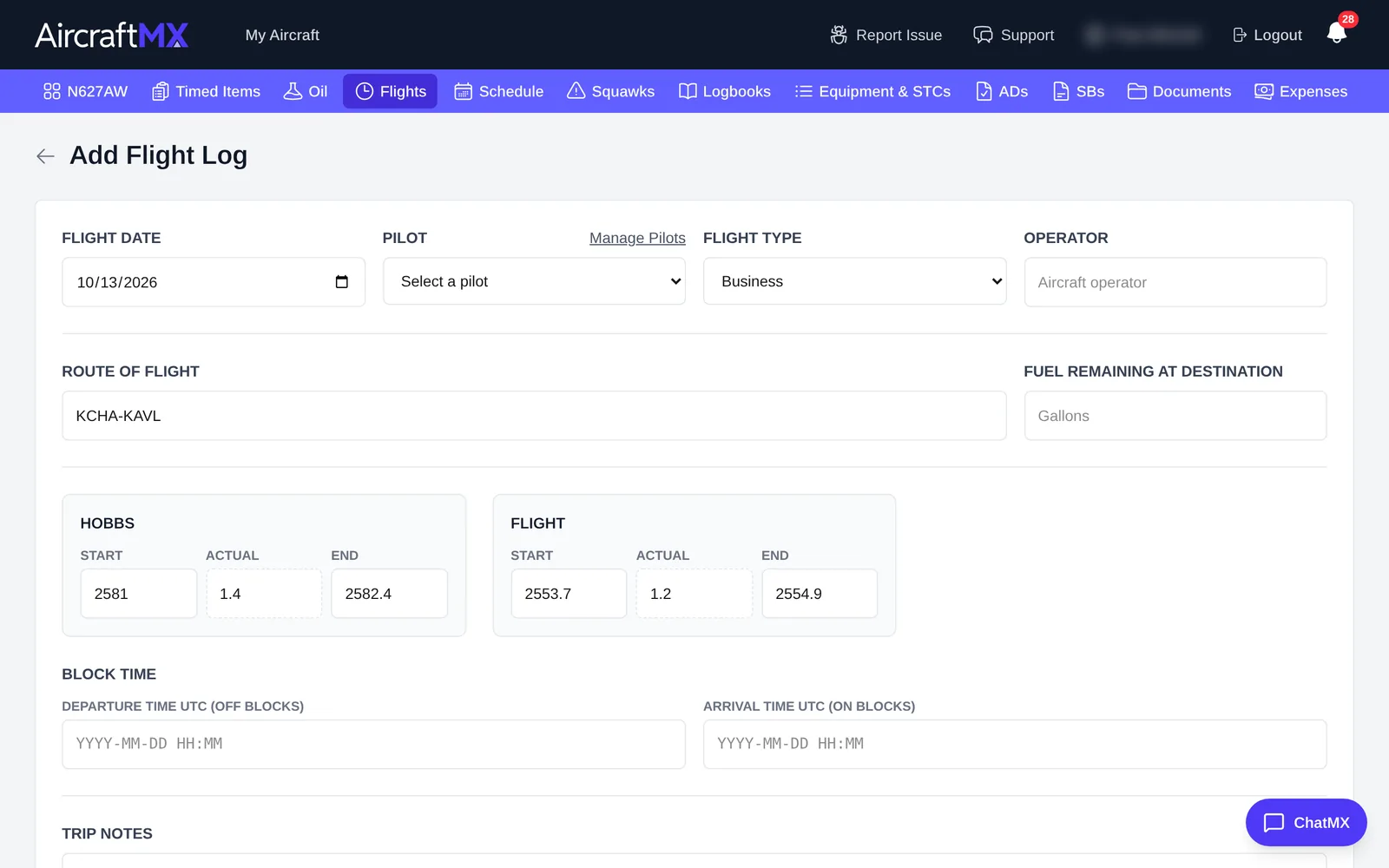
- Optional: Trip Notes.
- Optional: under Passenger Counts (by Flight Type), use + and − to count passengers per category. These counts support business-use records.
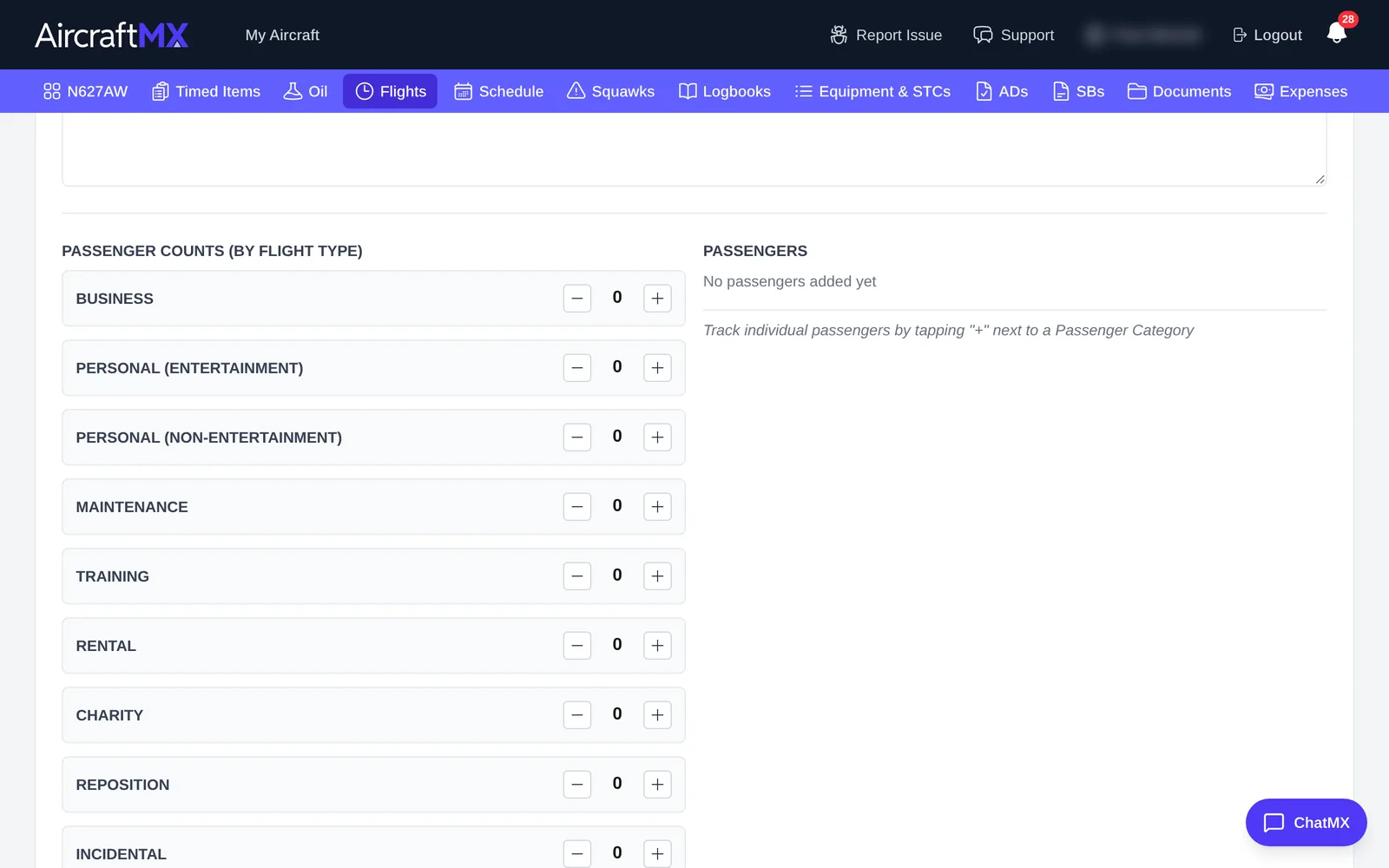
- Click Add Flight.
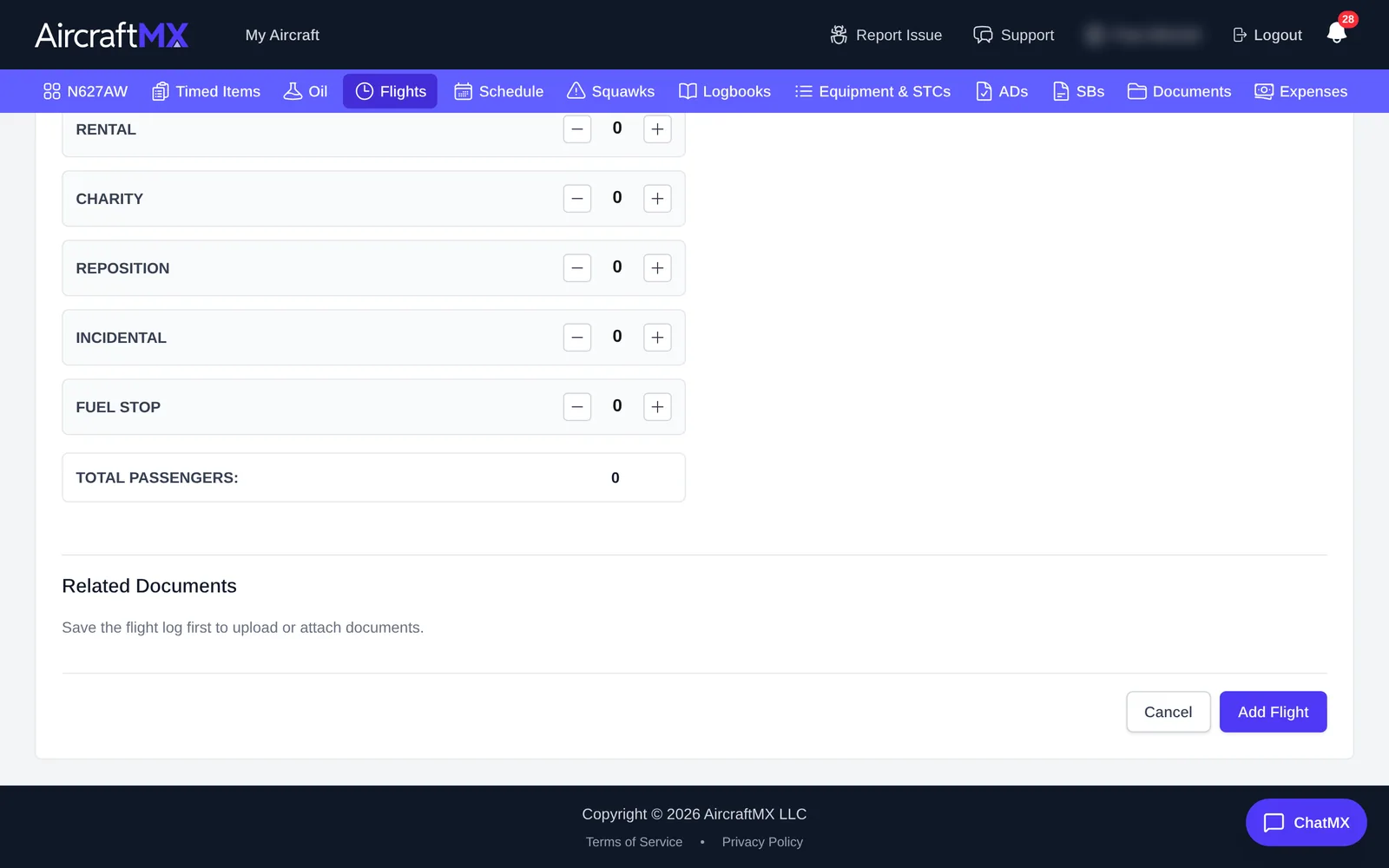
You can attach documents to the flight after it's saved (Related Documents).
On a phone
On a phone, the Flight Log buttons wrap onto two rows, and the form is a single column.
Still stuck?
Contact us, or use Report Issue in the top bar of the app.