Flight Logs
Manage pilots
Add each person who flies the aircraft, so flights can be assigned to them and totals shown by pilot.
- Click Flights, then Manage Pilots.
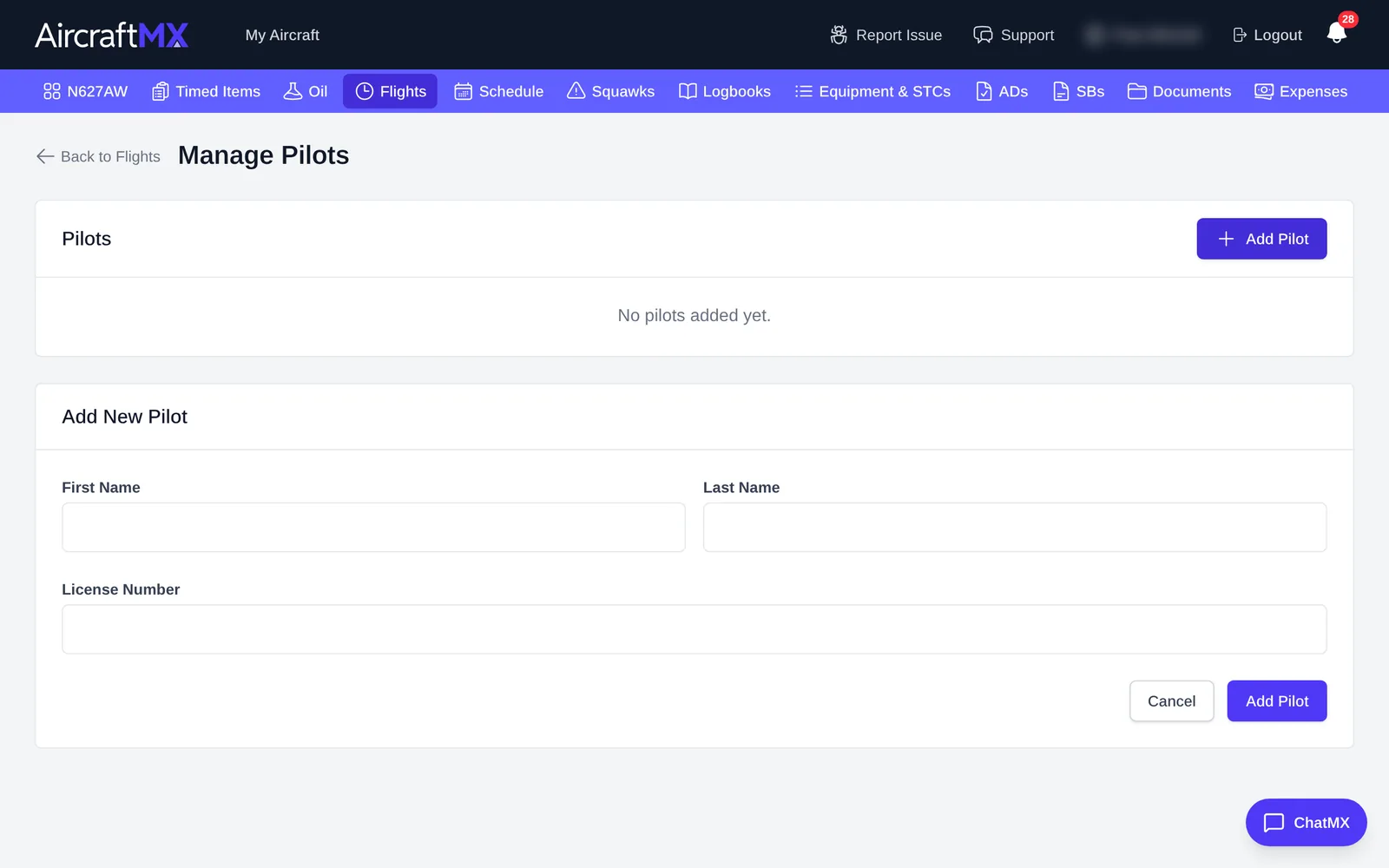
- Click Add Pilot.
- Enter First Name, Last Name, and (optionally) License Number.
- Click Add Pilot to save.
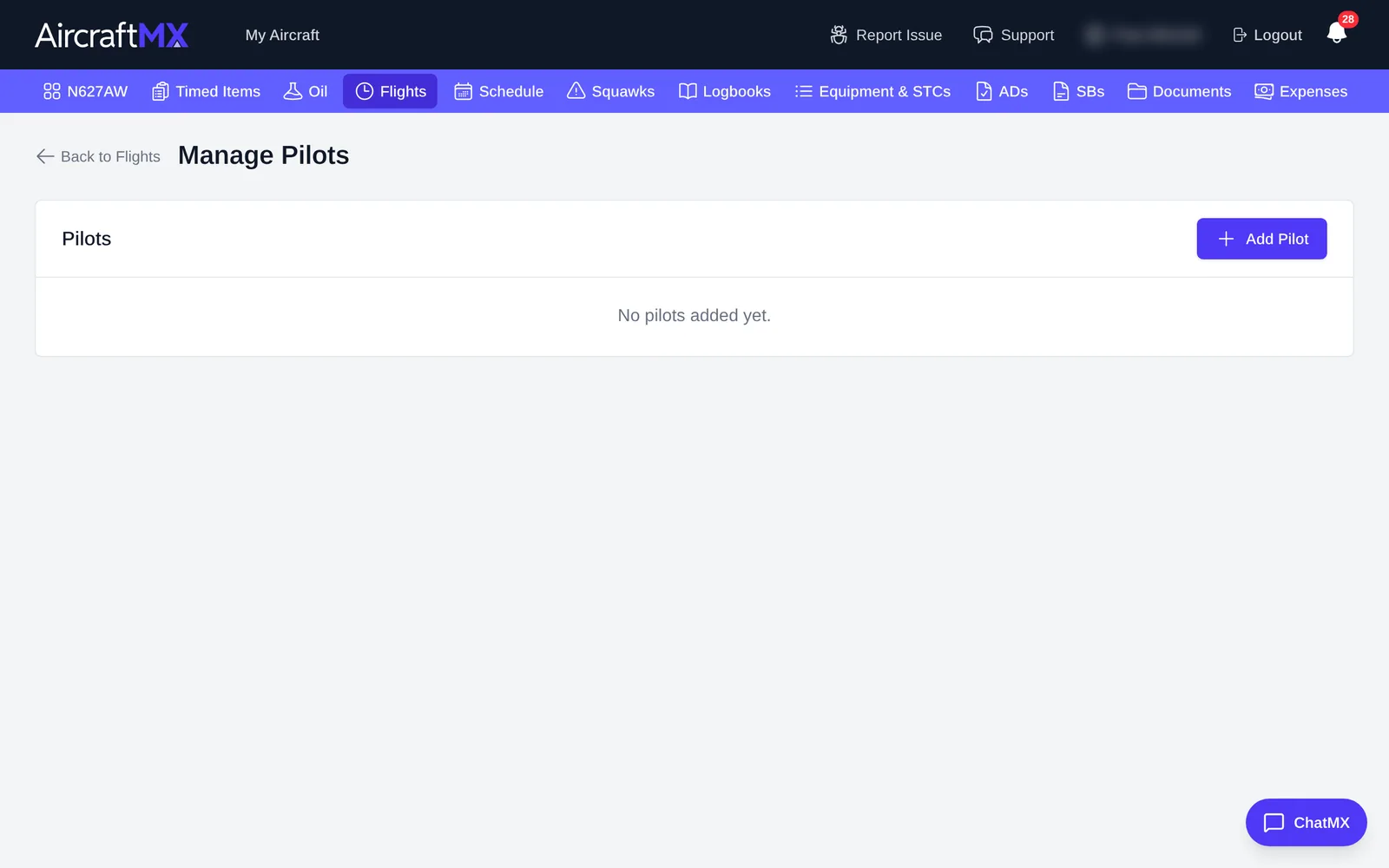
You can edit a pilot later. On the pilot's row, the empty star's tooltip is Set as default pilot. The chosen pilot shows a filled star and a Default badge. New flights are then assigned to that pilot.
The flight log page shows a Summary by Pilot with each pilot's flights and hours.
On a phone
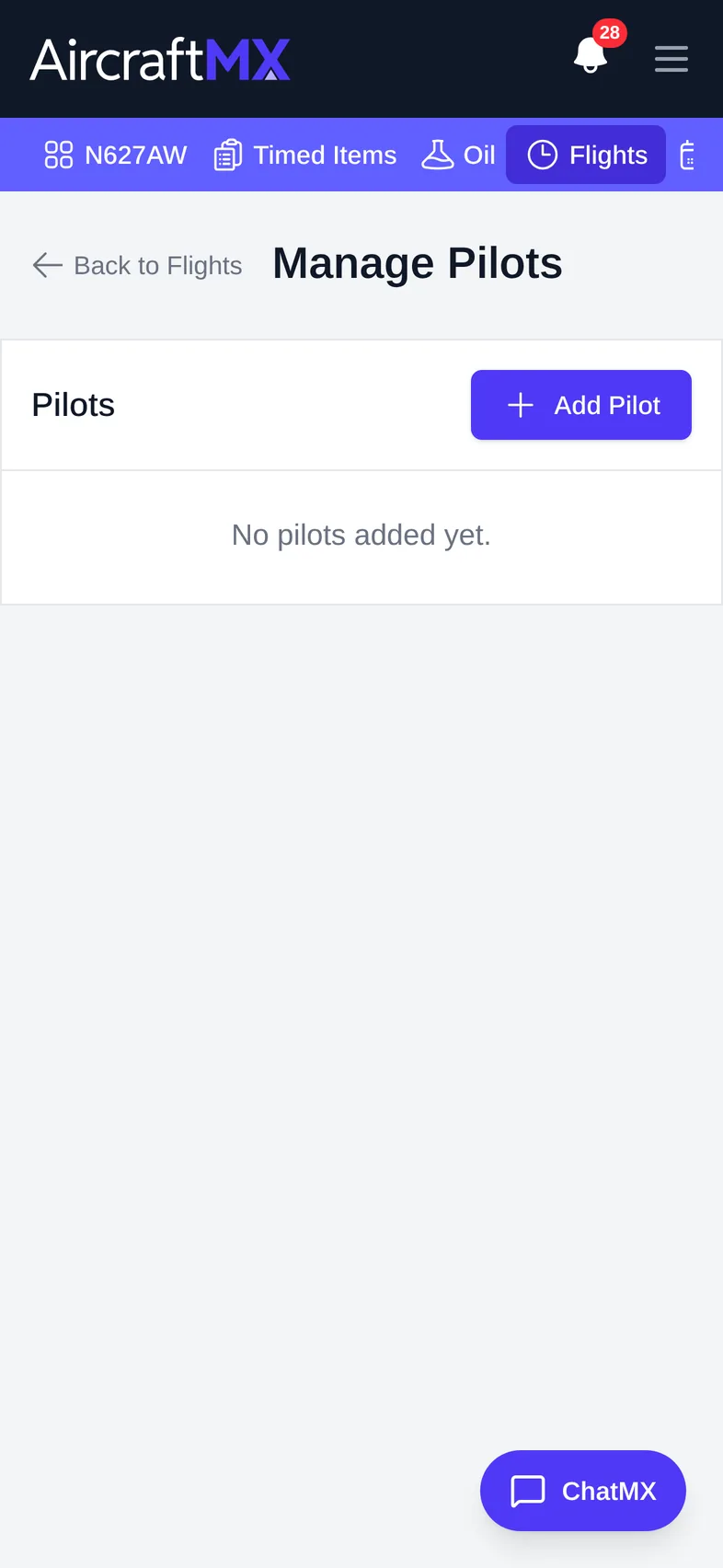
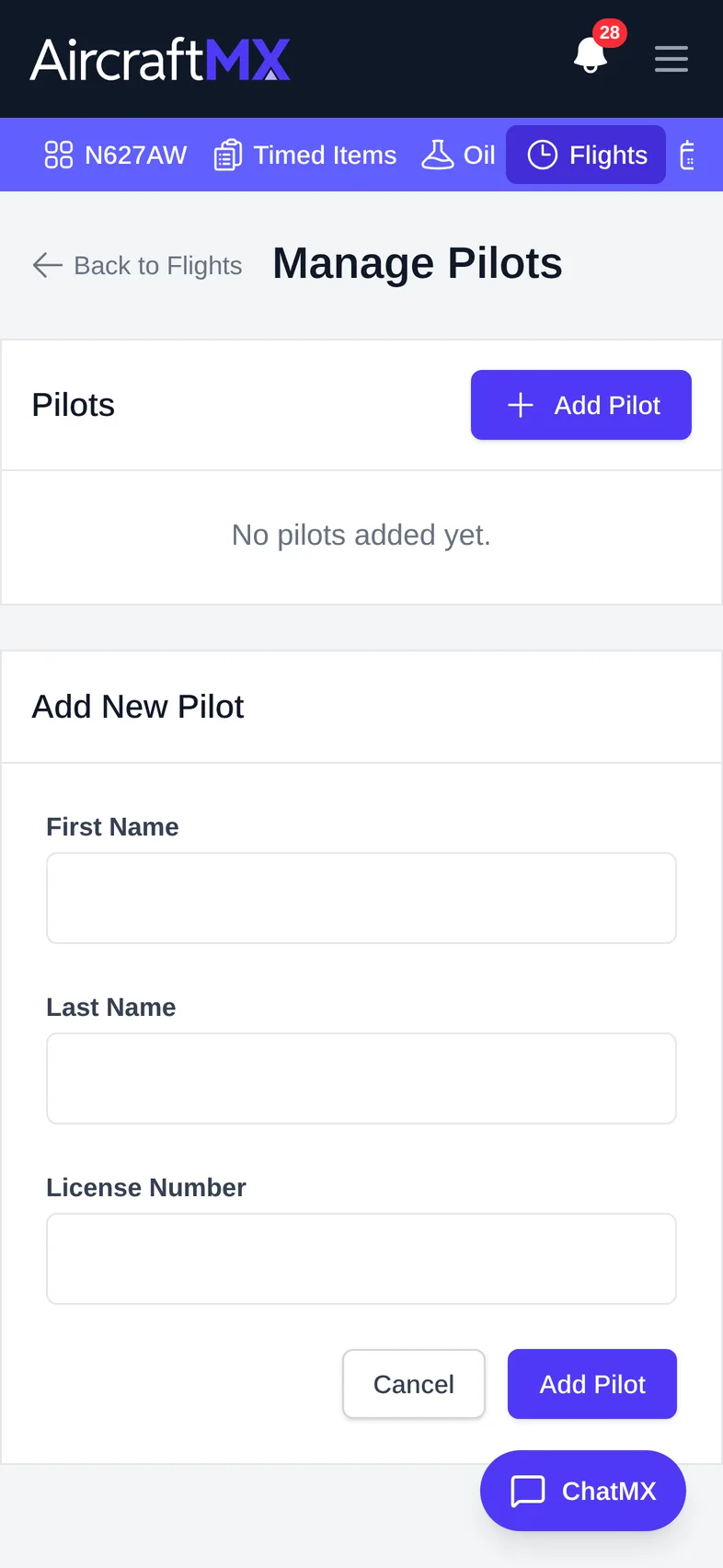
The layout is the same on a phone; sections stack in a single column.
Still stuck?
Contact us, or use Report Issue in the top bar of the app.