Getting started
Create your AircraftMX account and sign in
You need an AircraftMX account before you can add an aircraft. The account is free to create, and every aircraft starts with a 30-day free trial.
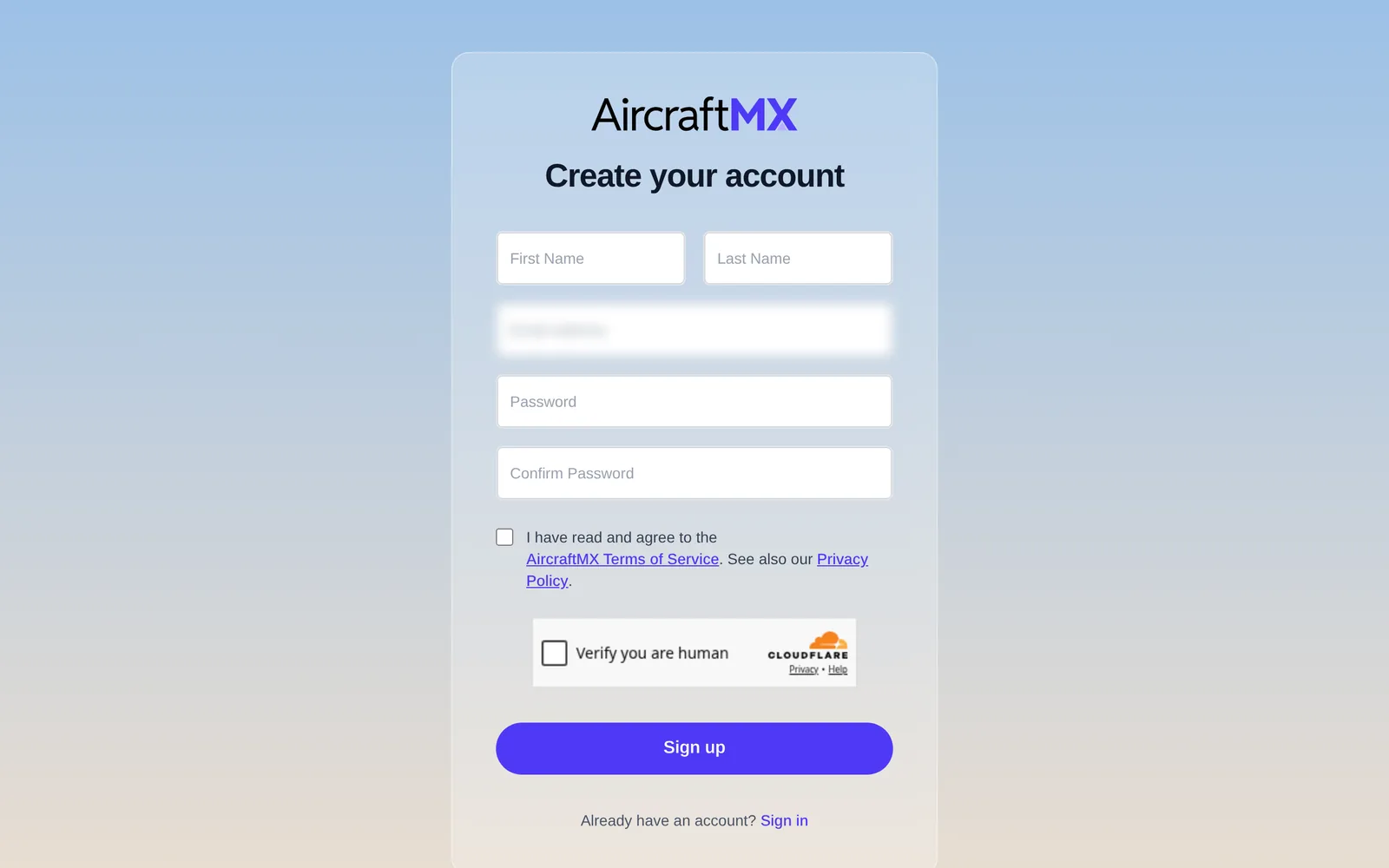
Create your account
- Go to app.aircraftmxapp.com/signup, or click Create an Account on the sign-in page.
- On Create your account, enter your First Name, Last Name, Email address, Password, and Confirm Password.
- Your password must be at least 12 characters and include an uppercase letter, a lowercase letter, and a number.
- Check the box to accept the Terms of Service and Privacy Policy.
- Complete the "Verify you are human" check, then click Sign up.
Verify your email
We send a verification link to the address you entered. Open the email and click the link to confirm your account. If it doesn't arrive within a few minutes, check your spam or junk folder.
Sign in
- Go to app.aircraftmxapp.com/login.
- On Sign in to your account, enter your email and password.
- Complete the "Verify you are human" check and click Sign in.
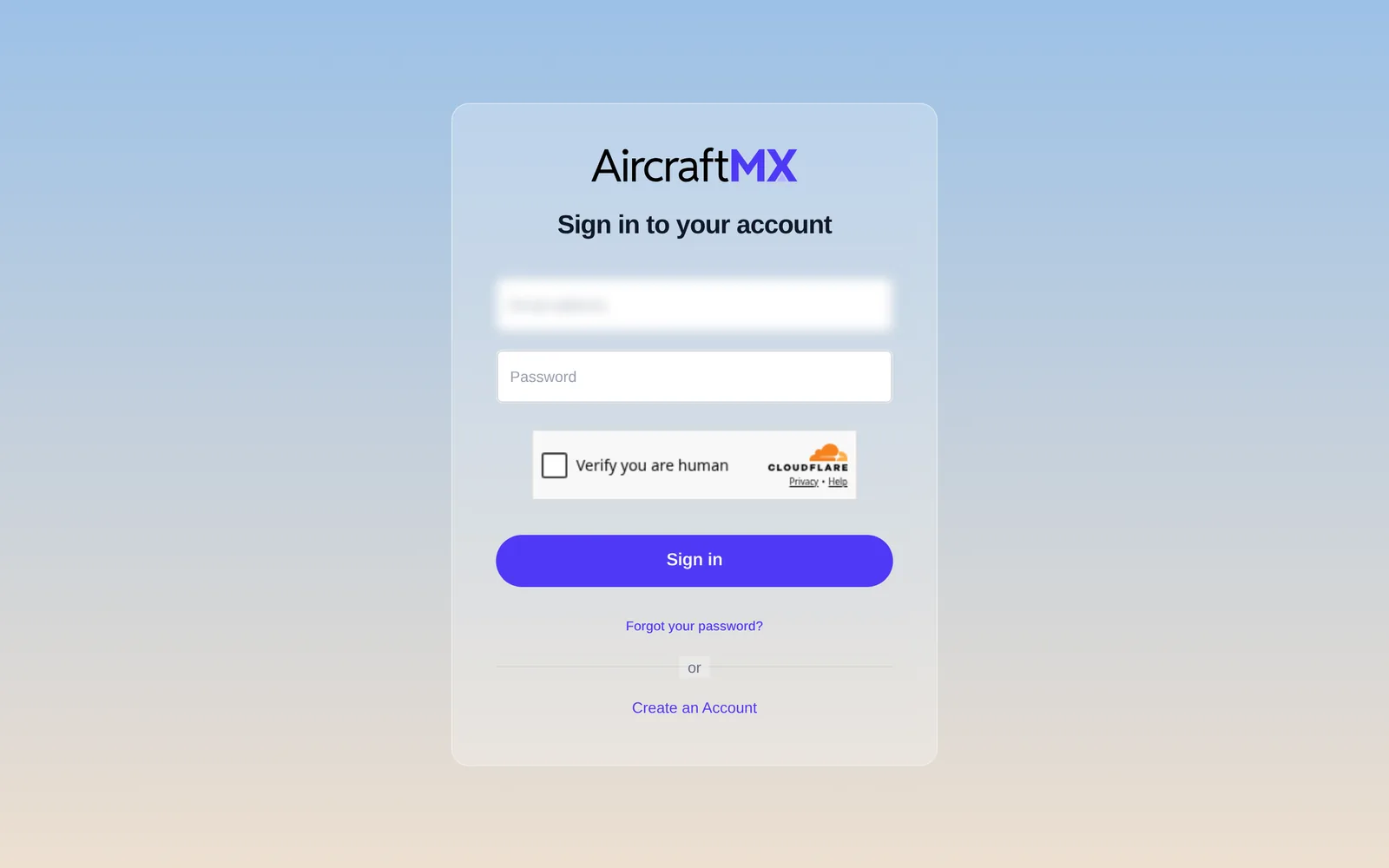
Forgot your password? Click Forgot your password? on the sign-in page. See Reset your password.
Next step
Once you're signed in, add your first aircraft.
On a phone
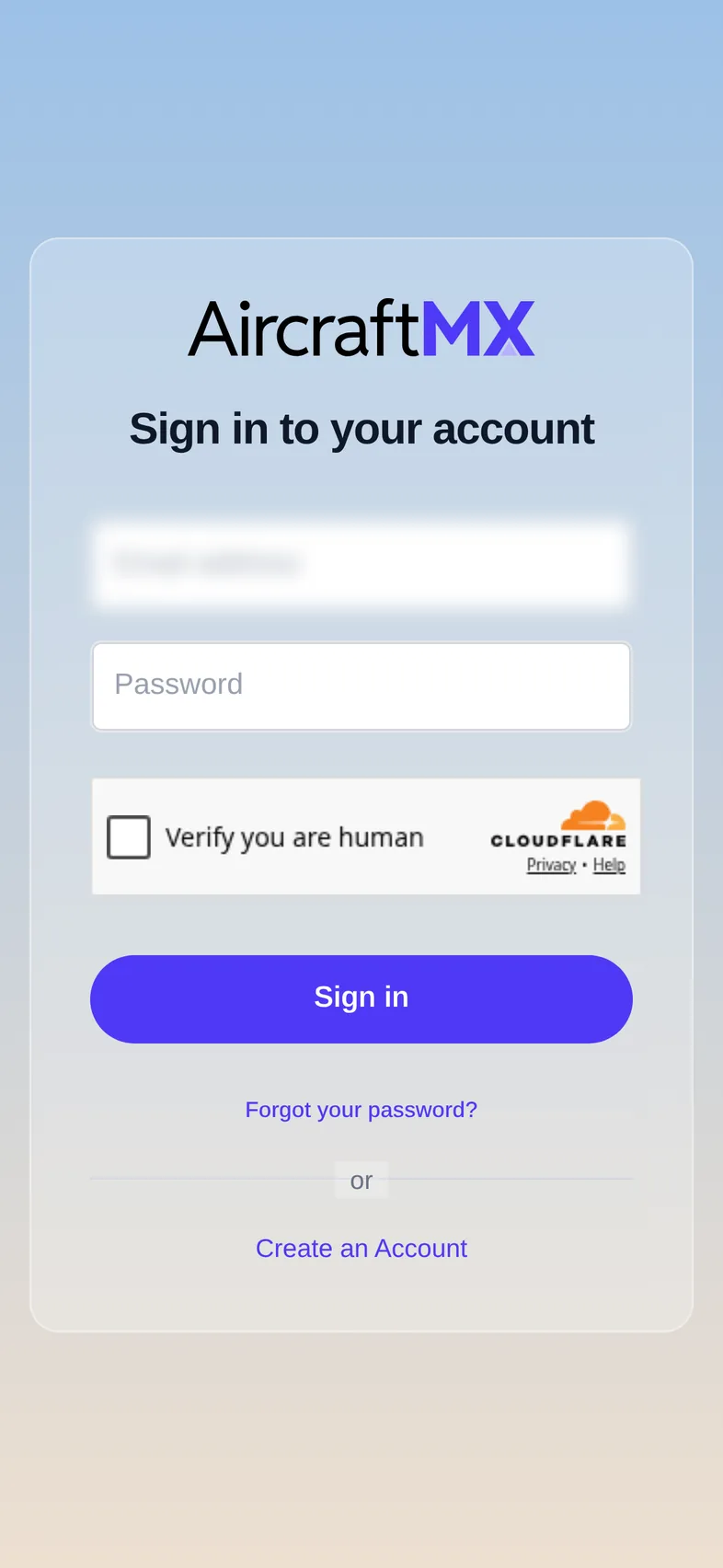
The sign-up and sign-in forms fit the phone screen in a single column. The iOS app is coming soon. When it is out, it uses the same sign-in page as the website. The app does not show the "Verify you are human" check; the web form does.
Still stuck?
Contact us, or use Report Issue in the top bar of the app.