Getting started
Reset your password
If you can't remember your password, you can reset it from the sign-in page.
- On the sign-in page, click Forgot your password?
- On Password Reset, enter the email address for your account and complete the "Verify you are human" check.
- Click Send reset link. While it sends, the label is Sending....
- Open the email we send you and click the link. It opens a page where you enter and confirm a new password.
- Sign in with your new password.
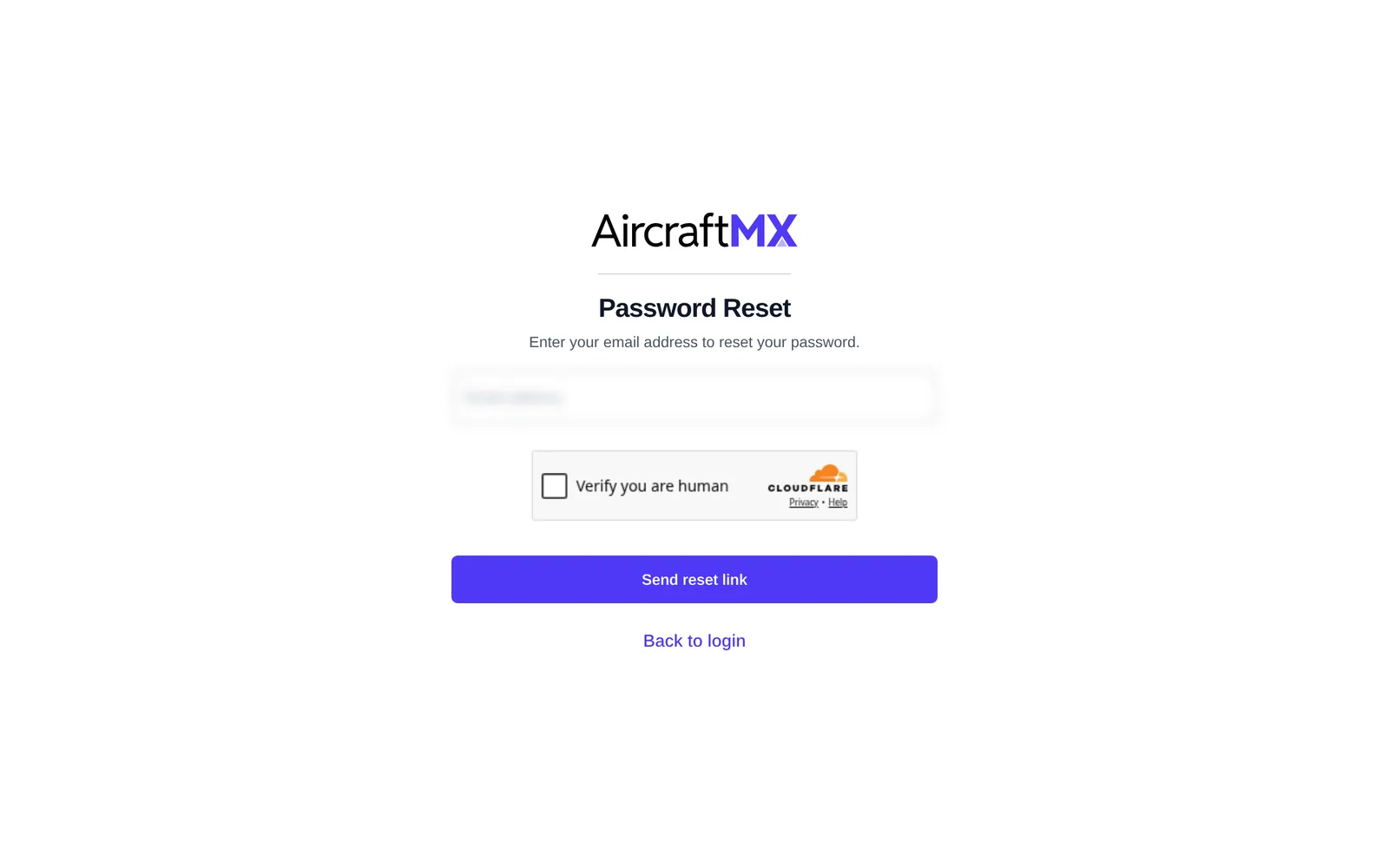
Click Back to login to return to the sign-in page without resetting.
Didn't get the email? Check spam or junk, and make sure you used the address you signed up with. If you still can't get in, contact support.
Already signed in and just want to change your password? Use Change Password on your profile instead. See Update your profile, password, or delete your account.
On a phone
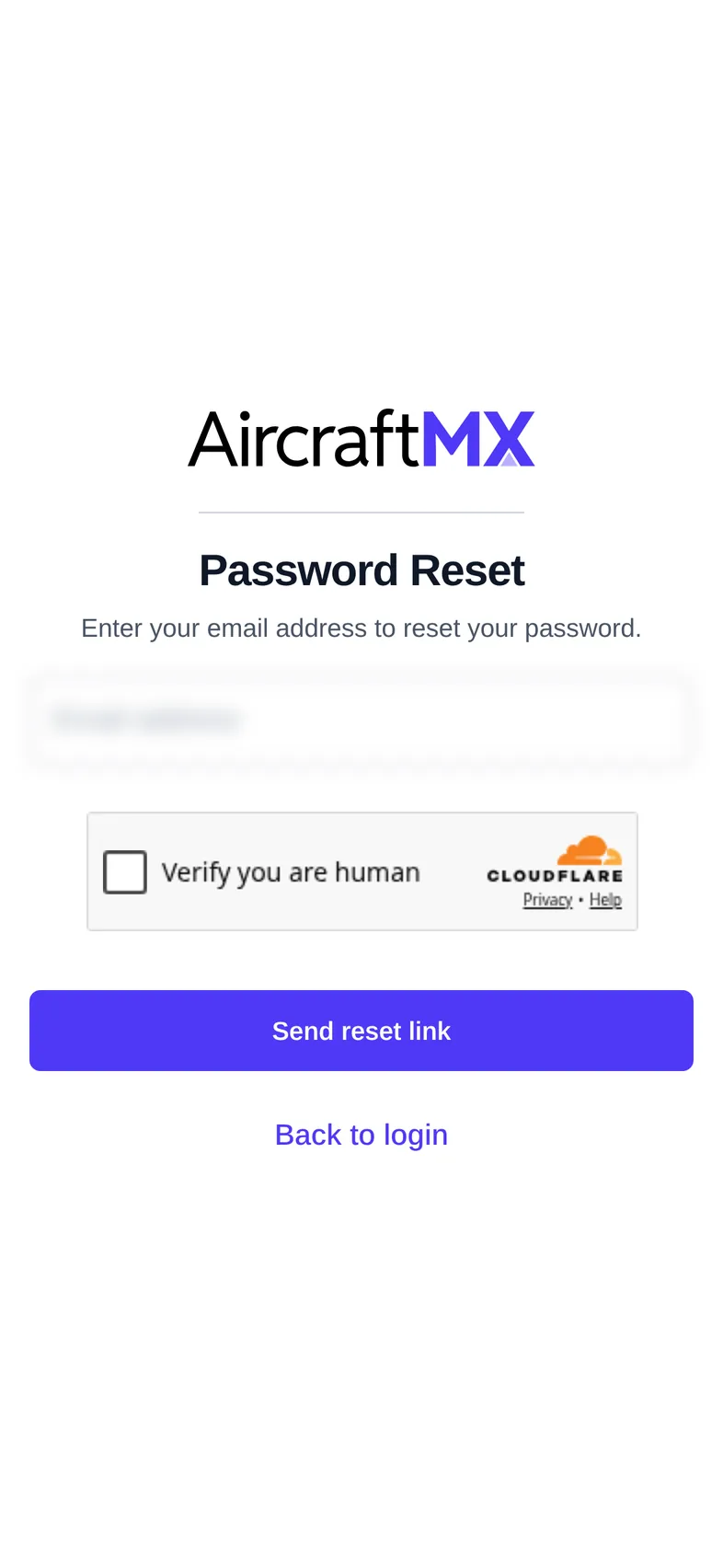
The layout is the same on a phone; sections stack in a single column.
Still stuck?
Contact us, or use Report Issue in the top bar of the app.