Getting started
Use maintenance templates
A maintenance template is a pre-built set of timed items (inspections, routine maintenance, life-limited parts) and equipment for a specific make and model. Applying one saves you from entering everything by hand.
Browse templates
Go to Aircraft Templates (/templates) to see every available template. Click a template to expand it and see its Scheduled Maintenance Items and Equipment Items.
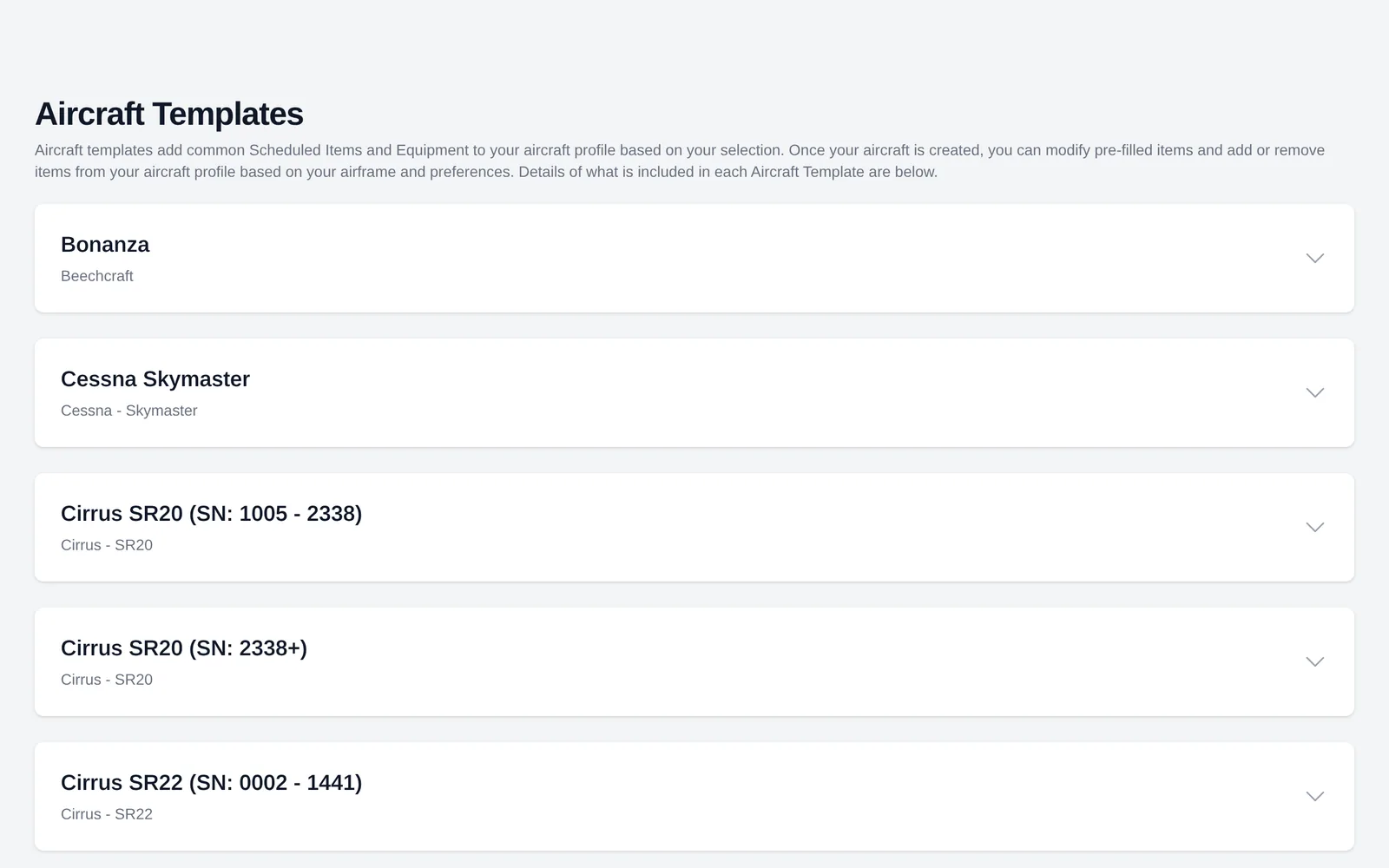
Apply a template to a new aircraft
When you add a new aircraft, the wizard has a Template step. Pick the template that matches your aircraft (some are split by serial number range, for example "Cirrus SR22 (SN: 1605 - 3330)").
After you apply a template
The template's timed items appear under Timed Items, and its equipment appears under Equipment & STCs. Review each one and enter the Last Completed date and times so AircraftMX can work out when each item is next due. See Create and edit timed items.
Templates are a starting point. Add, edit, or remove items to match your aircraft's actual maintenance program.
Don't see your aircraft? Choose no template and add items yourself, or use Report Issue to ask us to add one.
Maintenance Template is required only when you create an aircraft. It is not on the edit form, and editing aircraft details does not re-apply template items. Apply Template is an admin action on the admin aircraft list. Its dialog says existing equipment and timed items will not be changed.
On a phone
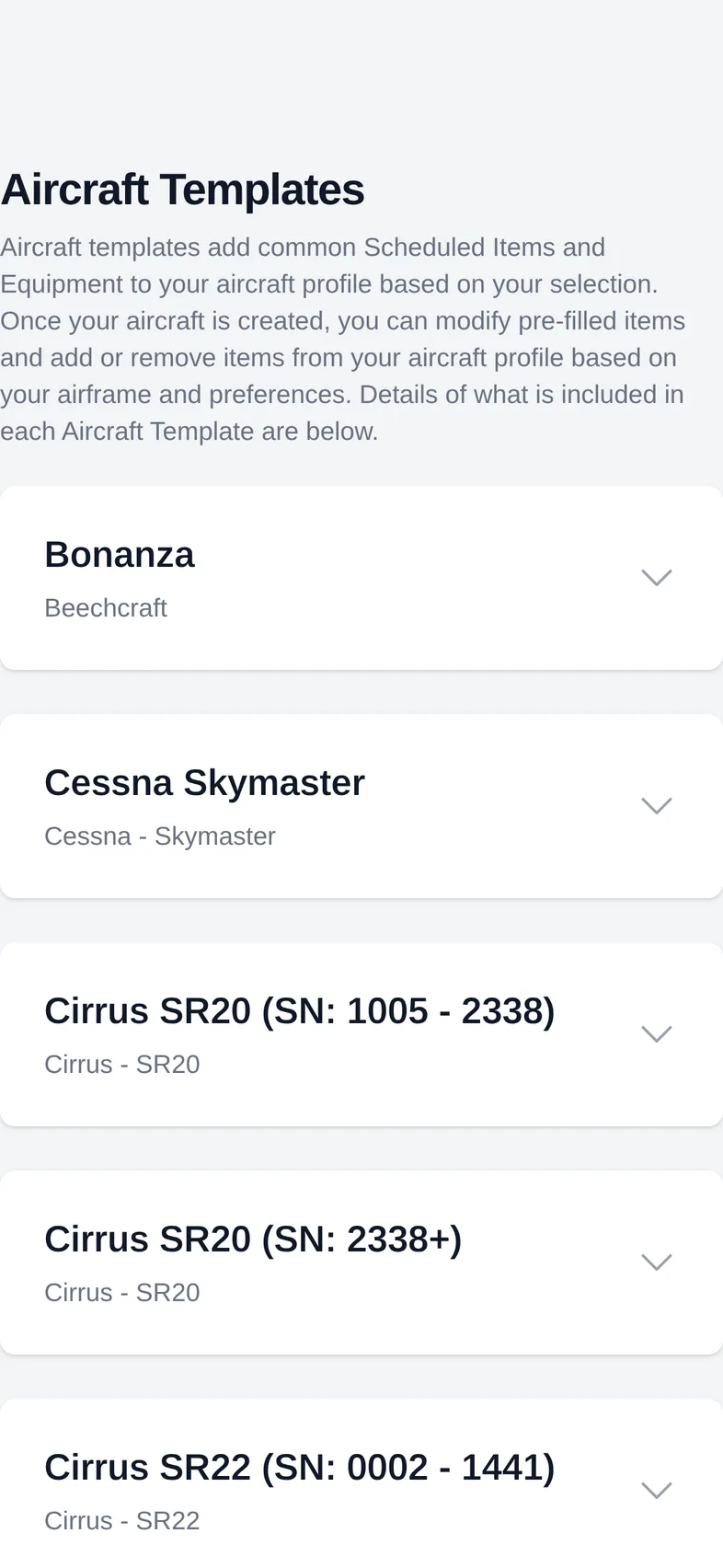
The layout is the same on a phone; sections stack in a single column.
Still stuck?
Contact us, or use Report Issue in the top bar of the app.