Getting started
Update your profile, password, or delete your account
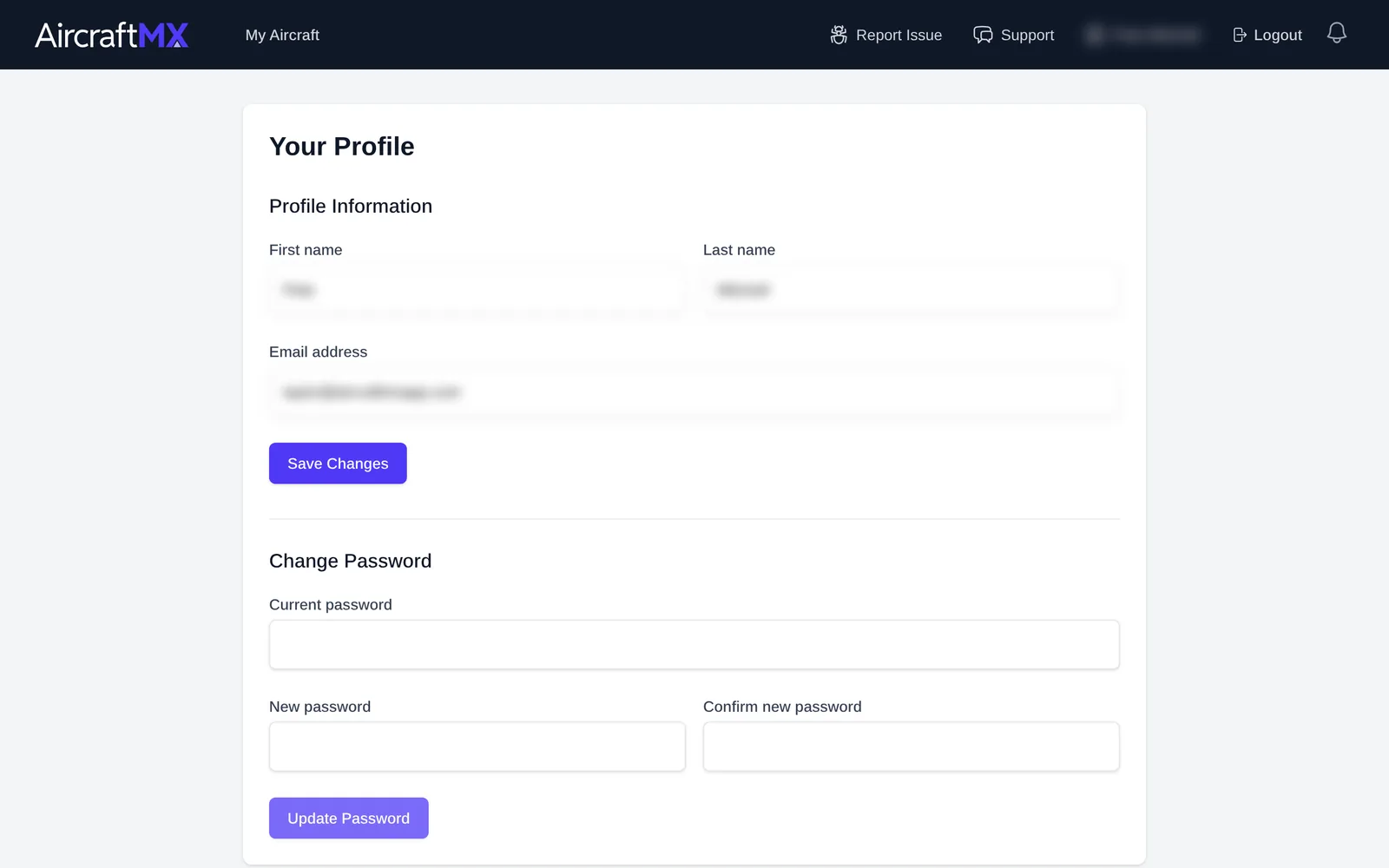
Your profile holds your personal details, your push notification preferences, and a list of your subscriptions.
To open it, click your name in the top-right corner of the app.
Update your name or email
- Under Profile Information, edit First name, Last name, or Email address.
- Click Save Changes. The page shows Profile updated successfully.
Change your password
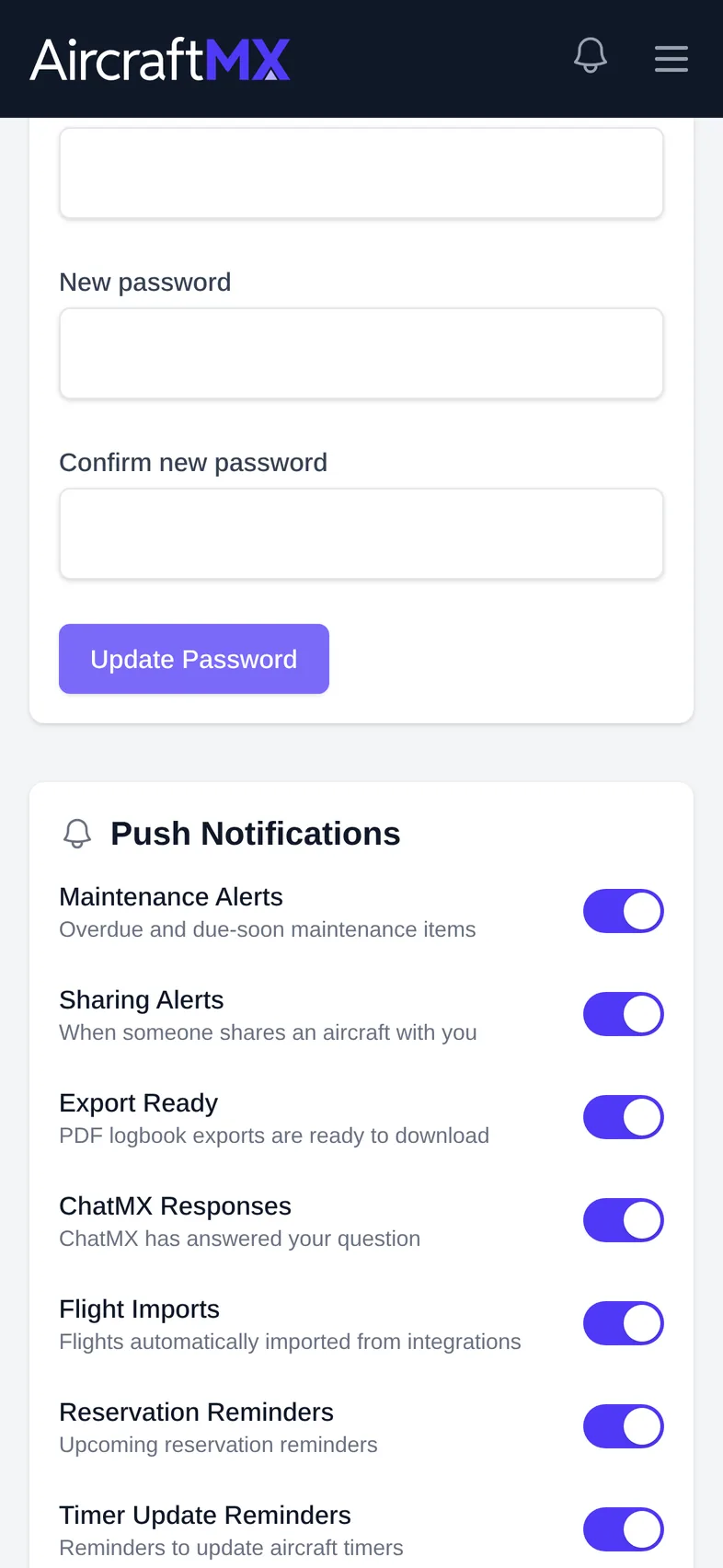
- Under Change Password, enter your Current password, then your New password and Confirm new password.
- Click Update Password.
Push notification preferences
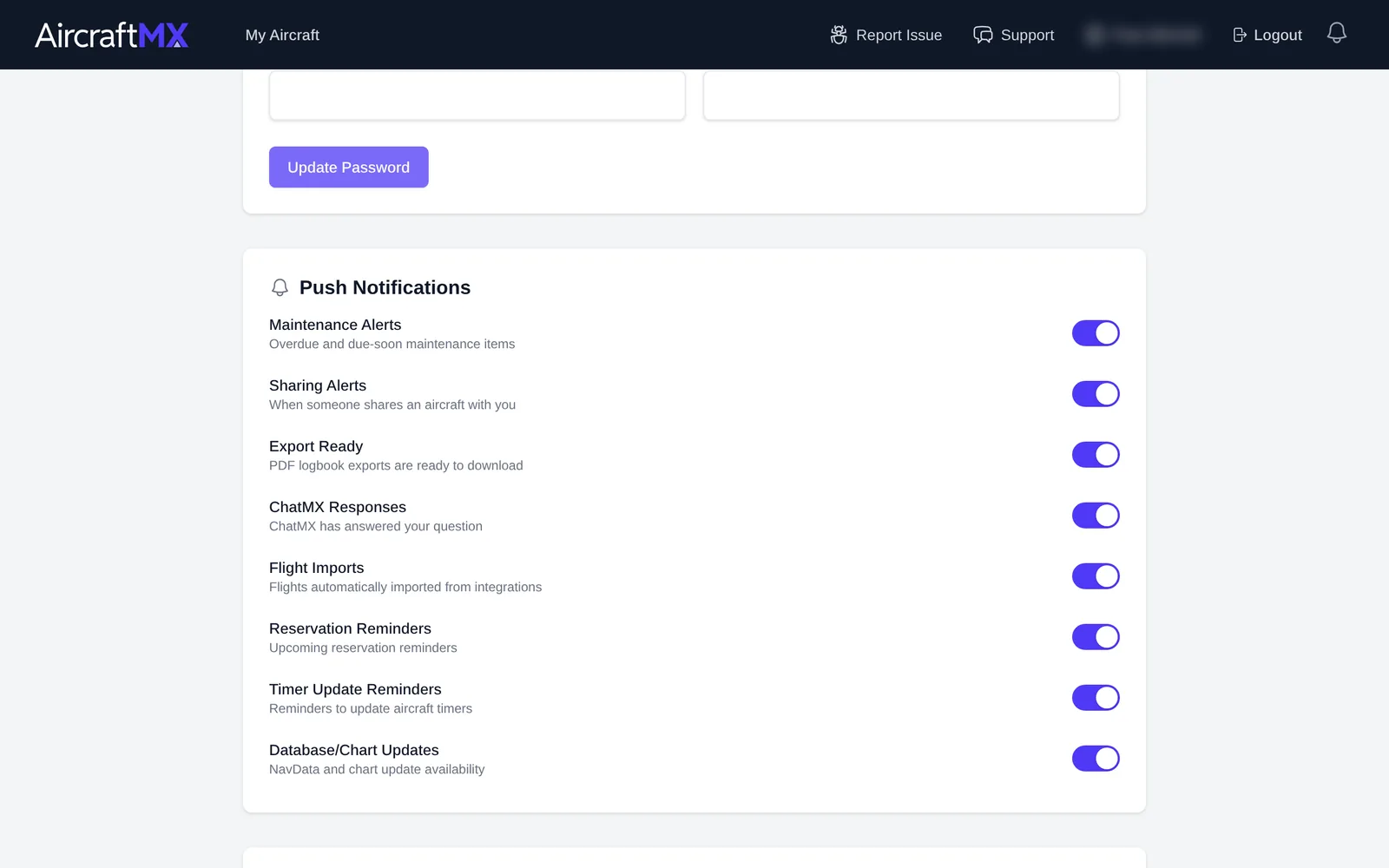
Further down the page, Push Notifications lets you choose which alerts are sent to your phone. See Notifications: center, push, and email digest.
Manage your subscriptions
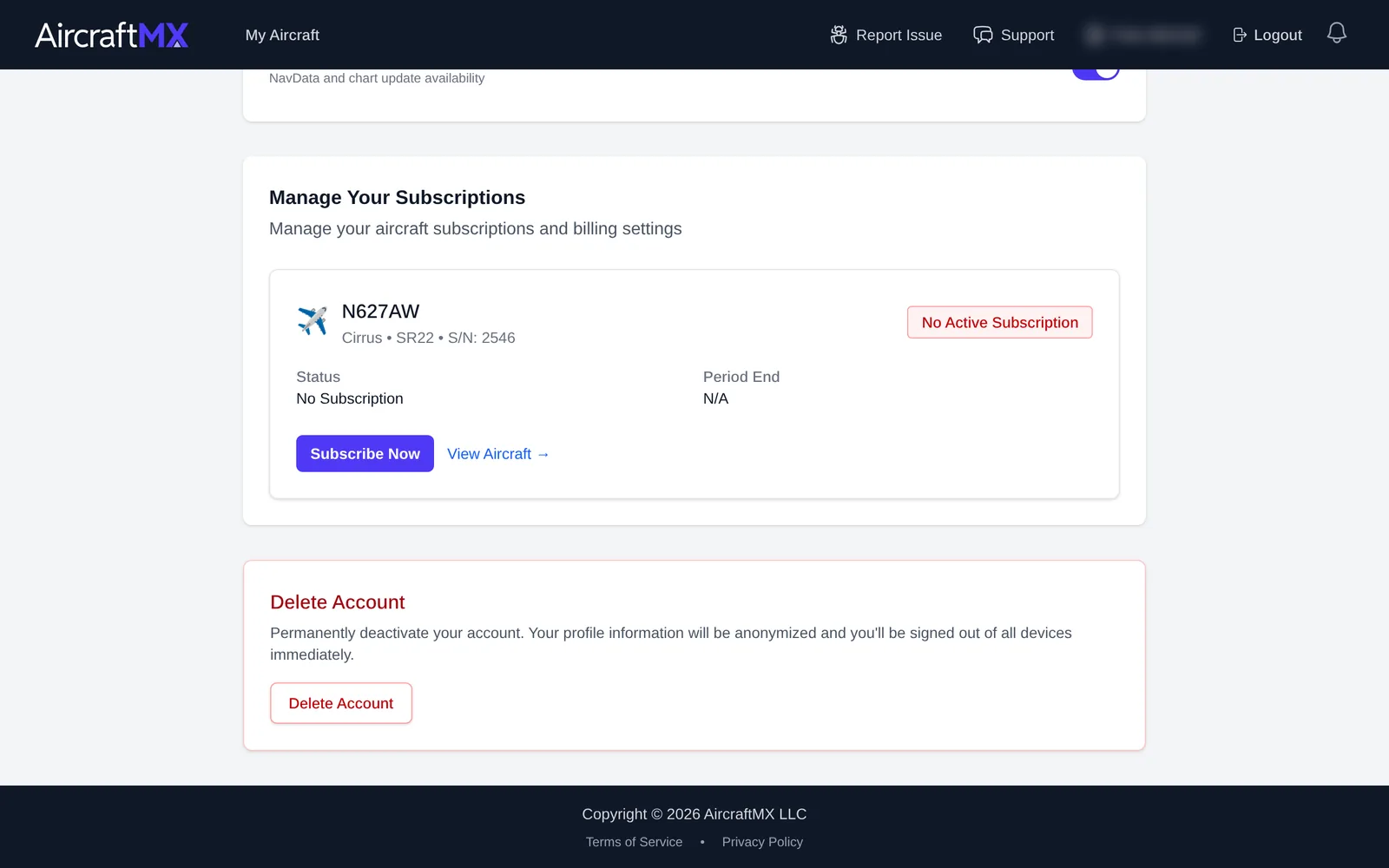
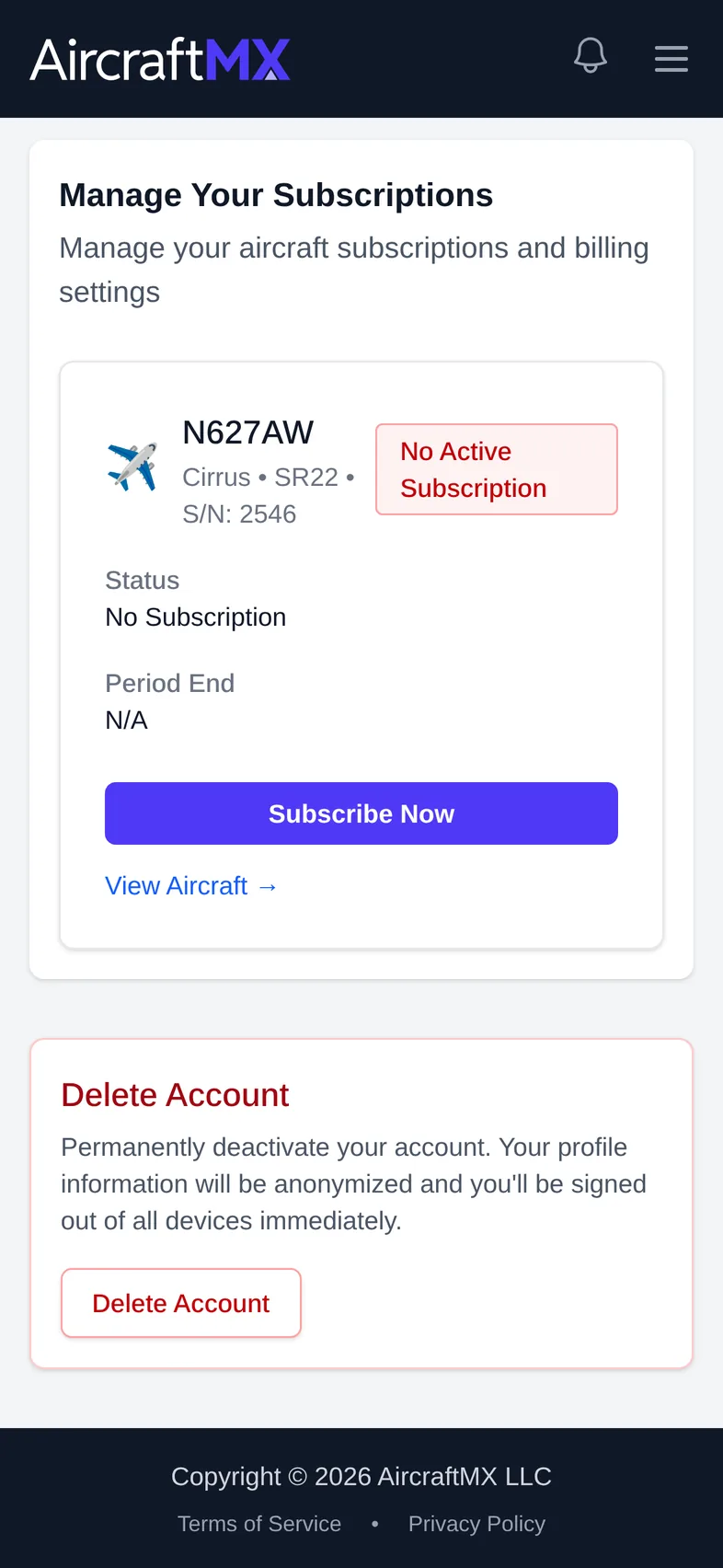
Manage Your Subscriptions lists each aircraft's plan, status, and period end. See Change or cancel your subscription (web).
Delete your account
Deleting permanently deactivates the account, anonymizes profile information, and signs you out of all devices immediately. It cannot be undone from within the app.
- At the bottom of the profile page, under Delete Account, click Delete Account.
- In Delete your account?, enter your password and type DELETE to confirm.
- Confirm. You're signed out and shown a confirmation page.
On a phone
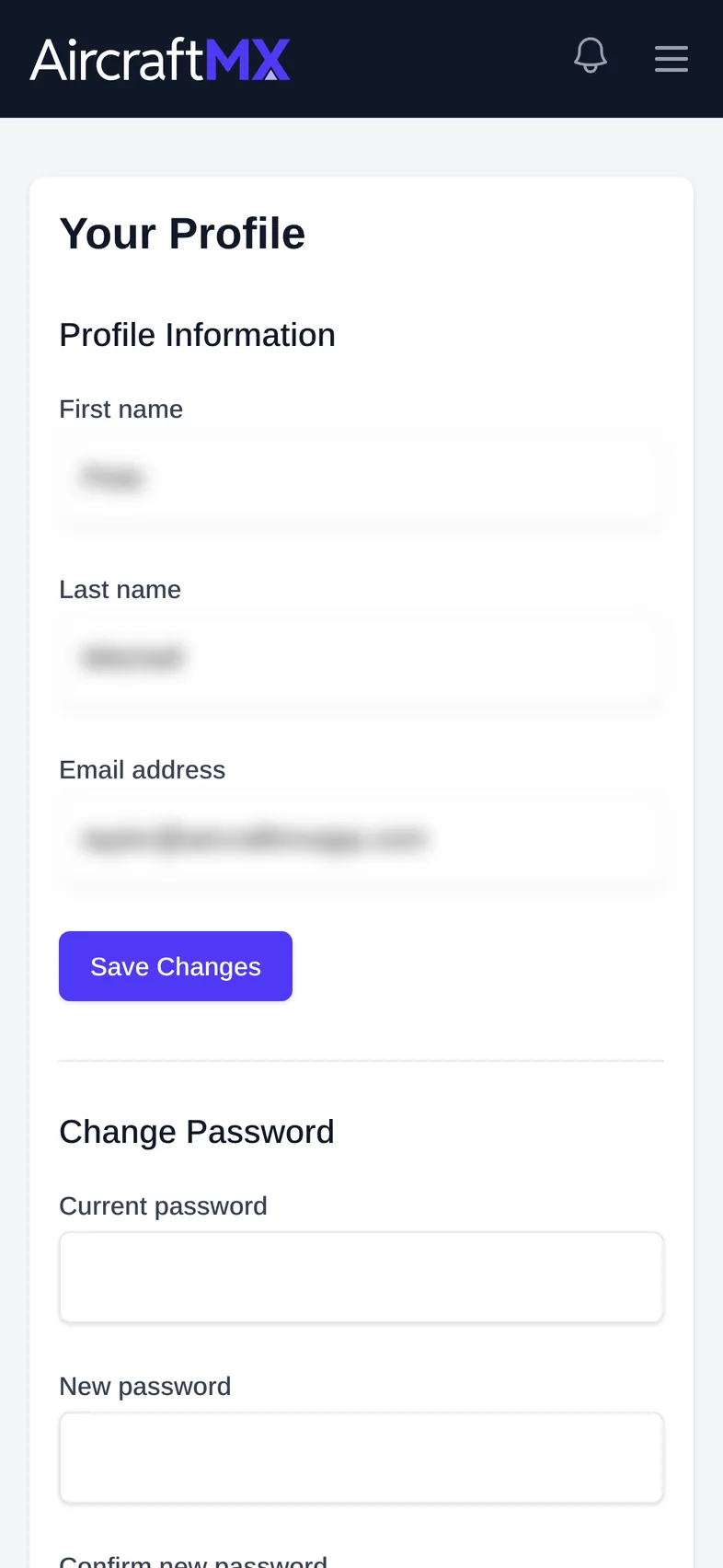
On a phone, the profile sections stack in one column. Open the menu at the top right (the icon is next to the notification bell). Tap Profile, which sits under My Aircraft. Your name at the bottom of that menu also opens the profile.
Still stuck?
Contact us, or use Report Issue in the top bar of the app.