Getting started
Find your way around AircraftMX
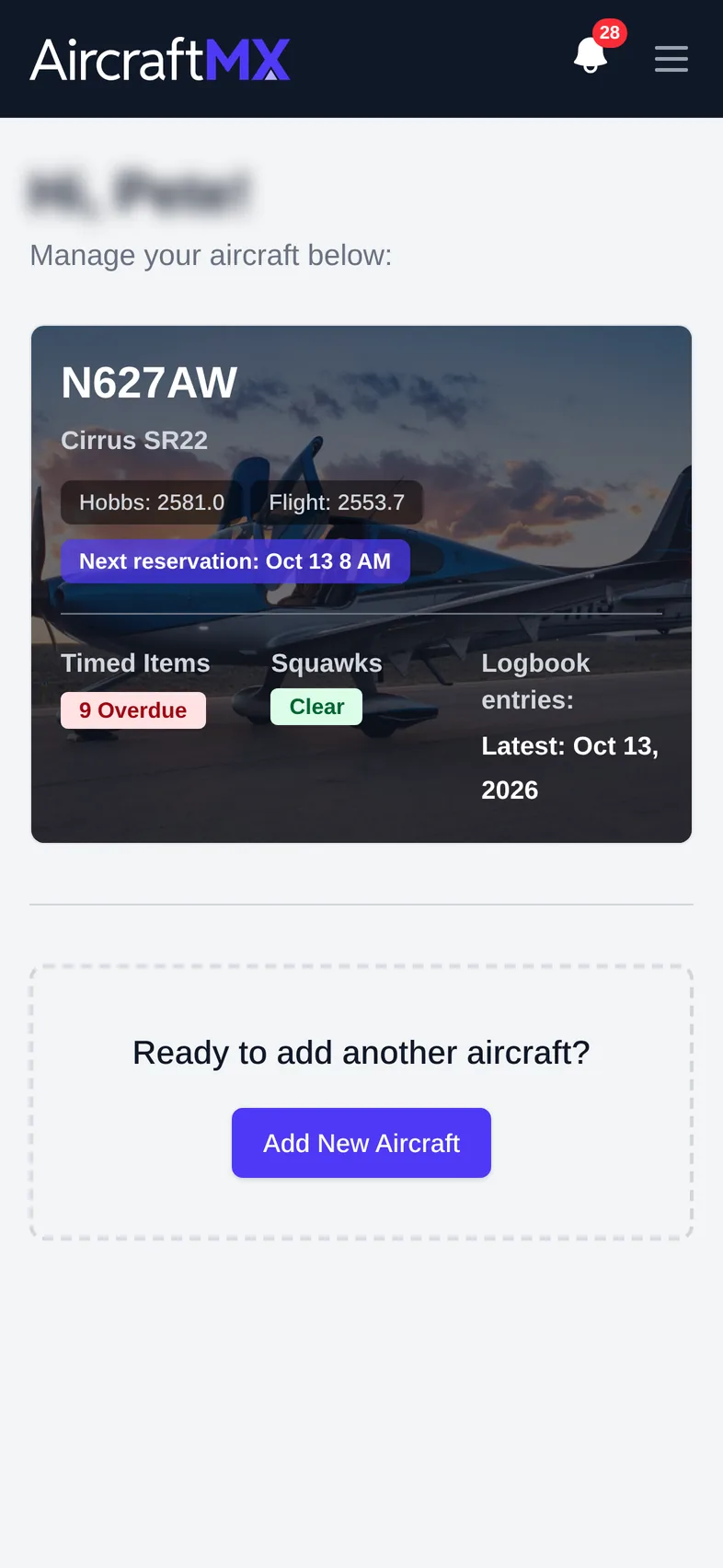
When you log in, AircraftMX opens My Aircraft. Each aircraft has its own dashboard, which is the quickest way to see whether the airplane is ready to fly.
My Aircraft
My Aircraft (top bar) lists every aircraft you own or that has been shared with you. Each card shows current Hobbs and Flight times, Upcoming Timed Items, Open Squawks, and Logbook entries. To add another airplane, click Add New Aircraft.
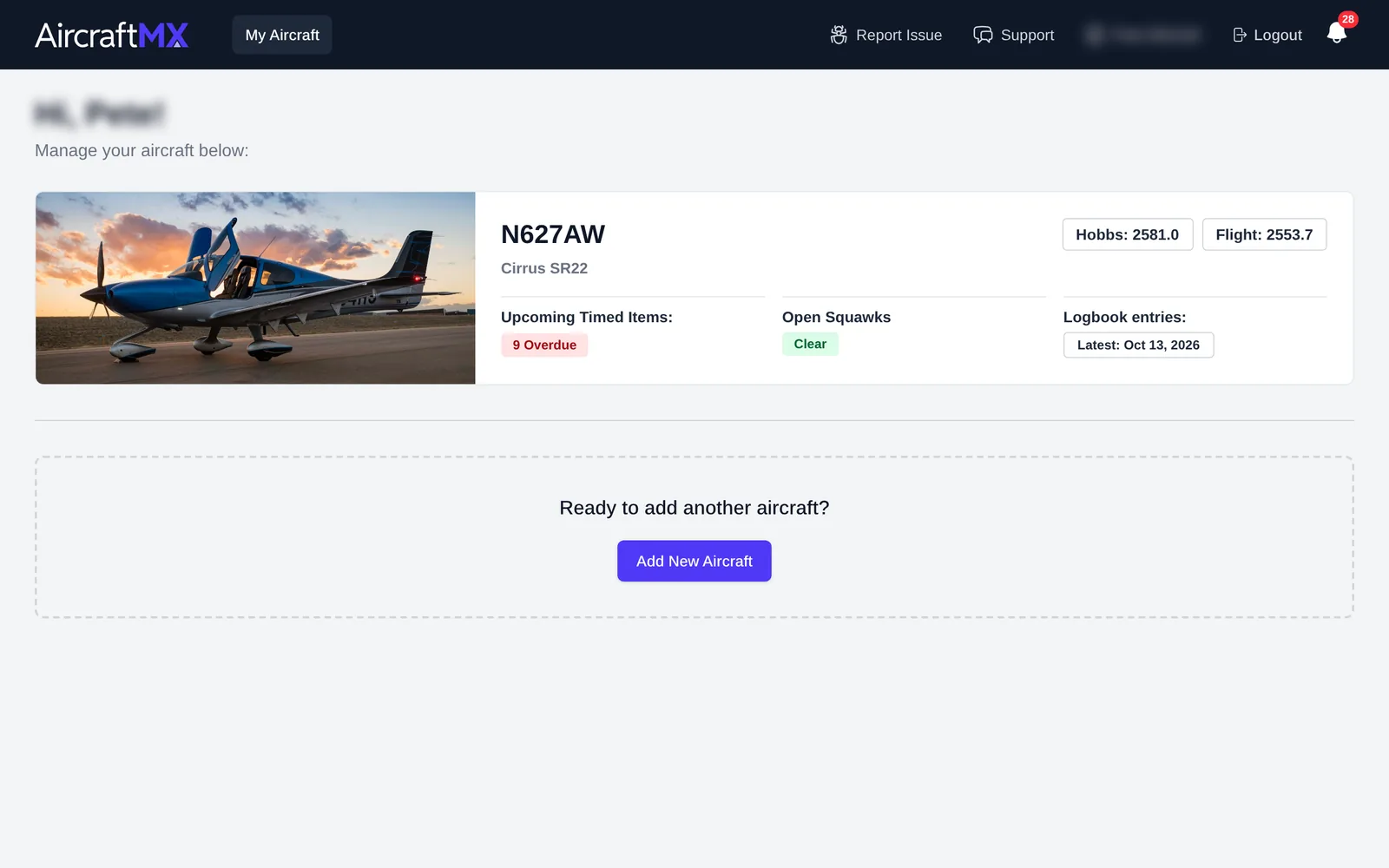
Click an aircraft card to open its dashboard.
The aircraft dashboard
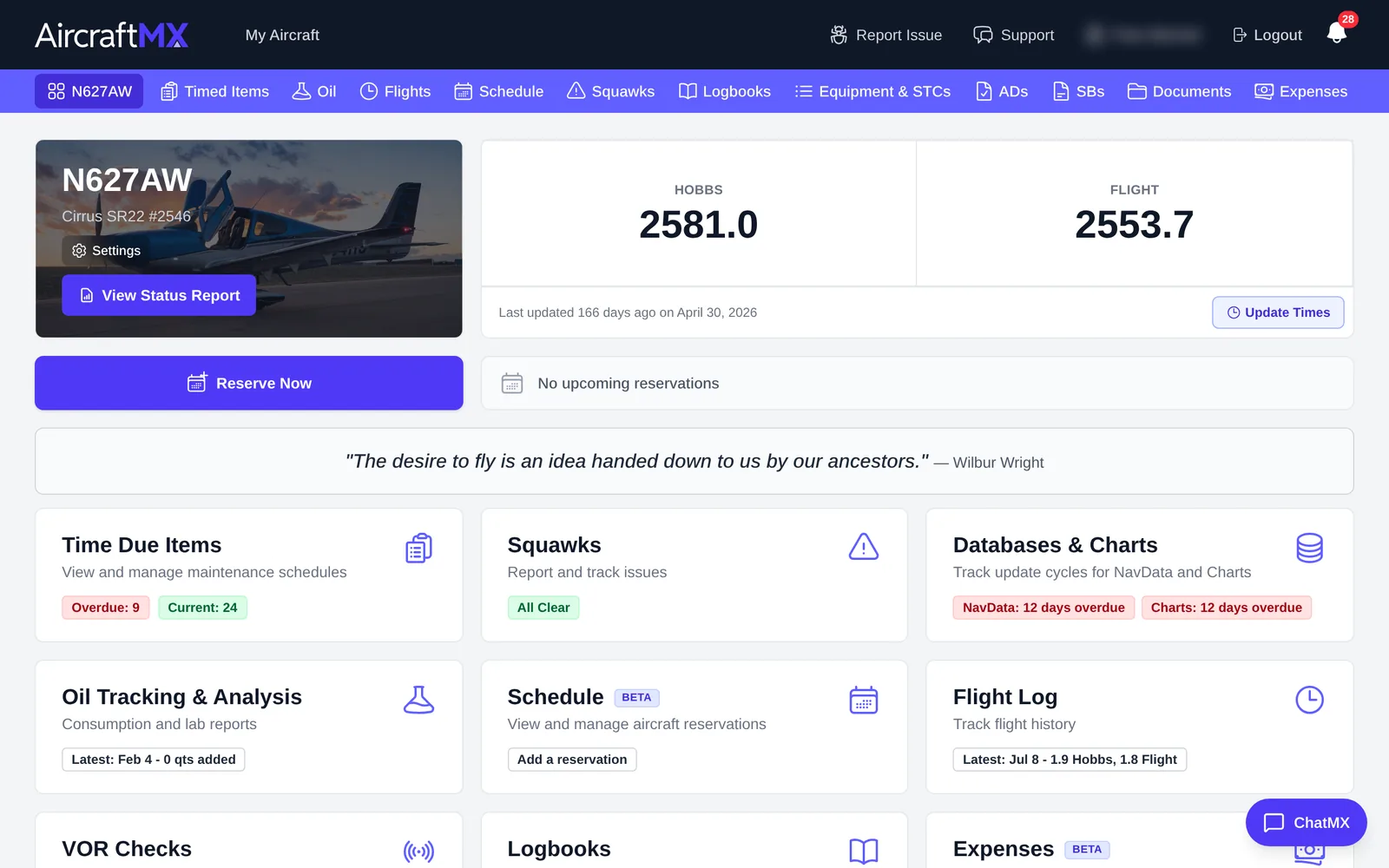
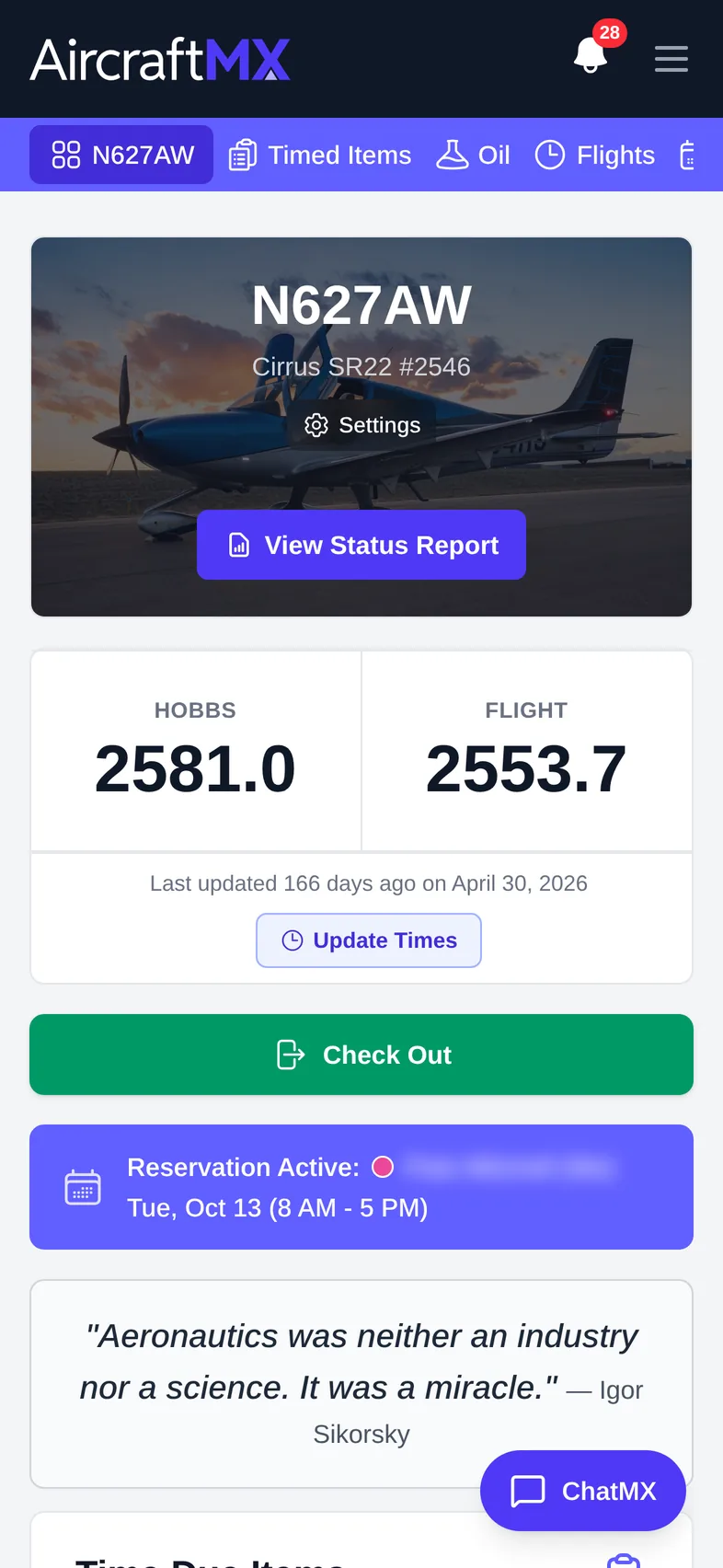
The top of the dashboard shows:
- the tail number, make/model, and serial number, with links to Settings and View Status Report
- current meter totals (for example Hobbs and Flight), plus Update Times
- Reserve Now and your next reservation, if Scheduling is turned on
Status cards
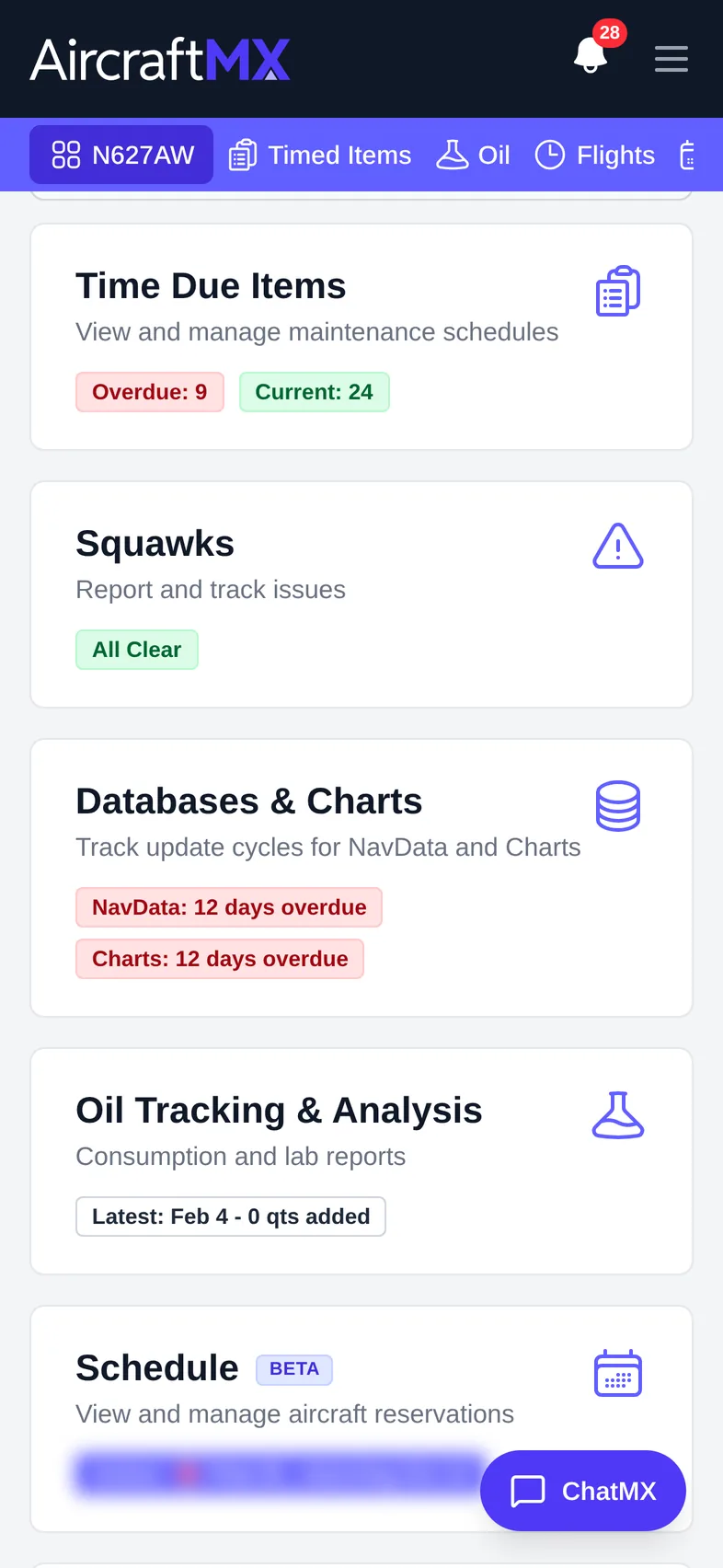
Below that, cards summarize each part of the aircraft's records. Click a card to open that section.
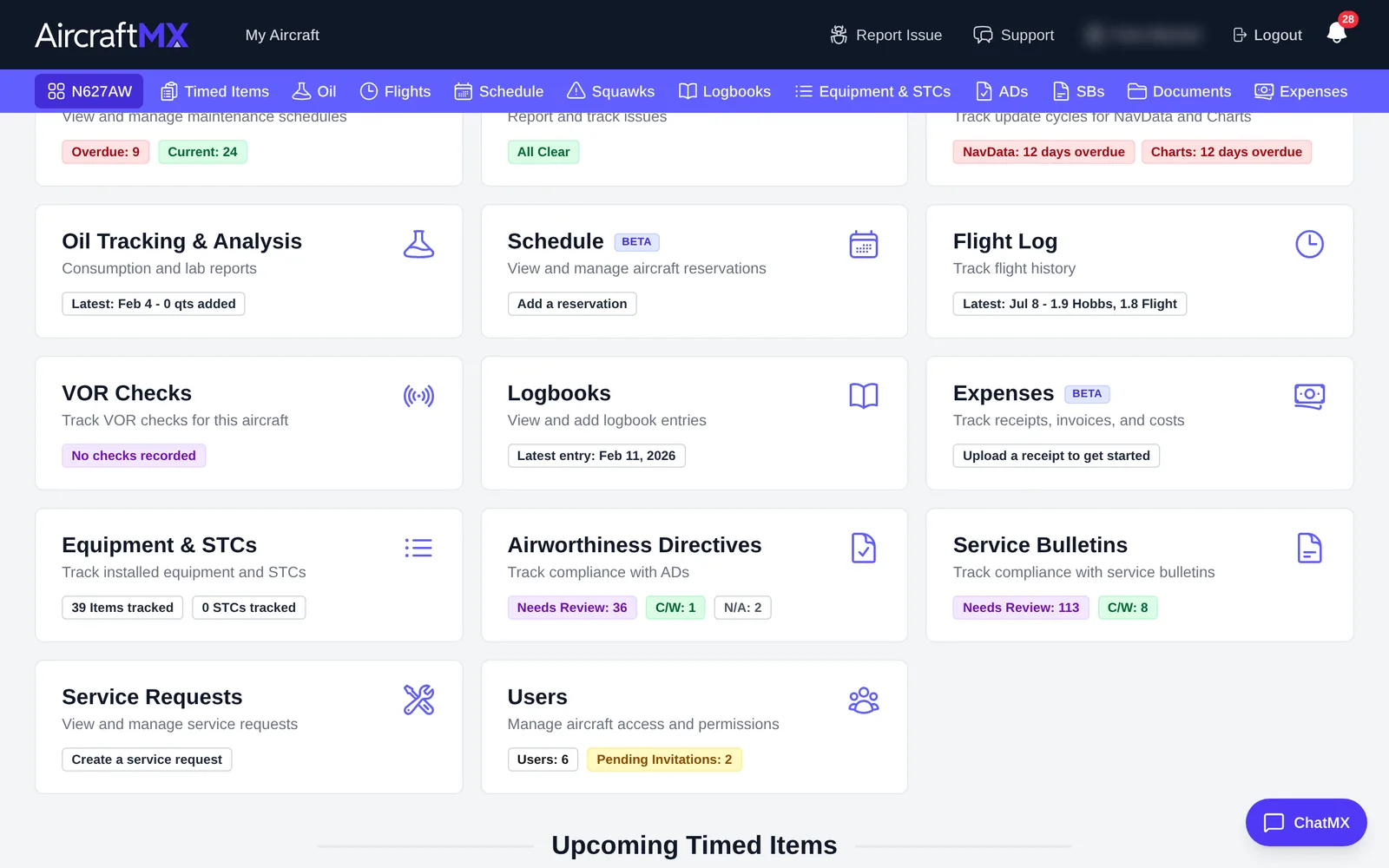
| Card | What it shows |
|---|---|
| Time Due Items | Overdue and current timed items |
| Squawks | Open squawks, or All Clear |
| Databases & Charts | NavData and chart cycle status |
| Oil Tracking & Analysis | Latest oil entry |
| Schedule (Beta) | Upcoming reservations |
| Flight Log | Latest flight |
| VOR Checks | Latest VOR check |
| Logbooks | Latest logbook entry |
| Expenses (Beta) | Expense activity |
| Equipment & STCs | Items and STCs tracked |
| Airworthiness Directives | Counts by status (Needs Review, C/W, N/A) |
| Service Bulletins | Counts by status |
| Service Requests | Create or view service requests |
| Users | People with access, and pending invitations |
These dashboard cards hide when their feature is off: Oil Tracking & Analysis, Schedule, Flight Log, VOR Checks, and Expenses. Database & Chart Updates hides unless database updates are on, or chart updates are on with a chart provider. Timed Items, Squawks, Logbooks, Equipment & STCs, ADs, service bulletins, service requests, and documents stay on the dashboard. The aircraft navigation bar hides Oil, Flights, Schedule, and Expenses the same way. VOR and database updates are not navigation items. Turn features on or off in Settings → Feature Visibility.
Upcoming Timed Items
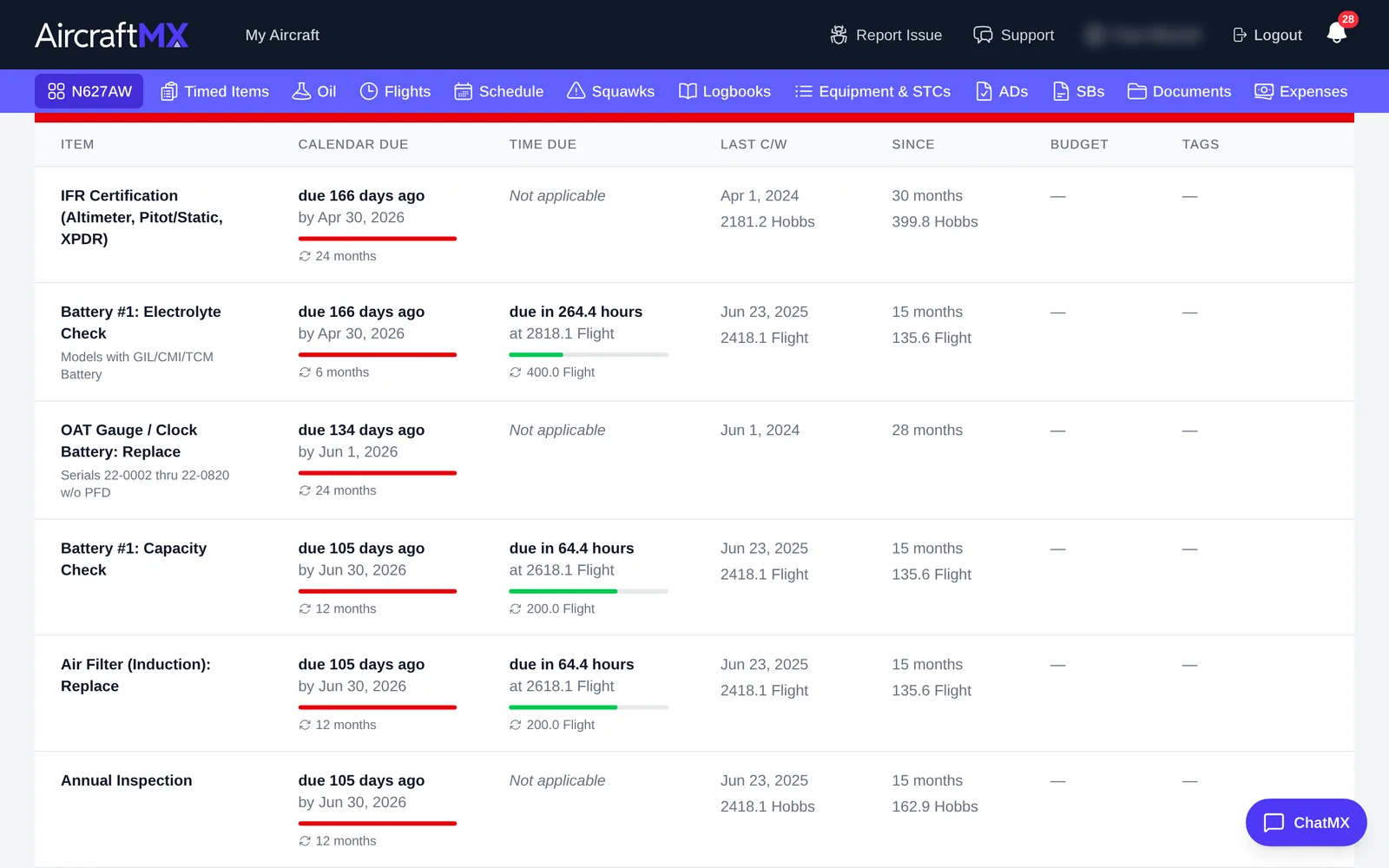
At the bottom, Upcoming Timed Items lists overdue and due-soon items with calendar and time due, last complied-with (Last C/W), and time Since. Click See all Timed Items to open the full list.
Navigation bar
The purple bar across the top of every aircraft page jumps straight to a section: the tail number (dashboard), Timed Items, Oil, Flights, Schedule, Squawks, Logbooks, Equipment & STCs, ADs, SBs, Documents, and Expenses. The ChatMX button in the lower right opens ChatMX.
On a phone
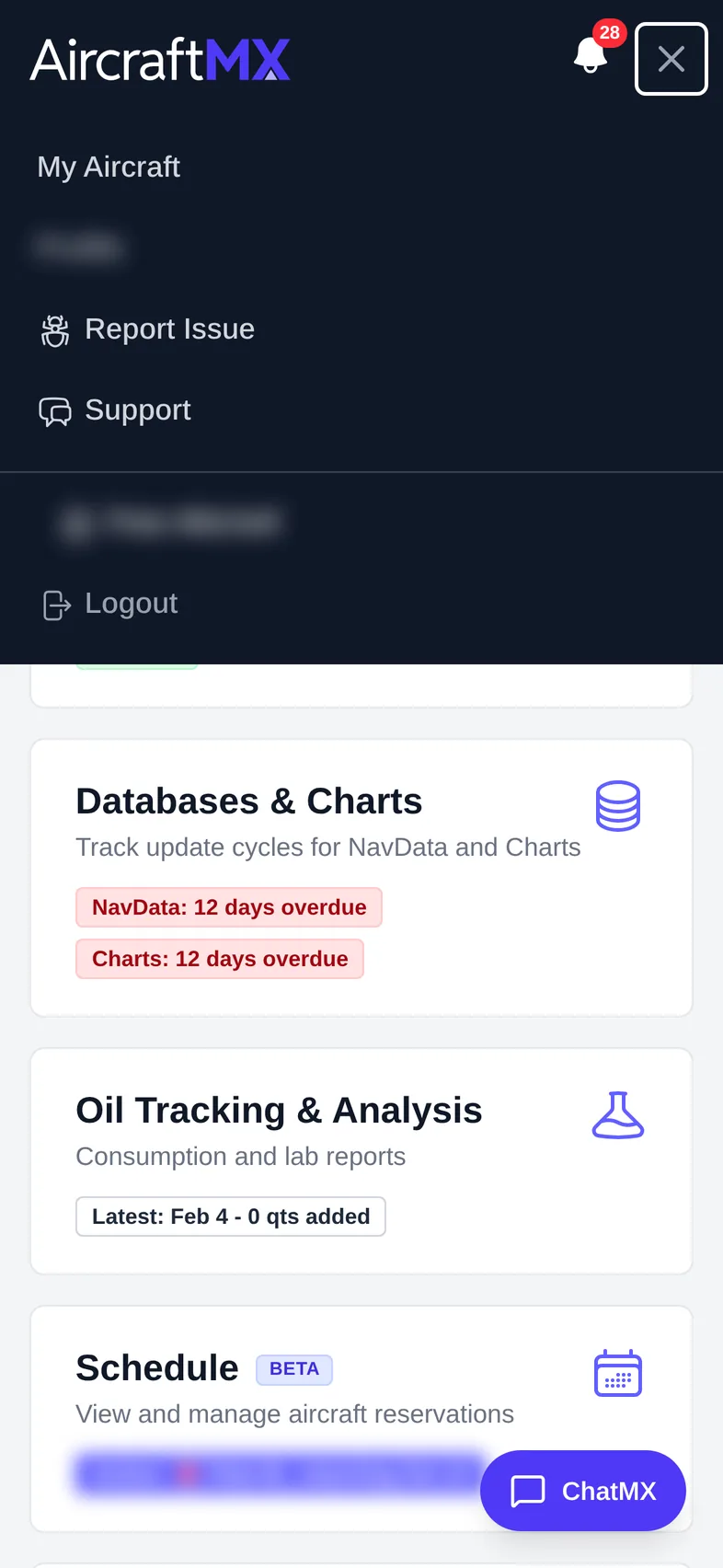
On a phone, the aircraft navigation bar (N627AW, Timed Items, Oil, Flights…) scrolls sideways under the header, and the ☰ menu at the top right holds My Aircraft, your profile, Report Issue, Support, and Logout. The dashboard cards stack in a single column.
Still stuck?
Contact us, or use Report Issue in the top bar of the app.